Last month, people were asking which AI they chatted with. This month, the question has become which AI can get work done for them.
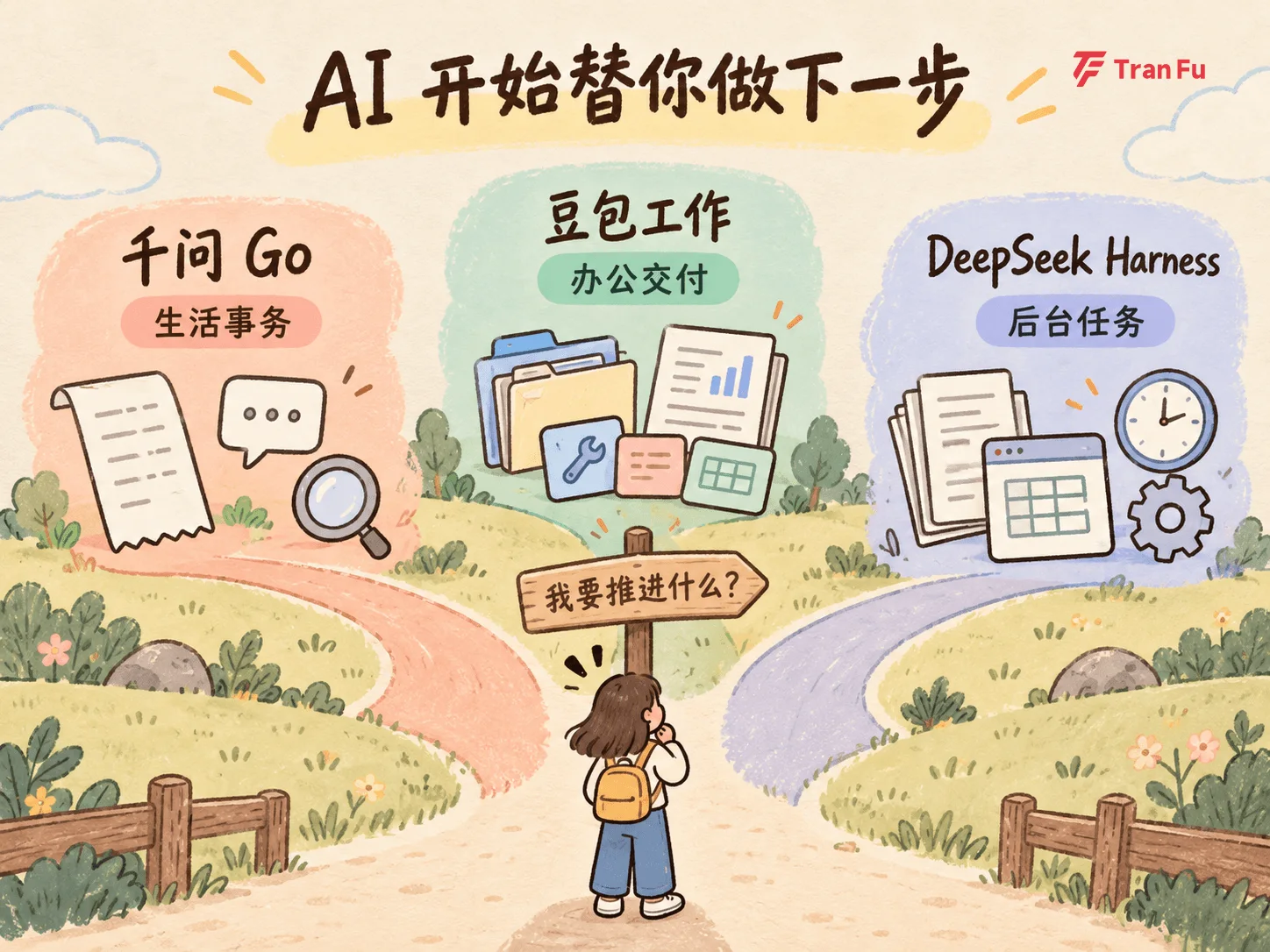
In recent weeks, Qwen Go, Doubao Work, and the DeepSeek Harness desktop app have all appeared. Each is moving toward completing the next step for you, but the information and tasks each one can reach are very different.
Here is the short version:
| Your task | Worth looking at | What it can move forward |
|---|---|---|
| Flight compensation, price protection, and everyday service conversations | Qwen Go | Find orders, locate the right entry point, and follow up on an application |
| Research, content creation, data processing, and other complex office work | Doubao Work | Break down tasks, call tools, and deliver a draft |
| Documents, data, or tasks that need to run on a schedule | DeepSeek Harness | Process materials and run background tasks |
These are not competing products of the same kind, so ranking them by “which is smarter” is not very useful. Start with the task you need to handle, then check whether the assistant can reach the relevant materials and perform the required step.
1. Qwen Go: Handling Communication Around Orders and Everyday Tasks
The easiest way to understand Qwen Go is not as a chat companion, but as an assistant that can look up orders, find the right entry point, and continue a conversation with a service platform.
Two specific examples have been reported publicly.
After a flight delay, one user reportedly said, “There was a delay on one of my previous flights, but I cannot remember which one. Help me discuss compensation.” According to media reports, Qwen Go found the relevant order and flight status and contacted customer service. When the agent offered a voucher, Qwen Go replied that it would only accept cash compensation, and the user ultimately received 70 yuan in cash.
In another case, Qwen Go found the price-protection entry point on Taobao, scanned the user’s orders, identified an overpriced non-stick pan, and applied for a 52-yuan price difference.
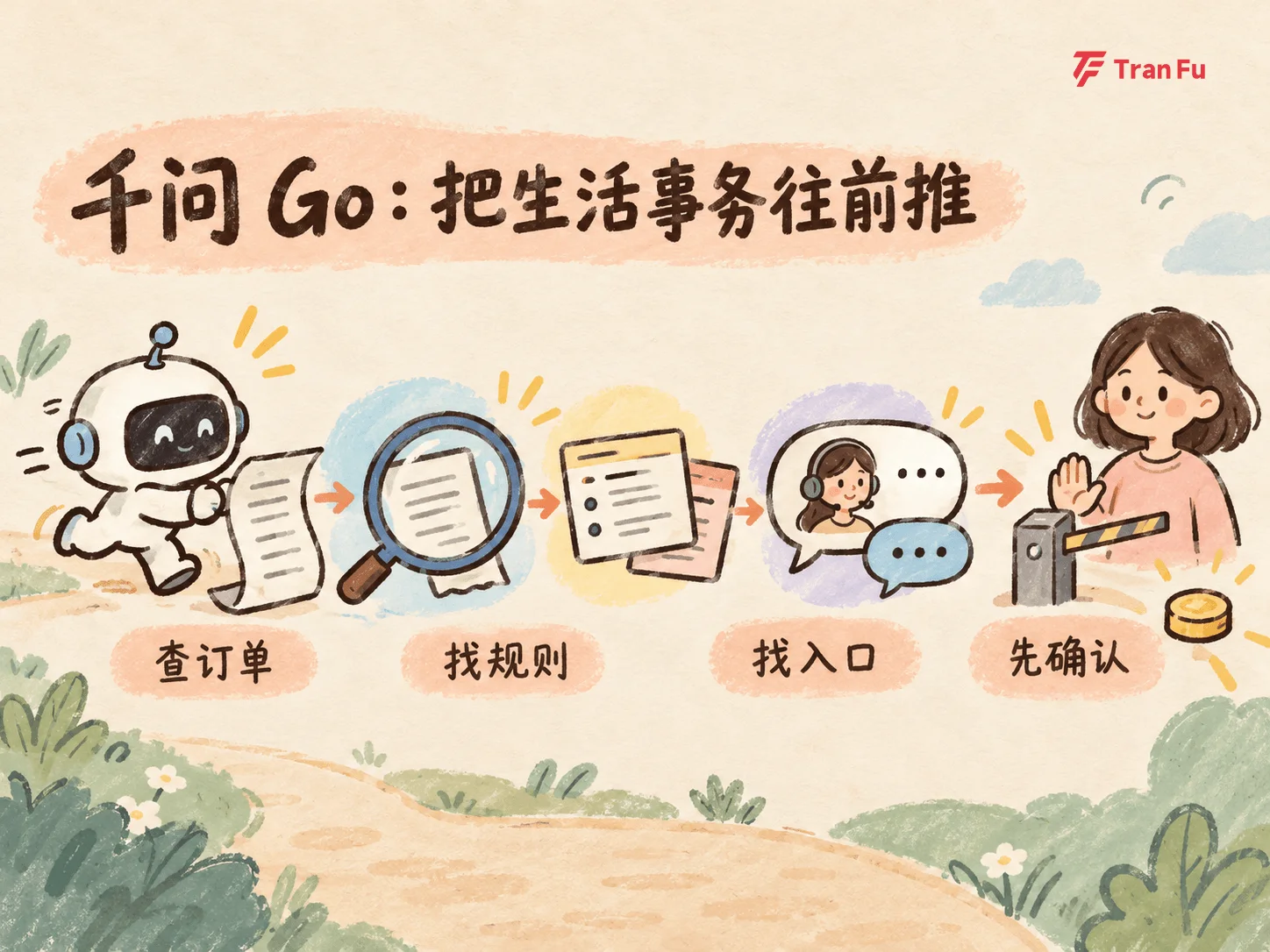
The value of these examples is not that everyone will receive the same amount. It is that Qwen Go connects several steps people normally have to complete themselves: finding the order, checking the rules, locating the entry point, communicating with customer service, and moving the application forward.
Car maintenance and venue reservations belong to the same task category: check the conditions first, find the right entry point, and let you decide whether to submit anything.
Qwen Go is currently an experience inside the Qwen app, not a fully available product for everyone. Its publicly demonstrated capabilities are mainly concentrated in the Alibaba ecosystem, including Taobao, Alipay, Amap, and Fliggy. The actual scope depends on the authorization page shown to your account.
Keep confirmation in your own hands when money is involved. You can ask it to check conditions, calculate the amount, and explain the next step. Before allowing a refund, rebooking, payment, or application submission, review exactly what it is about to do.
You can say:
Check whether this Taobao order qualifies for price protection. First tell me the basis for your judgment, the possible refund, and whether the next step would submit an application. Do not submit anything without my confirmation.
2. Doubao Work: Turning Materials into a Result You Can Keep Editing
Doubao Work processes office materials. It is not the Doubao phone assistant that automatically operates different apps on a phone.
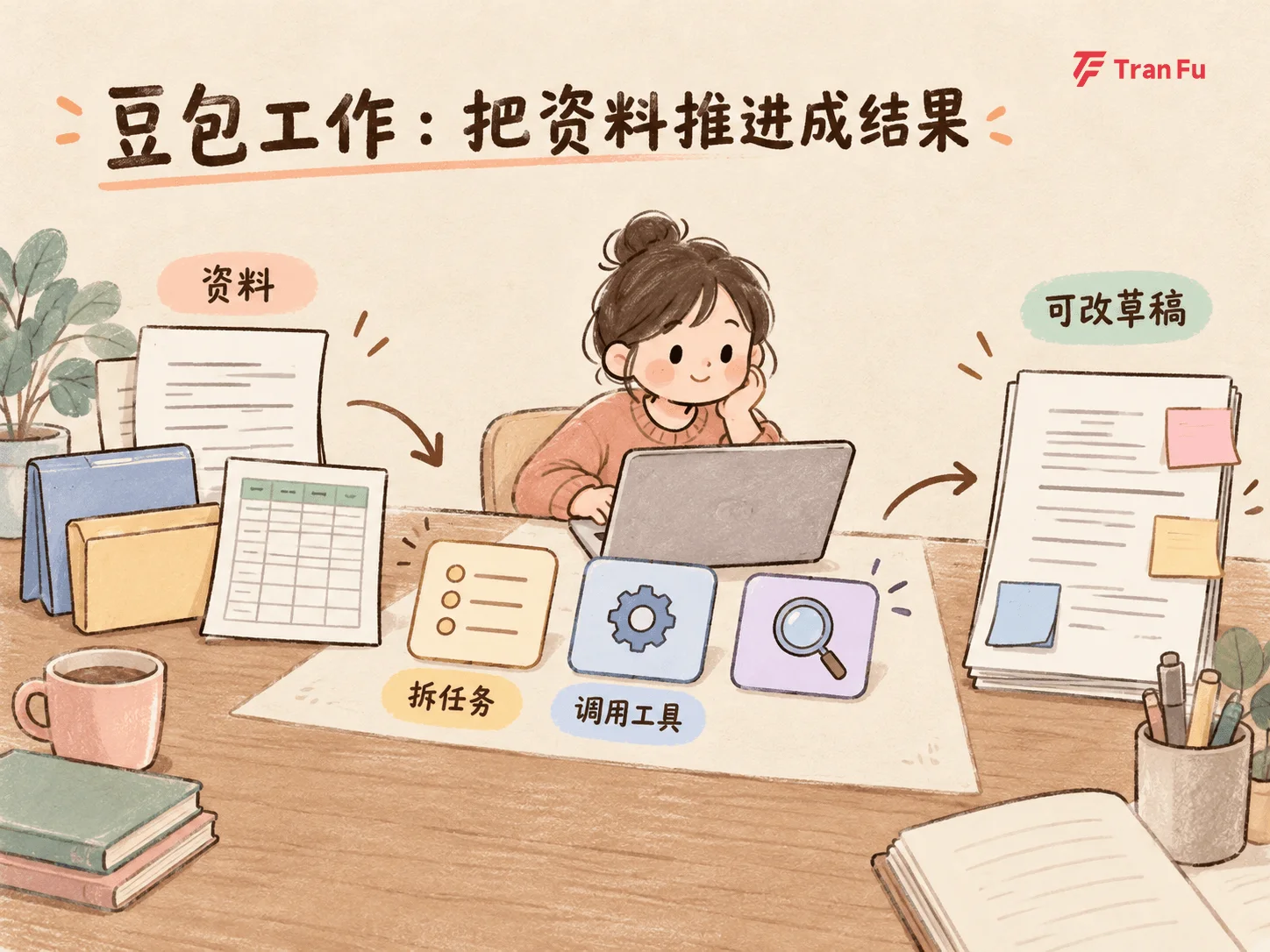
According to its official website, Doubao Work can break down a goal, call tools, and complete complex work such as research analysis, content creation, data processing, and application building.
In public demonstrations, a complex assignment is divided into material collection, analysis, report writing, and chart generation. Multiple sub-agents work in parallel before the results are combined. This is more useful than the phrase “autonomous planning”: you provide a goal and a set of materials, and it pushes the intermediate steps forward before delivering a result you can continue editing.
Whether it can process documents, spreadsheets, and presentations consecutively depends on your account, workspace, and the tools that have been enabled.
What it can read, change, and call is limited by account permissions, workspace permissions, and the availability of specific integrations. Do not interpret “can handle office tasks” as “can click through any software freely.”
When assigning a task for the first time, specify both the material scope and the actions it must not take:
Read these materials, extract the key conclusions, open questions, and next steps. Generate a draft first. Do not modify the original files or send anything to anyone.
After receiving the result, check three things:
-
Did it read all the relevant material, and can every cited number be traced back to the source?
-
Does the draft answer the requested deliverable rather than merely summarize the materials?
-
Did it modify a file, send a message, or trigger an action you did not authorize?
The “more than 150 apps refused integration” story reported on October 14 referred to the Doubao phone assistant’s screen automation, not Doubao Work. The distinction matters: whether an agent can operate an app depends on whether that app exposes the necessary permissions.
3. DeepSeek Harness Desktop: Processing Documents and Data, with Background Tasks
The DeepSeek Harness desktop app is designed to let an agent keep working. You can give it materials to process, let it call plugins or run scripts, and return later to review the result of a scheduled task.
The DeepSeek website currently describes five capability categories:
-
Everyday office work: process documents, data, and slides;
-
Programming: fix bugs, develop features, and run tests;
-
Research: find facts and provide citations;
-
Background tasks: run scripts and track progress;
-
Plugins: install plugins or create your own to extend its capabilities.
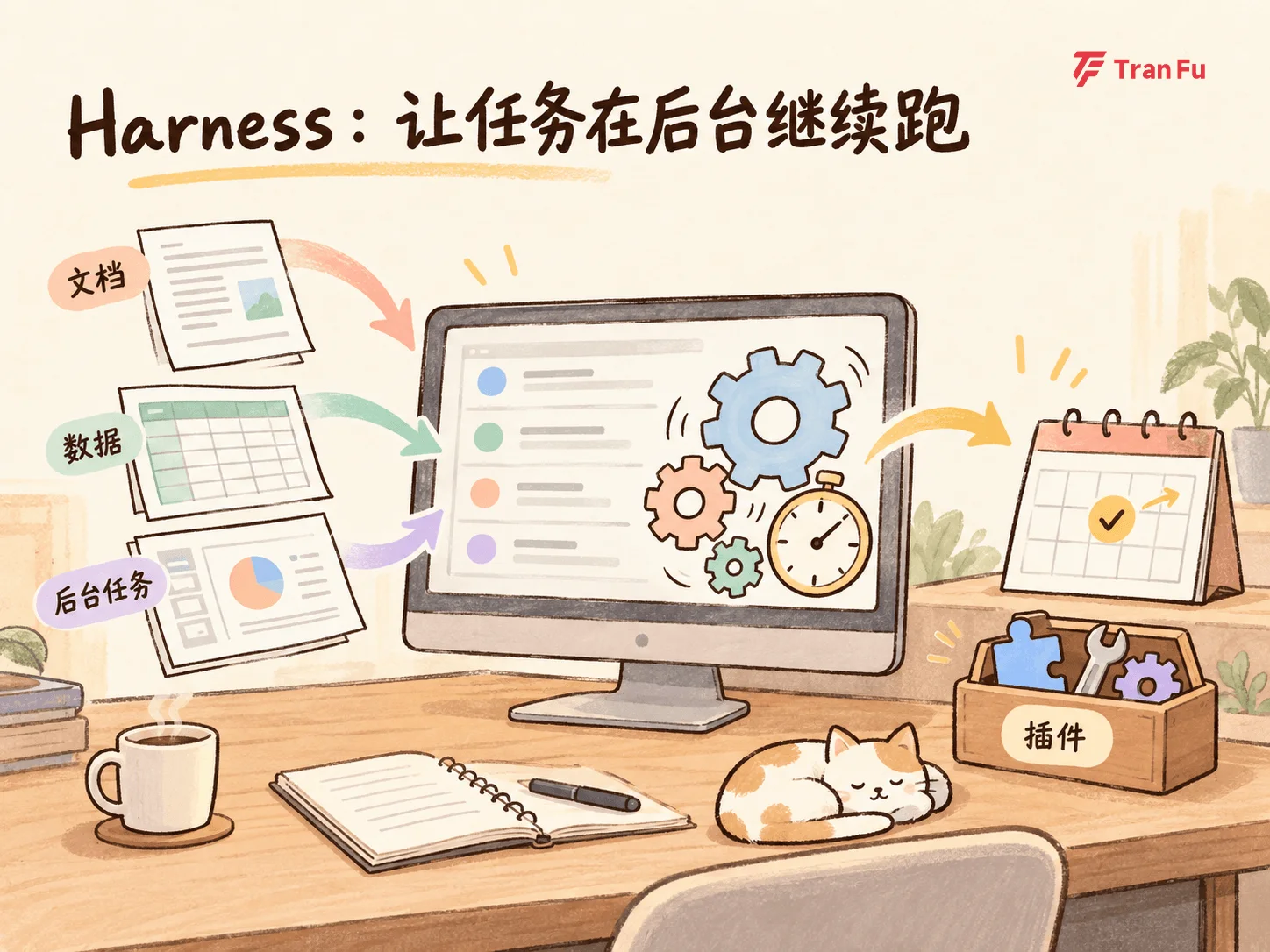
For most office workers, the most relevant categories are documents, data, and background tasks. Some work is not difficult; it is repetitive. For example, you might organize a set of project files, analyze a data directory, or generate reports according to fixed rules. The Scheduled Tasks plugin described on the official website can start a task at a specified time, run it repeatedly, and preserve progress for review.
This is also where it differs from a normal chat tool. A normal chat is suited to asking once and receiving one answer. Harness is suited to keeping files, tools, and recurring tasks in the same workspace. If you only need to ask about one document, there is no need to configure a desktop agent just for that.
Start with a non-sensitive test folder:
Read only the documents and spreadsheets in this test folder. List each filename, file type, and modification time, then generate a contents inventory. Do not delete, move, rename, or overwrite anything. Show me a preview when finished.
After the result looks right, consider plugins or scheduled tasks. Before starting, check four things:
-
Which files and directories can it access?
-
What permissions or API keys do the plugins require?
-
When will the scheduled task run, and where will it write the result?
-
If something goes wrong, can you stop it, inspect the execution record, or run it again?
The website currently labels DeepSeek Harness as a public preview and provides a desktop download. It lowers the barrier to getting started, but you are still responsible for file permissions, plugin configuration, and task maintenance.
The division of labor among these three products can be summarized in one sentence: Qwen Go handles everyday service tasks, Doubao Work advances office deliverables, and DeepSeek Harness processes documents, data, and background tasks.
Whichever one you choose, check three things first: can it access the materials you need to process, can it perform the specific step you need, and can you notice and stop it quickly if something goes wrong?
Define the task clearly, keep permissions to the minimum required, and retain final confirmation for yourself.