When using AI for workplace reporting, one very specific problem keeps appearing: the material is already inside PDFs, spreadsheets, and screenshots, but you still have to reorganize it into a clear explanation. When the next draft changes, you also need to explain what is wrong and what must be kept.
The input box may be empty, but the work in front of you rarely starts from zero.
AI is beginning to take over reading files, organizing material, and arranging steps. For ordinary professionals, the question has also changed: which operations no longer need repeated practice, and which abilities deserve more attention?
My suggestion is simple: practice fewer universal prompt formulas, and practice explaining the work more clearly. Recent product changes give this choice a concrete reference point.
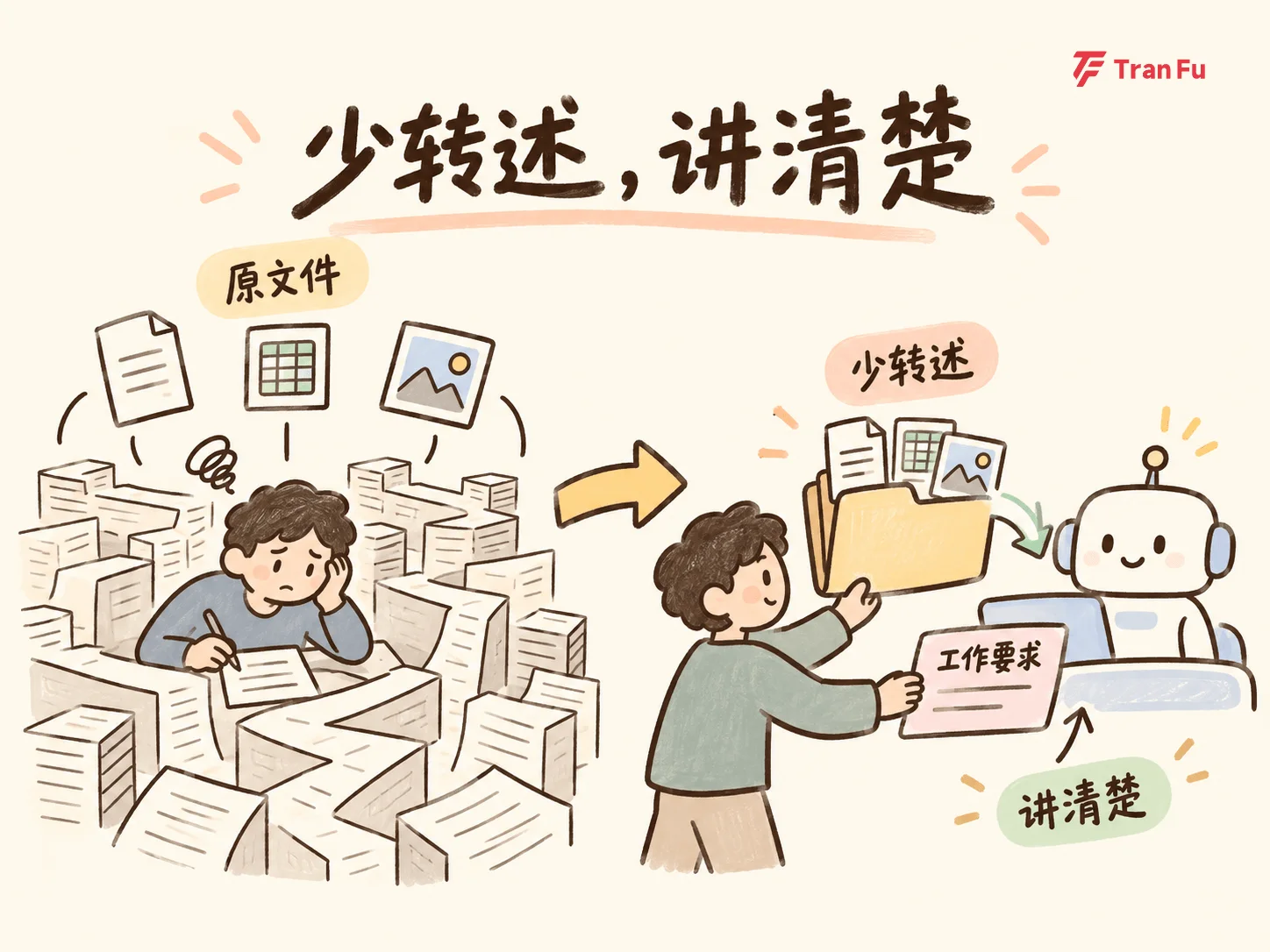
Work no longer has to fit into one prompt
On September 28, Manus released 2.0 and upgraded its desktop app into Manus Studio. According to the official description, it can use local files, folders, and tools, starting from existing materials instead of a blank page.
Revisions also have more concrete entry points. If the music in a video is unsuitable, it can be replaced on the timeline; if you have your own assets, you can place them in the project and let AI continue adjusting from there. You no longer need to describe every edit again from scratch.
A domestic example is closer to workplace reporting. In an ifanr test of the DeepSeek Harness desktop app, the author gave it a folder containing PDFs, Word files, Excel files, Markdown, and images, then asked it to organize information, check data, generate a report outline, and create a presentation.
The report recorded how it arranged file reading and tool use. The result could be previewed in the sidebar and further modified. The desktop app also reduced the command-line setup work, making this workflow easier to try.
This is part of the value of agents: an AI assistant that can call tools and arrange steps can take over processes that previously required step-by-step direction from you.
But notice that the author did not hand over only a folder. They also provided clear task requirements. The report did not verify accuracy item by item either, so “it can continue working” should not be read as “it has already done the job correctly.”
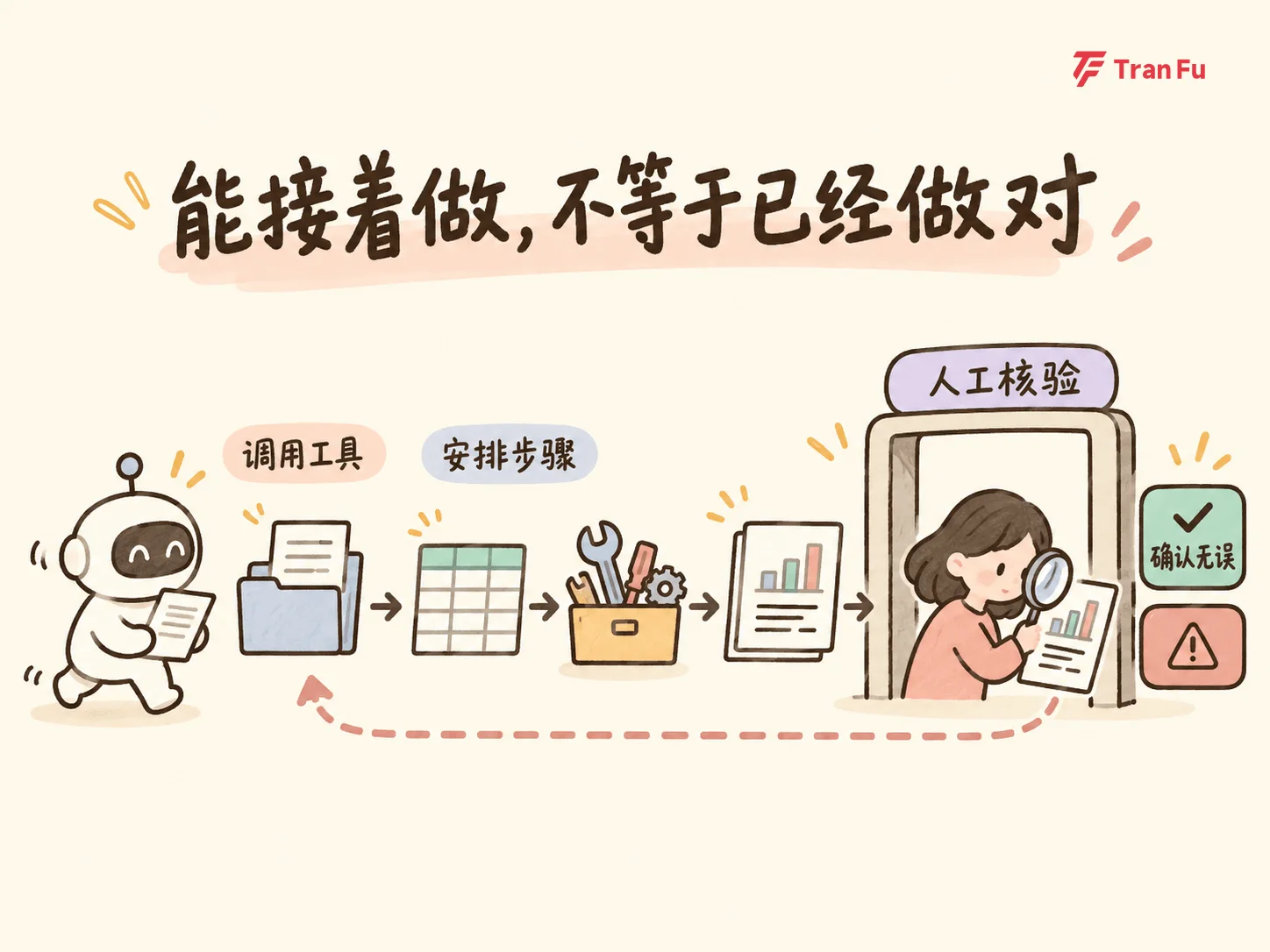
You can spend less effort restating source files, but the work requirements still need to be clear. That is the change these examples support.
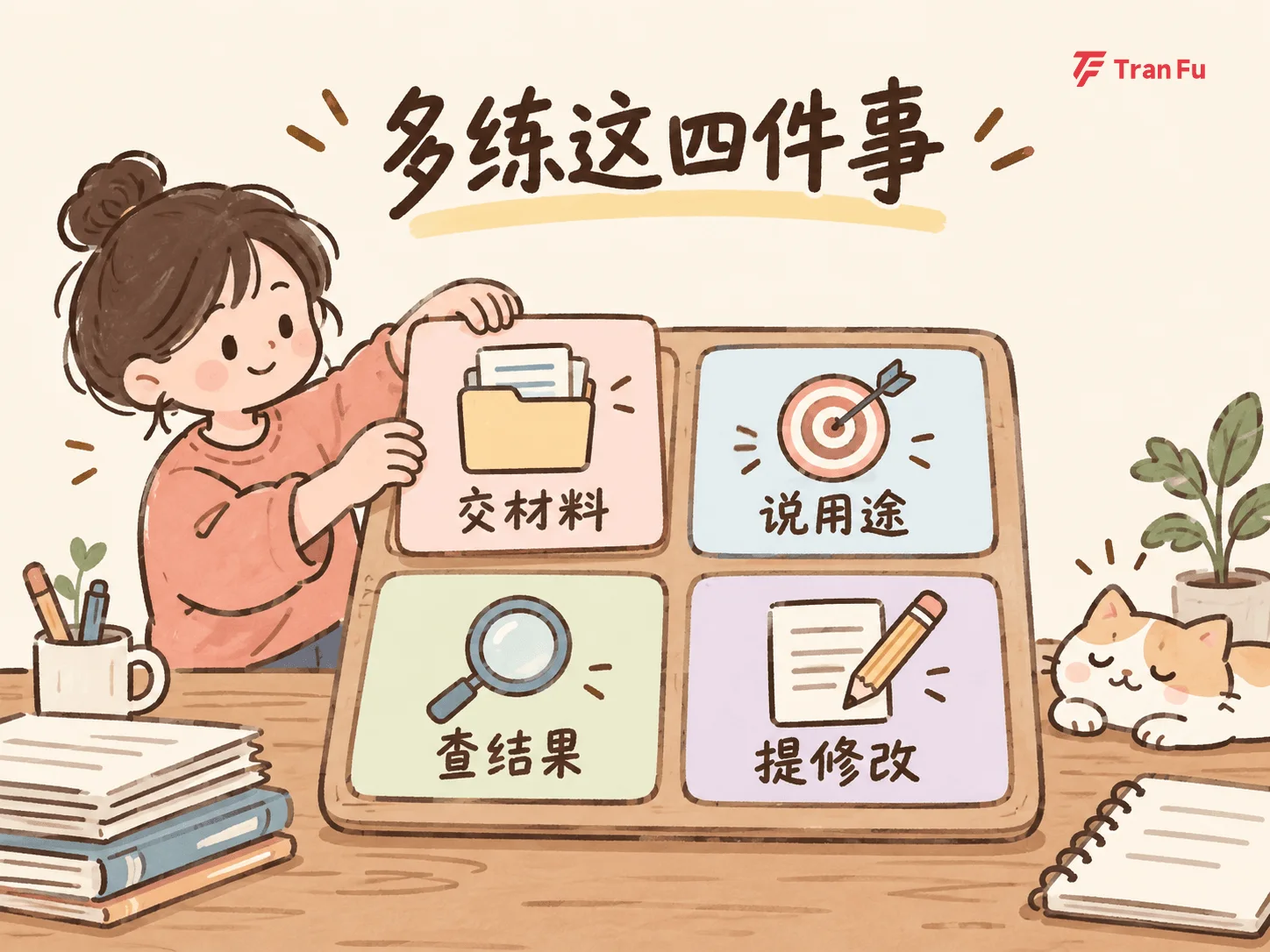
Practice fewer universal prompts, and practice these four things more
First, explain the materials clearly. Which file is the final version, which one is only for reference, what each table measures, and which evidence is missing. Putting all the material in one folder does not automatically explain these relationships.
Second, explain the use case. The same project materials should be handled differently when requesting resources from a manager and when updating teammates on progress. The former helps someone decide whether the work is worth investment; the latter may focus more on blockers and next owners. “Make it more professional” cannot replace that distinction.
Third, check whether the result is right. Trace the output back to the sources: can the numbers in the slides be found in the original table? Are the outline’s conclusions supported by the material? Did the summary turn someone else’s judgment into a definite fact? In this pass, look for problems before polishing style.
Fourth, describe revisions specifically. After finding a problem, mark the location, attach the evidence, and explain how it should be handled. Remove conclusions without sources, separate data that uses different definitions, and recheck changed parts. “Optimize it again” does not provide this information.
These four things can still be written into prompts, placed in a briefing document, or filled in through conversation. They have always been part of prompt ability.
Business rules, exceptions, and examples of good and bad output should be as long as needed. Required fields, verification steps, and approval requirements should remain. What should be shortened is empty phrasing that adds no information; word count alone cannot tell whether an instruction is useful.
You do not have to hold every question for the first input
One more change is worth trying: ask AI to help you ask questions first.
After you provide the materials, do not rush it into producing the final deliverable. Ask it to identify the gaps that affect delivery: who will read this, what problem must it solve, which material is authoritative, and what conditions are still unclear?
Then judge whether it asked the right questions. If it only asks about word count and tone while missing the reporting purpose, pull the discussion back. It may miss important questions, so this step still needs your participation.
Keep confirmed requirements in the task brief, and keep specific revisions after the work is done. What you can reuse next time is not just a sentence like “you are a senior expert,” but the conditions that this work truly needs.
In future AI learning, spend less time memorizing universal prompts and more time practicing how to provide materials, explain use cases, check results, and request changes.
What tools will take over is an increasing number of steps. What you need to know is: what should this work finally become?