
The same bug went through three AI fixes.
First pass: still broken.
Second pass: something else broke.
Third pass: the AI confidently announced it was "fixed," and the page was still wrong when you opened it.
If you have used an AI coding assistant, this scene will feel familiar.
The instinctive reaction is to give more specific instructions: describe the symptom more precisely, spell out the expected result more clearly, or even tell it exactly which file and property to change.
But that path often gets narrower the farther you go. The more specific the instruction, the more local the patch becomes, while the problem keeps circling in place.
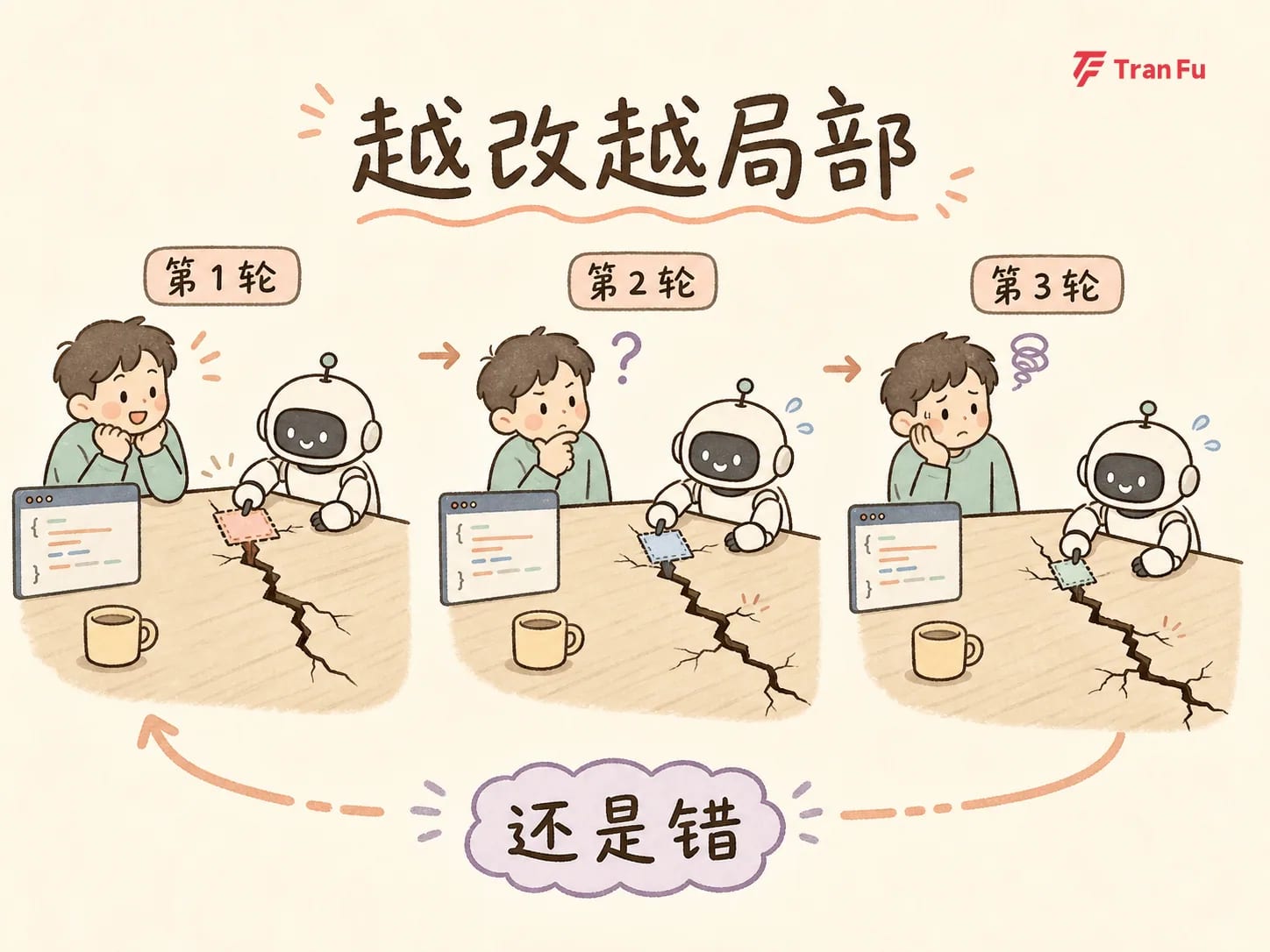
What breaks the loop is not stronger command-and-control. It is a different way of asking the question. Same AI, same issue: three rounds failed in a row, then a change of three prompts made it pass on the first try.
Here are those three prompts in full. You can copy them directly.
Real case: an animation that took three rounds and still was not fixed
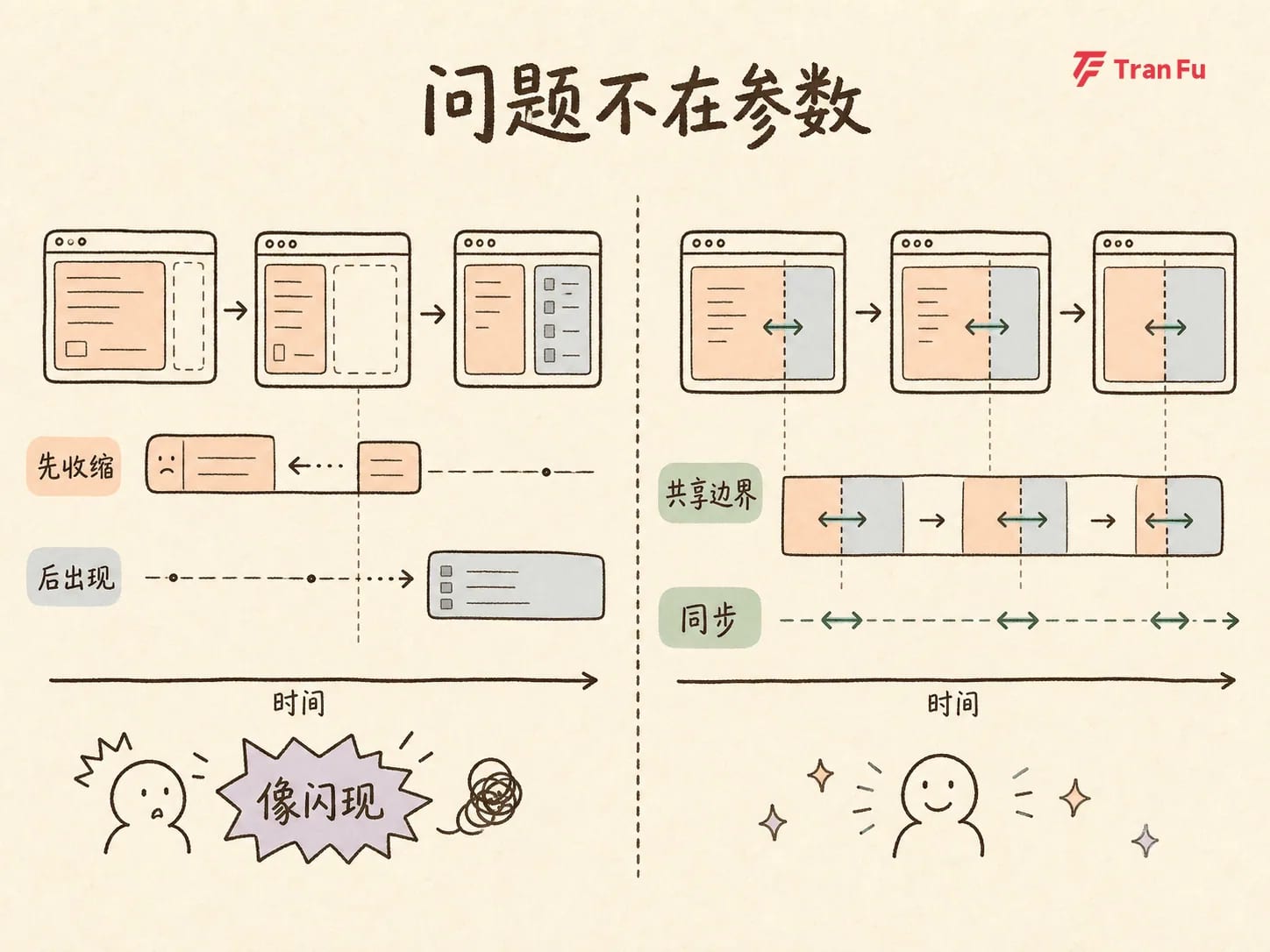
The issue started with an interface animation in a two-column layout. The close animation on the right sidebar behaved normally, but the open animation never looked right: the main content area would jump abruptly, while the sidebar seemed to just flash into view with no transition at all.
The three repair rounds became a classic AI debugging failure case.
On the first round, we described the problem directly. The AI adjusted animation duration and easing, then claimed success. In reality, the close motion improved, but the open motion was still wrong.
On the second round, we said more precisely that the problem was with opening. The AI did frame-by-frame analysis and tried four or five layout variants, each with detailed reasoning, yet every one surfaced a new issue in the real browser.
On the third round, we corrected it to "the animation direction is reversed." The AI patched again. The metrics looked better, but the visual result was still wrong.
After three rounds, the context had grown, but the root cause was still untouched.
The turn: stop telling it how to fix it, and make it review first
The way out is to split debugging into three clear steps:
Step 1: Review — make it lay out the current state instead of jumping in
Do not give any fix instructions. Ask only:
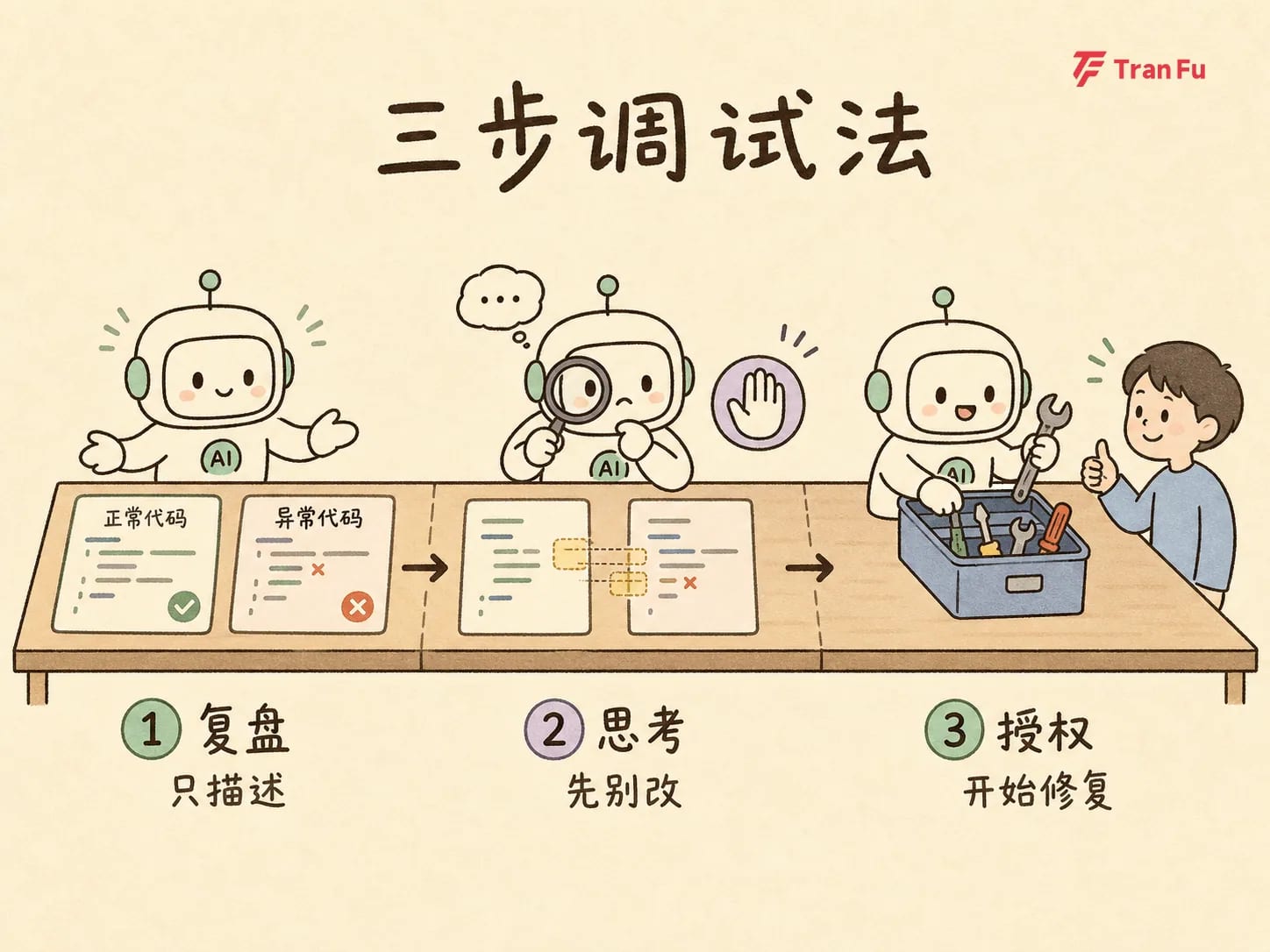
The key is to make AI place the two sides side by side in full: how the normal side is implemented, how the abnormal side is implemented, what state they share, and where they differ.
It is like laying every piece of evidence on the table before an incident review. Once the information is side by side, the differences start speaking for themselves.
Step 2: Think — diagnosis only, no code changes
Then say only:
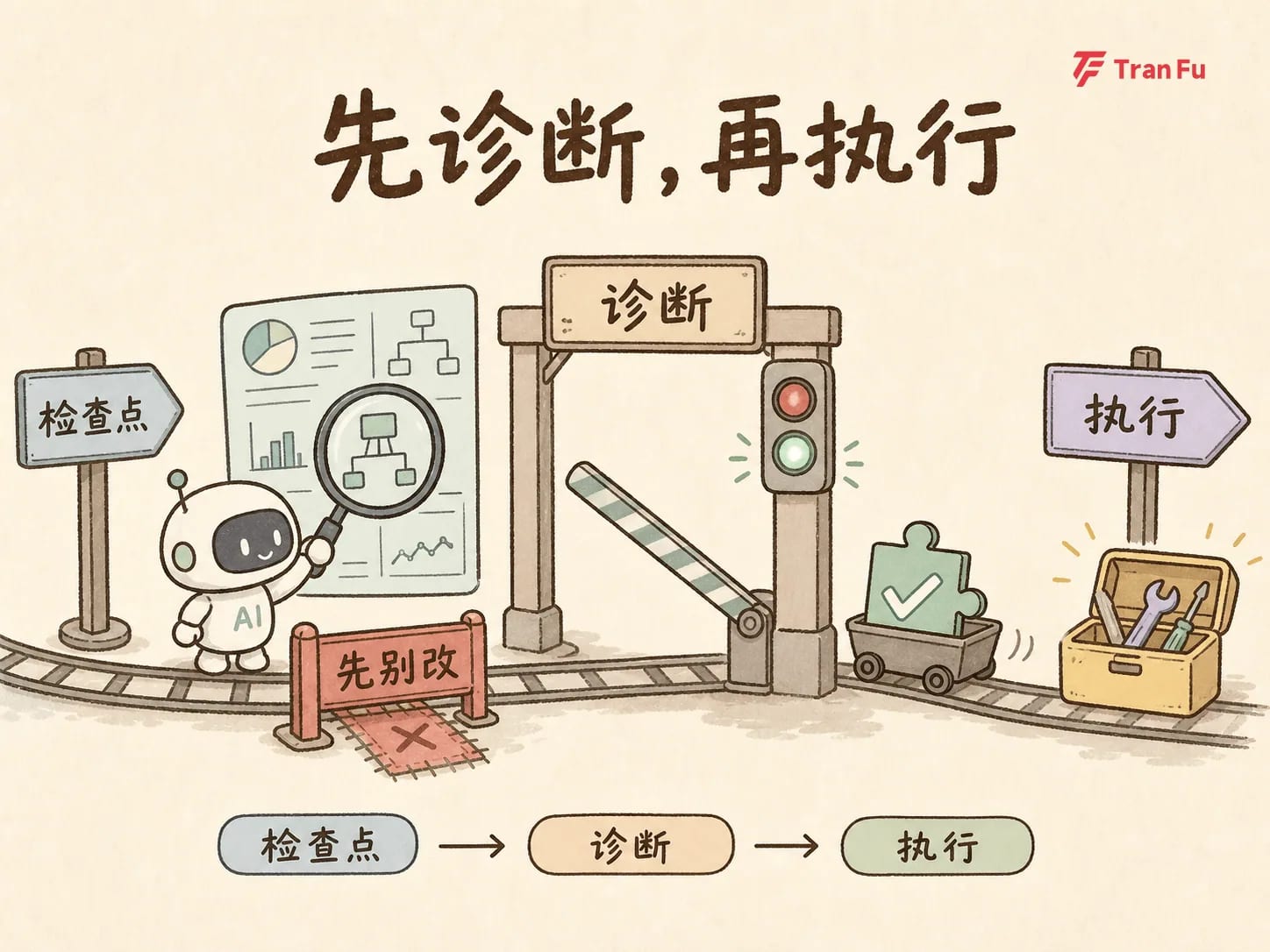
Important: explicitly forbid any code changes. The goal is to force AI out of execution mode and into diagnosis mode, so it can judge the root cause from the full information already on the table.
The real breakthrough happened here. AI pointed out a problem none of the three patch rounds had touched: technically the animation was running, but the perceived sequence was wrong — the main content area shrank first, and only afterward did the sidebar appear, so visually it always felt like a flash.
The issue was never the animation property. It was the structure of the animation itself.
Step 3: Authorize — once the direction is confirmed, let it act
After the diagnosis is clear, only then do we say:
This time, AI abandoned every earlier patch idea and rebuilt the animation structure: instead of letting the two regions operate separately, it converged the motion onto one shared boundary. One pass, problem solved.
Why these three steps work
This method rests on three judgments about how AI coding assistants work:
- If the same bug keeps resisting fixes, the problem is not execution speed but context. AI is not lacking patching ability; it is lacking a full-system view. If the view only includes the "current error," it can only produce local patches. Review forces the full context back into view.
- The more specific the instruction, the easier it is to stack patches on top of the wrong diagnosis. If you tell AI exactly where and how to change something, you are doing the diagnosis for it. If that diagnosis is wrong, it will simply execute the wrong idea more precisely.
- "Think first, do not touch code yet" is a necessary gate. AI naturally tries to produce changes. If diagnosis is incomplete, it rushes into implementation. Splitting "thinking" and "execution" into separate prompts creates a checkpoint: the diagnosis must pass your review before execution can proceed.
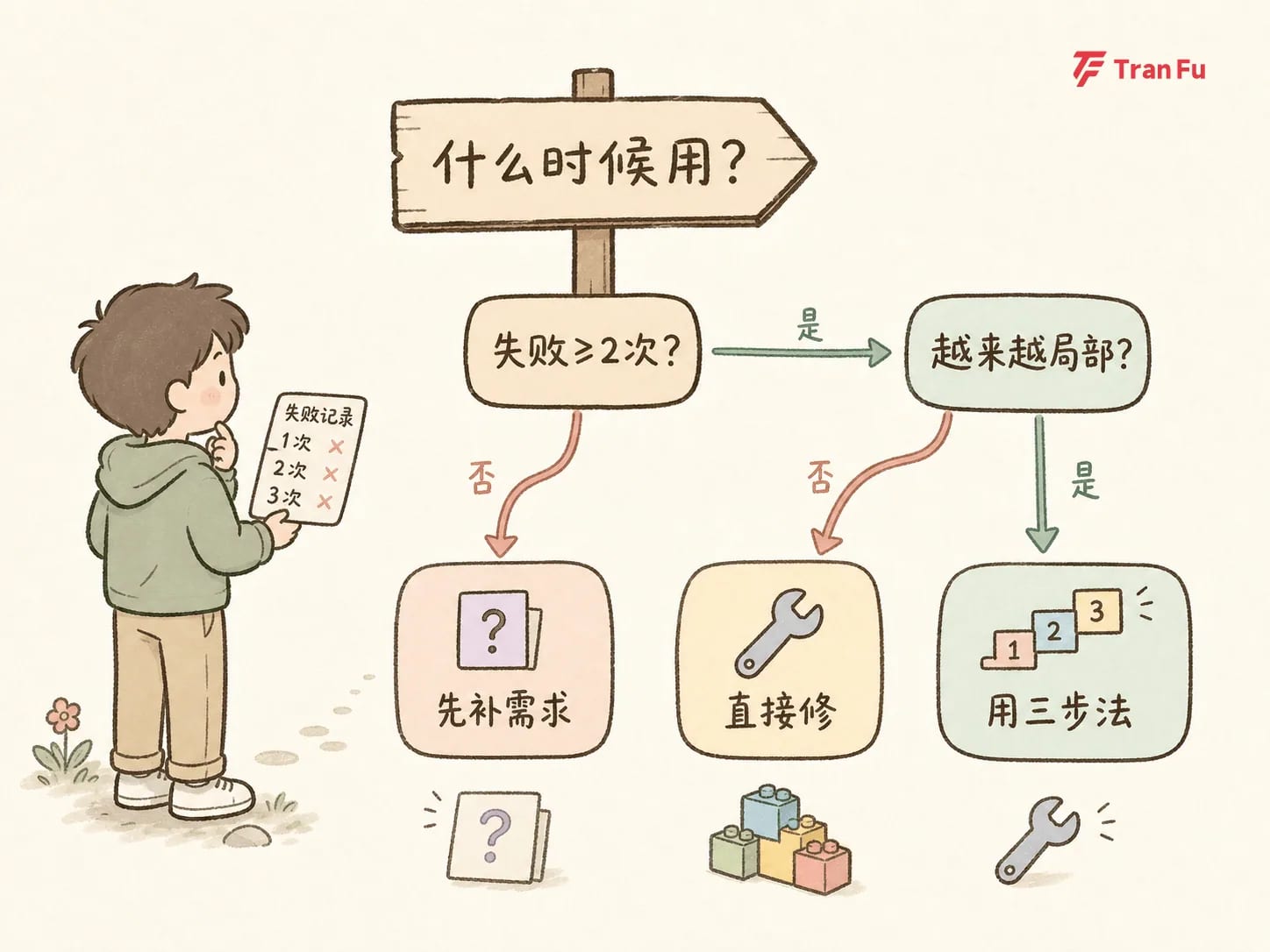
When should you use this method?
First, when should you use the three-step repair flow?
- AI has failed on the same problem twice or more, and you can feel the patching is getting more local and more off track.
- That is a classic sign of insufficient context. When you see that sign, stop giving more fix instructions and use the three steps.
And when should you not use it?
- The requirement itself is still unclear — clarify the requirement first instead of trying to patch context.
- It is a brand-new feature — without an existing state, there is nothing to review.
- It is a tiny issue that can be fixed immediately — just fix it directly; the full flow is not worth it.
In one sentence: this method is for problems that are "stuck after repeated attempts," not a universal cure.
Copyable prompt template
The whole method can be reduced to three prompts, used in order:
- Review: "Explain how the code for the normal path and the abnormal path are implemented." (describe only, do not modify)
- Think: "Think about where the problem in the abnormal path comes from." (explicitly no code changes yet)
- Authorize: "Okay, start fixing it." (only after the diagnosis direction is confirmed)
In the AI coding era, part of debugging has shifted from reading code to orchestrating AI. When AI keeps failing to fix the same issue, the smartest move is not to push harder. It is to step back and split the rhythm into three steps.
The more detailed the command, the more the AI behaves like a patch machine. The clearer the rhythm, the more it behaves like a debugging partner.