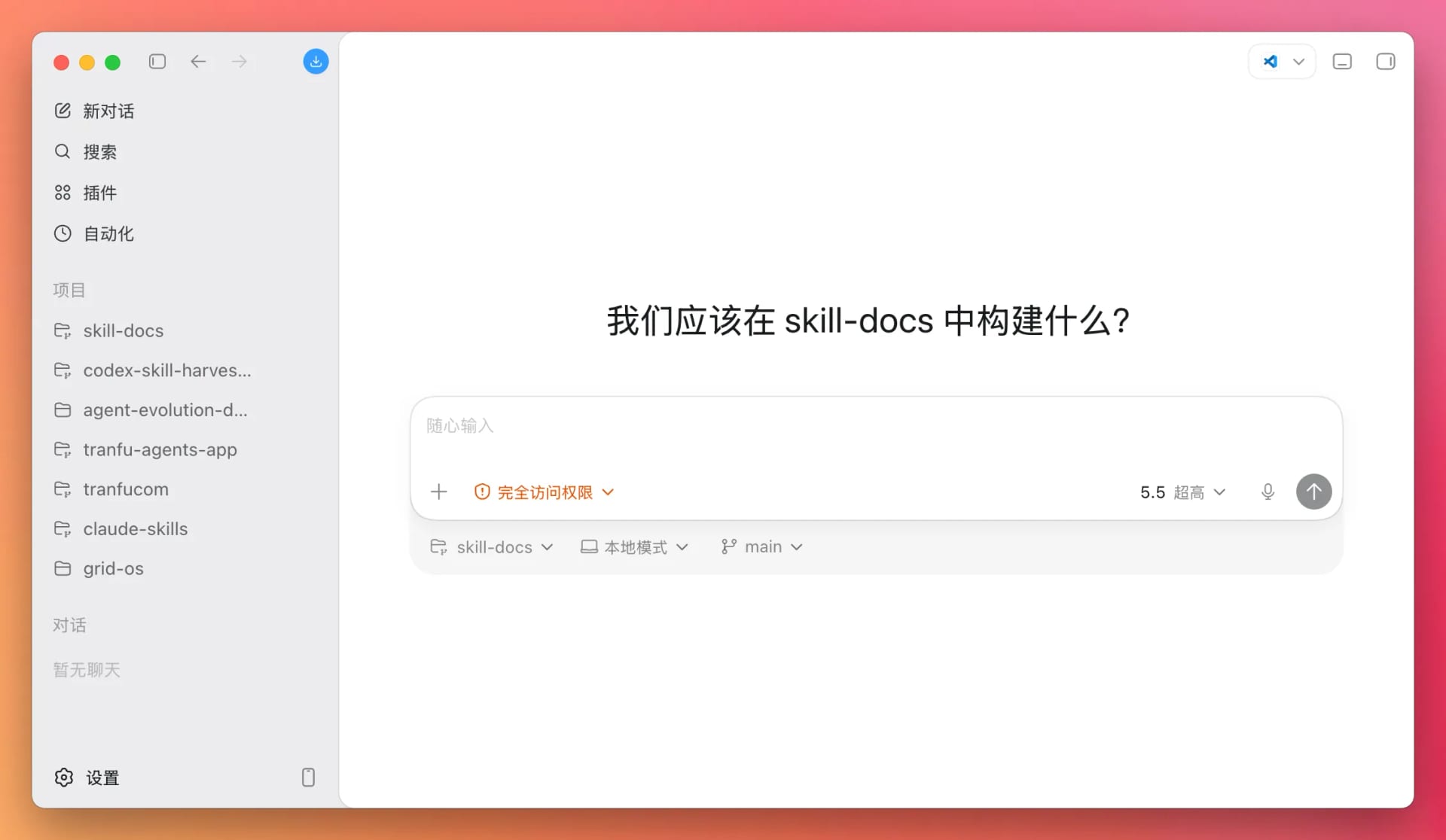
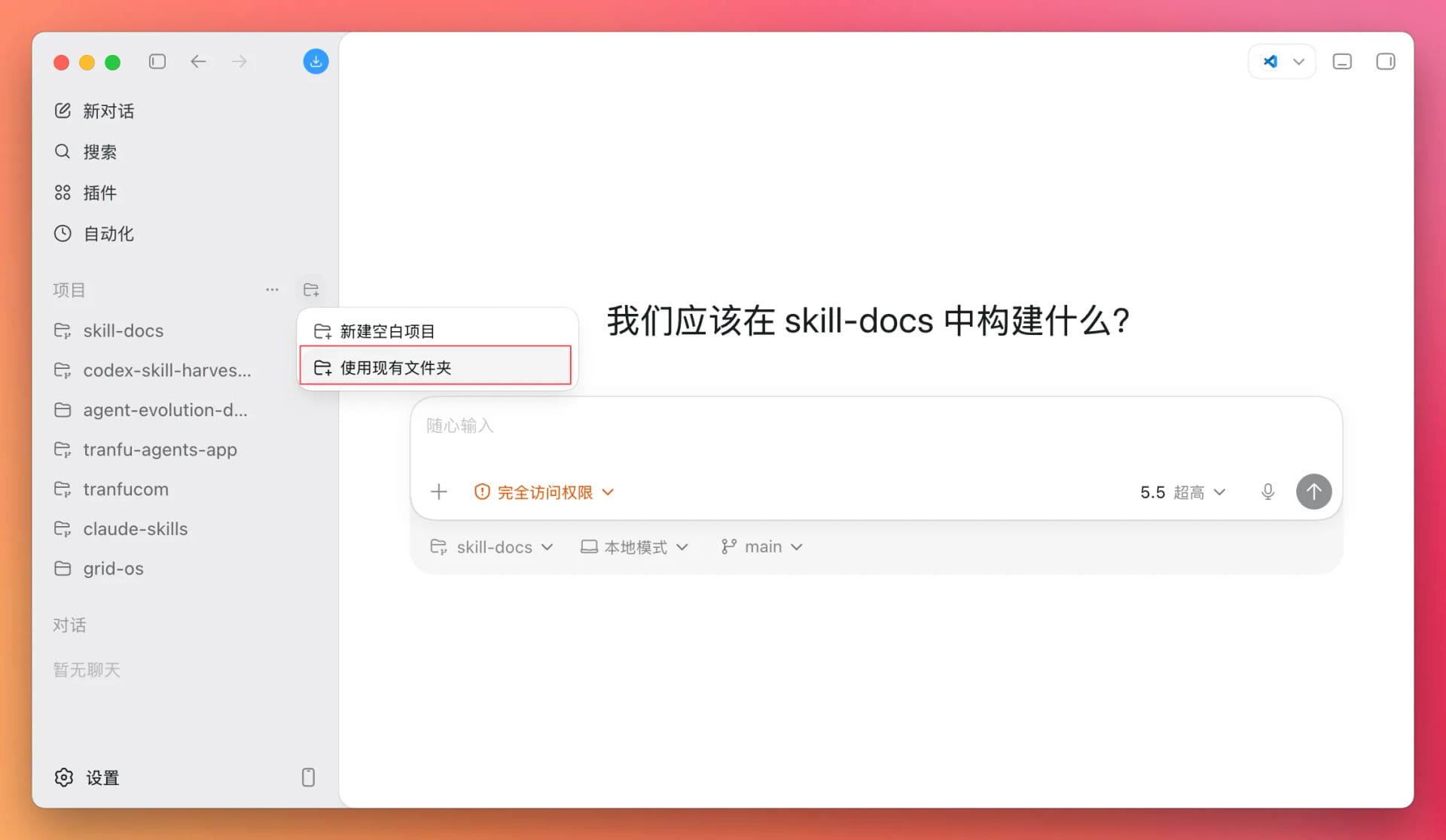
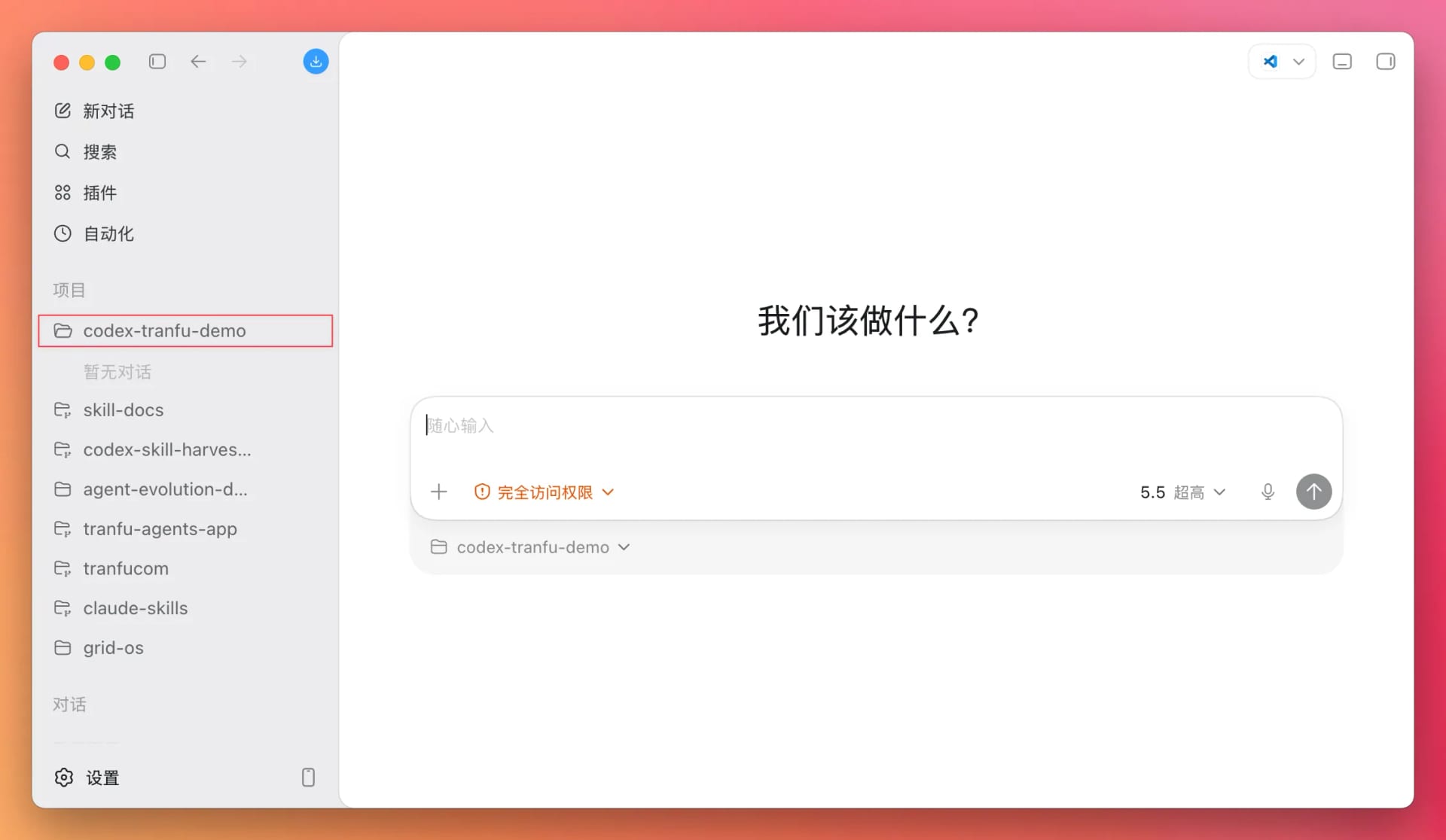
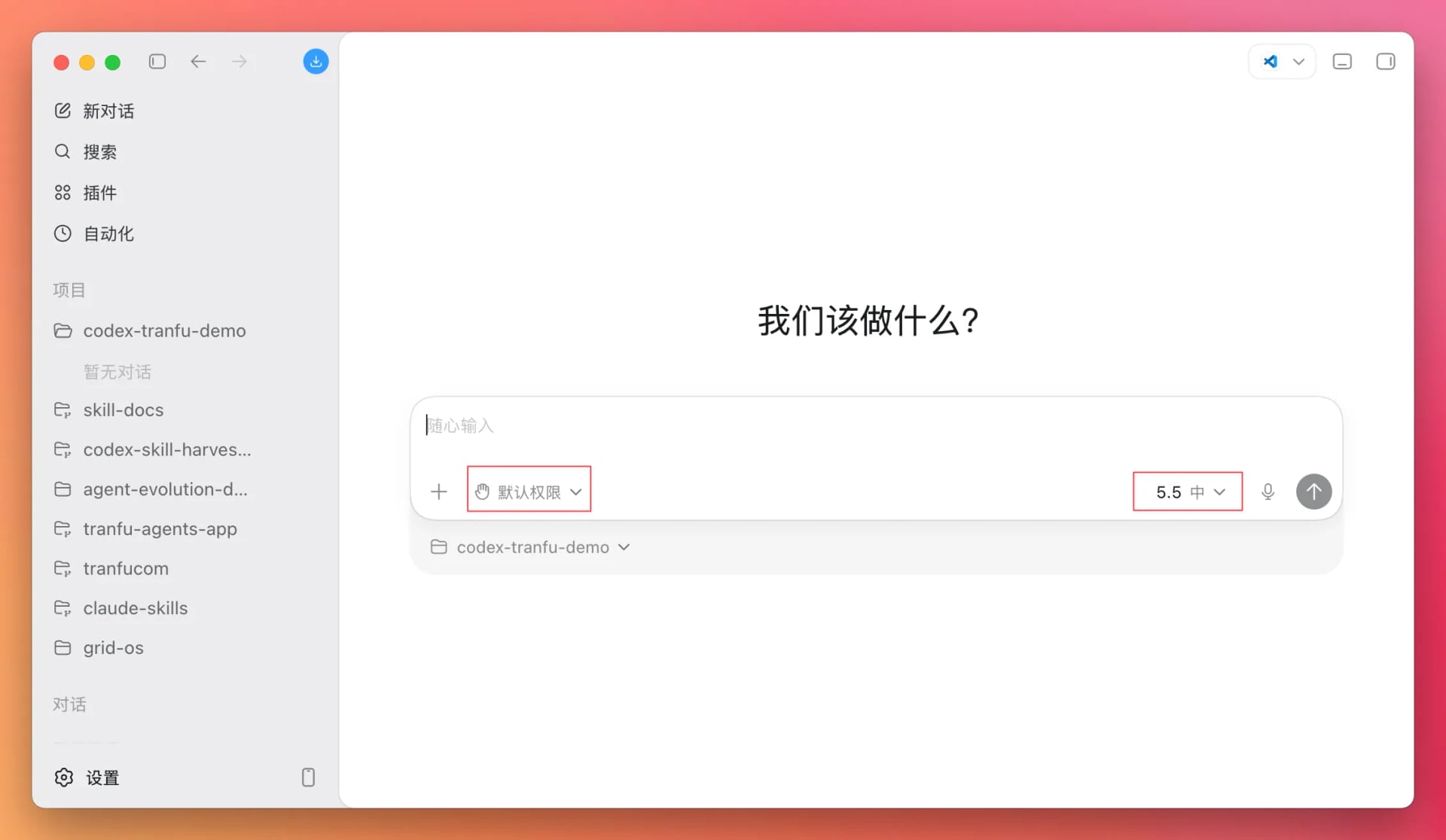
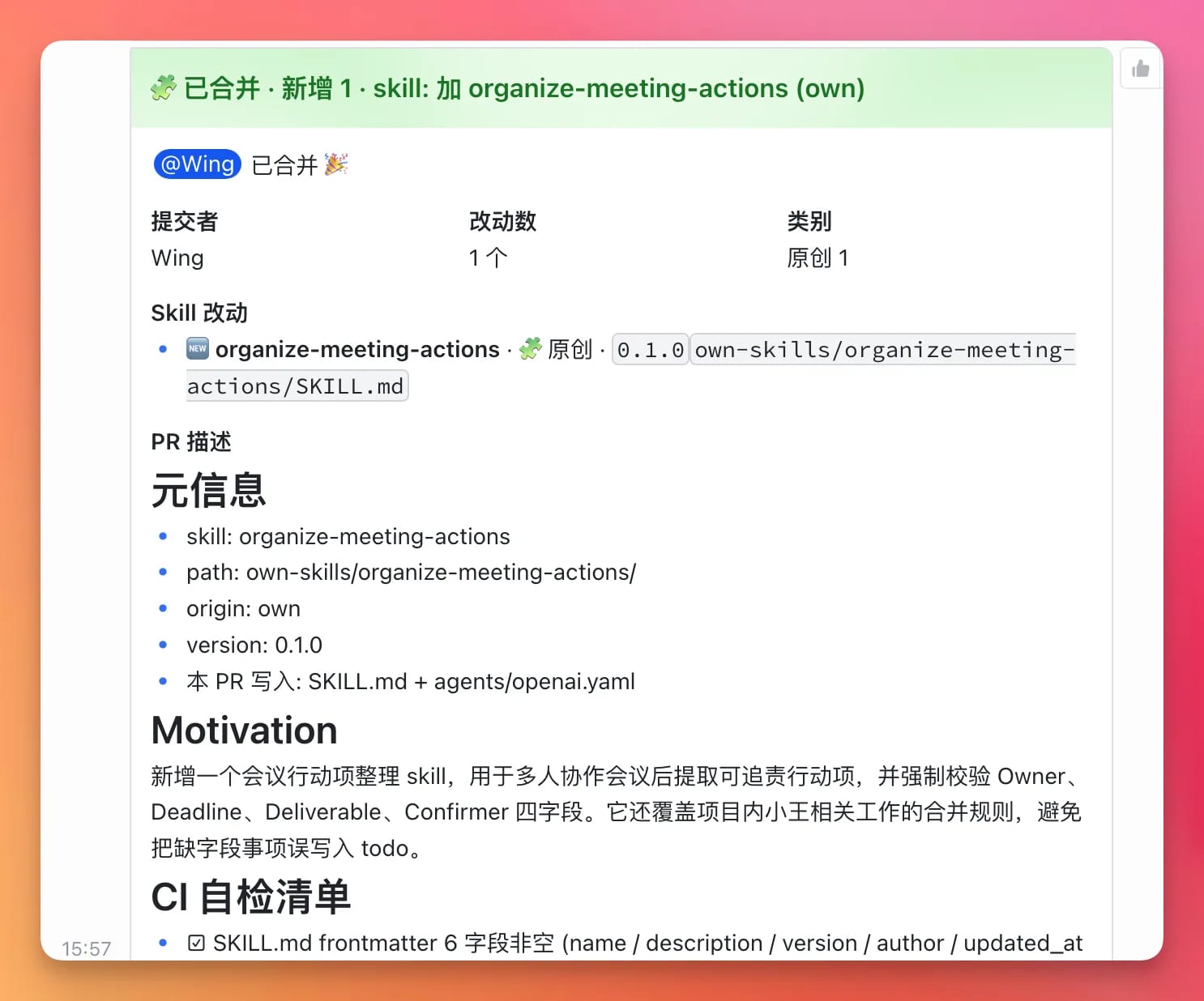
The core concept behind the AI card-based workspace / AI Notion is to build general-purpose information-processing software with an AI input box, programmable cards, AI-generated HTML templates, and scheduled or Hook-based data updates. Users can create cards for stocks, news, meeting notes, team progress, and more through conversation.
This direction offers room for imaginative interaction models, but a “general-purpose AI Notion” is too broad and faces the risks of becoming a thin UI and being displaced by platforms. It would be better to narrow the scope to a frequent workflow, such as meeting notes, team progress, investment news, or a personal information dashboard, and test whether cards truly improve information-processing efficiency.
Next step
Choose one specific scenario and build 3–5 runnable card examples to test whether users are willing to keep using them, rather than merely finding the interface novel.
Latest Progress
2026-06-01: Selected from previously unarchived topics and added as a new project archive. The topic already has 16 messages, 13 human messages, and 3 resources, and its status is under evaluation. For now, it will be documented as a “reframed direction / internal prioritization” project rather than moving directly into high-priority validation.
Executive Summary
The core concept behind the AI card-based workspace / AI Notion is to build general-purpose information-processing software with an “AI input box + programmable cards + AI-generated HTML templates + scheduled or Hook-based data updates.” Through conversation, users can create cards for stocks, news, meeting notes, team progress, and more. A card’s data can come from a user prompt or from the results of code executed by AI on a schedule.
The appeal of this direction lies in a new interaction paradigm: AI generates not only text, but also visual, updatable, and composable units of information. The biggest current problem, however, is that the scope is too broad. It could easily become merely a “polished UI layer” and be absorbed by Notion, Lark, ChatGPT, Claude Artifacts, or browser Agents.
Target Users
Individuals who frequently process dynamic information, including investments, news, research, and creator work.
Small teams that need visibility into team status and project progress.
Knowledge workers who want to turn AI output into an interface that can be updated continuously.
Core Pain Points
AI conversation output is easily scattered and lacks a structured interface that stays up to date.
Tools such as Notion and Lark are customizable, but configuration is costly, making dynamic cards difficult for ordinary users to create.
Team information, meeting notes, news feeds, and similar content need to be compressed into scannable, trackable status blocks.
Current Evidence
The Lark topic already has 16 messages, 13 human messages, and 3 resources.
Product elements already discussed in the topic include cards, an AI input box, HTML templates, scheduled code execution, a meeting-notes file tree, team-progress cards, and stock-news cards.
External reference resources already include kepo.ai and Lark whiteboard/document links.
Evaluation and Assessment
MVP / Validation Plan
Do not build a general-purpose platform first; choose one scenario.
Build 3–5 genuinely usable cards, such as a “daily investment information card,” “project progress card,” and “meeting-notes index card.”
Test whether users open, edit, subscribe to, or share these cards for seven consecutive days.
Test whether AI-generated cards save substantially more time than manually configuring Notion or Lark.
Risks and Counterevidence
If users only find the format novel but do not keep opening it, the need is not strong.
If existing tools such as Notion, Lark, and ChatGPT can already complete the core workflow, there is insufficient value in a standalone product.
If card generation is unreliable, maintenance costs will outweigh the benefits.
Data Links
Field
Details
Data scope
16 messages / 13 human messages / 3 AI analyses / 3 resources.
Enhanced Project Analysis (2026-06-02)
Scope note: Compiled from the latest project maintenance report, real Lark topic data, and reviewable public materials. Because web_search is currently unavailable, all market assessments that have not been independently verified are treated conservatively as trends or hypotheses.
One-Sentence Opportunity
Build a personal/team information workspace with an “AI input box + composable cards,” allowing users to generate, update, and schedule information cards with natural language and turn scattered news, meetings, projects, data, and reminders into actionable dynamic pages.
Target Users
Small-team leaders, product managers, investment/research professionals, and operations leads.
People who routinely process information from multiple sources: chats, meeting notes, webpages, tasks, market data, and project progress.
People who already use Notion, Lark, multidimensional tables, Slack/Lark groups, Tana/Heptabase/Obsidian, yet still find their information scattered.
Core Pain Points
General-purpose workspaces such as Notion and Lark excel at structure, but users still need to create databases, maintain fields, and synchronize information manually.
Conversational AI excels at generation, but its results are difficult to preserve as reusable long-term views.
Project, research, and operations information is not a single document; it is a set of constantly changing status cards.
Users want to “say one sentence and have the system automatically create a card, update it, and remind me of the next step.”
Current Evidence
Internal topic data
Topic owner: Internal team member.
Messages/resources: 16 / 3.
Latest internal summary: The project is positioned as “AI Native information-processing software,” using “cards + an AI input box” to create and display information such as stocks, news, meeting notes, and team progress. Data may come from user prompts or from tasks executed by AI on a schedule.
Maintenance report note: Only locally archived material, daily reports, and evaluation records are currently available; the complete original message-by-message conversation is unavailable, so a best-effort approach is required.
External Materials and Trends
The Notion AI website positions it as “Search, generate, analyze, and chat—right inside Notion,” indicating that AI workspaces are moving from document generation toward workspace-level search, analysis, and conversation.
The ClickUp Brain² website positions it as “One AI to Replace them All,” emphasizing the aggregation of work context and cross-task AI.
The market is seeing “AI embedded in existing workspaces” develop in parallel with “Agents executing tasks.” A wholly new workspace must offer strong differentiation: lower modeling costs, more powerful dynamic cards, and better suitability for mobile and group-chat entry points.
AI search/research: Perplexity Spaces, Genspark, You.com, Kimi/Doubao document organization.
Internal alternative: Use Lark Base + Wiki + an internal assistant bot directly to build a project radar.
MVP Entry Point
The recommended entry point is a “project/opportunity radar card workspace,” initially serving the existing internal opportunity repository scenario:
A user posts an idea in a group, and AI automatically generates a project card.
The card contains a one-sentence opportunity, status, evaluation, evidence, next step, risks, and source links.
The card can be updated through natural language: “Change this project to internal prioritization,” “Add a competitor,” or “What new signals appeared today?”
Do not build a complete Notion first. Build “dynamic project cards + daily updates + evaluation transitions.”
Validation Method
Dogfood it with the existing internal opportunity repository, replacing part of the current manual project-archive maintenance workflow.
Metrics: time to create a card, accuracy of project-status updates, number of team views/references, and reduction in weekly passive-maintenance time.
Recruit three external small teams to test it: investment research, a product studio, and a content team.
Observe whether users are willing to put real project data into cards instead of treating it merely as a demo toy.
Risks and Counterevidence
A standalone product lacks sufficient defensibility when competing directly with Notion, Lark, and ClickUp.
A “card” is an interaction format, not a need in itself. Without a clear task flow, it can easily become visual packaging.
Data integration and permission management are complex; the MVP cannot pursue universal connectivity from the outset.
If users ultimately return to Notion or Lark and treat the product only as a generator, it should pivot to a plugin/workflow rather than remain a standalone workspace.
Next Steps
Move into formal evaluation under the “under evaluation” status, but evaluate the “internal opportunity repository project-card workspace,” not a generic AI Notion.
Design five core card templates: project archive, signal, competitor, experiment, and daily report.
Use this workspace’s project-archive maintenance workflow as the first MVP data source.
Maintenance boundary: This section is a controlled enhanced-analysis block dated 2026-06-02. If new customer validation, competitor changes, or Lark topic progress emerges later, this section may be replaced without overwriting the original archive body.
Project Quality Upgrade (2026-06-03)
Scope note: This section replaces yesterday’s overly formulaic enhanced draft. Based on real Lark topic data, project mapping, existing maintenance reports, and the public competitive landscape, it emphasizes judgment, boundaries, validation, and counterevidence. It does not overwrite any other section of the original text.
Current Assessment
This project’s narrative needs to be reframed. Calling it “AI Notion” would naturally place it on the front line against Notion, Lark, ClickUp, and Airtable, creating substantial risk. A more reasonable assessment is: Cards are not the product itself; cards must be tied to a specific task flow.
The best MVP right now is not a generic workspace. Instead, it should reuse the team’s existing internal opportunity repository scenario to build a project/opportunity radar card workspace: ideas from group chats are automatically captured as project cards, with evidence, evaluations, risks, and next steps updated continuously.
The current status should remain: internal prioritization, reframed direction / under evaluation; evaluate the “project-card workspace” first, not a “generic AI Notion.”
Real Internal Topic Data
Project name: AI card-based workspace / AI Notion
Lark thread: [REDACTED]
Update strategy: medium
Owner: Internal team member
Data source: snapshot
Messages / resources: 16 messages / 3 resources
Latest topic thread: The user asked the internal assistant to review the discussion in this topic and provide a summarized analysis. The internal assistant explained that it currently had only locally archived material, daily reports, and evaluation records, rather than the complete original message-by-message conversation. Its best-effort summary described “AI Native information-processing software”: cards + an AI input box are used to create information such as stocks, news, meeting notes, and team progress, with data coming from user prompts or scheduled tasks executed by AI.
Evidence level: L2 (sustained internal discussion and concept development exist, but the original message-by-message evidence is incomplete, and there is not yet any external-user or payment validation)
External Competitors / Alternatives
Notion AI: Strong in documents, databases, knowledge bases, and AI search/generation. It has powerful user mindshare and is the largest direct competitor.
Coda AI / Airtable AI: Strong in structured data, automation, and team workflows.
Lark Base / Wiki / Minutes: Natural alternatives for domestic teams, especially organizations that already work within Lark.
ClickUp Brain / Asana AI / Monday AI: Strong project-management context, with AI that can work around tasks, documents, and progress.
Tana / Mem / Reflect / Heptabase / Obsidian plugins: Alternatives for knowledge management and personal information structuring.
Perplexity Spaces / Genspark / Kimi / Doubao document organization: Alternatives for research, search, and document Q&A.
Internal alternative: The current internal opportunity repository is already implemented through a combination of a Lark group, an internal assistant bot, Wiki, Base, and project-archive maintenance scripts. A new product must prove that it requires less maintenance and is easier to review than this assembled workflow.
It centers on one specific task: moving from a group-chat opportunity to a project card, then to status updates and next actions.
The first version will include only five card types:
Project archive card: one-sentence opportunity, status, owner, priority, and evaluation.
Signal card: internal messages, external resources, user feedback, and competitor changes.
Competitor card: competitor name, positioning, differentiators, and source links.
Experiment card: 7/14-day validation plan, metrics, and results.
Daily report card: today’s additions, status changes, blockers, and recommendations.
Interaction: A user says in the group, “Create a card for this idea,” “Add a competitor,” “What new signals appeared today?” or “Change it to internal prioritization, pending validation.” The system updates the card while preserving its sources.
What the MVP Will Not Do
It will not be a generic Notion replacement.
It will not be a complete database builder.
It will not offer a marketplace for every type of card.
It will not connect to every external data source; the first version will connect only to the current workspace / Lark topic / local reports.
It will not build a complex permission system; dogfood it internally first.
It will not prioritize a polished mobile UI; first validate whether cards reduce maintenance costs.
It will not allow “card visuals” to obscure the task flow; every card must answer “who does what next?”
7-Day Validation Plan
Day 1: Design five core card templates: project archive, signal, competitor, experiment, and daily report.
Day 2: Select four existing projects as examples: GEO/AEO, an AI recruiting tool, an interactive knowledge book, and the AI card-based workspace itself.
Day 3: Generate a static card page or report from local Markdown/JSON; do not build a complete frontend.
Day 4: Have the team issue ten natural-language update instructions, such as “add a competitor,” “change the status,” and “generate a seven-day plan.”
Day 5: Test whether the system can locate the correct card, preserve sources, and update fields accurately.
Day 6: Compare it with the current manual project-archive maintenance workflow and record the time required to create and update cards.
Day 7: Team review: Is it better suited to routine project review than long Wiki documents?
7-day passing threshold: Reduce the time required to create a project card by ≥ 50%; at least 8 of 10 update instructions are applied to the correct card; at least two team members believe it is better suited to routine follow-up than the current Wiki/reports.
14-Day Validation Plan
First three days of Week 2: Integrate daily project-maintenance dry-run output, automatically converting status, message/resource counts, gates, and the latest summary into cards.
Days 4–5 of Week 2: Have the team use cards to review project progress for three consecutive days rather than relying only on long-form reports.
Day 6 of Week 2: Invite one or two external small teams to view the demo, especially teams in investment research, product studios, and content.
Day 7 of Week 2: Decide on the product form: standalone workspace, Lark plugin, or an internal capability of the internal opportunity repository.
14-day passing threshold: The internal team genuinely references cards when making decisions; project-maintenance time decreases substantially; external teams understand the value of “group-chat idea → dynamic card” rather than merely finding the UI attractive.
Risk Counterevidence
If users say, “This is just Notion/Lark Base with a new skin,” the differentiation is insufficient.
If cards can only display information and cannot drive updates and next actions, they are merely visual packaging.
If natural-language updates frequently modify the wrong project or lose sources, users will return to manual maintenance.
If even the internal opportunity repository cannot produce frequent use internally, external commercialization should not proceed.
If the real value comes from the internal assistant bot’s analytical ability rather than the card workspace, it should become an enhancement module for bot + Wiki/Base, not a standalone product.
Next Steps
Rename the evaluation target to “internal opportunity repository project-card workspace.”
Generate the five card types from local reports first, with no external writes.
Dogfood it with four existing projects and measure card-creation and update time.
After 14 days, decide whether it should be a standalone product, a Lark plugin, or an internal operations-system capability.
Maintenance boundary: This section is a controlled quality-upgrade block dated 2026-06-03; it may be replaced in full when new evidence emerges.
Maintenance Notes
This archive is the project homepage and does not duplicate the original daily discussions.
By default, the owner is taken from the sender of the Lark topic’s root message.
Update it only when the scenario is narrowed, examples progress, user feedback arrives, competitor information changes, or the evaluation changes.
The question sounds like a documentation placement issue: should a complex default workflow live in AGENTS.md, or should it become a dedicated skill?
In practice, it is a question about system boundaries.
The short answer
A default workflow belongs in AGENTS.md because it is routing logic. It decides how the agent should classify a request, which knowledge source to read first, when to ask a question, and when to execute.
A skill is different. A skill is an execution module for a specific domain once the task has already been routed.
In other words:
AGENTS.md decides which path to take.
A skill explains how to walk a specific path.
Why this cannot live inside one skill
The default workflow runs before any skill is selected.
If the rule says "first decide whether a skill applies," putting that rule inside a skill creates a loop: the agent would need to invoke a skill before it knows whether to invoke a skill.
That is the wrong layer.
The default workflow should sit above all skills because it governs intake, routing, escalation, and execution discipline across every task type.
AGENTS.md as the routing layer
AGENTS.md is useful for rules that apply broadly:
how to inspect the repo before editing
how to choose between implementation, review, and research
when to ask a clarifying question
how to handle multi-step work
how to respect local project constraints
how to coordinate with specialized skills
Those rules are not tied to one domain. They shape the agent's behavior before the domain is known.
Skills as execution modules
Skills are best used for specialized workflows:
reviewing a draft article
generating a logo asset matrix
building a spreadsheet
drawing a technical architecture diagram
installing or publishing a skill
Each skill should assume the task has already been classified. Then it can provide detailed steps, scripts, templates, and checks for that domain.
The useful split
A healthy agent system keeps the layers separate:
Global behavior and routing live in AGENTS.md.
Domain-specific procedures live in skills.
Project-specific facts live in docs, decisions, learn notes, and local AGENTS.md files.
This separation keeps the agent predictable. It also makes skills easier to reuse because they do not need to carry global operating rules.
Practical rule
If a rule answers "how should the agent decide what to do next?", put it in AGENTS.md.
If a rule answers "how should the agent complete this specific class of task?", put it in a skill.
Last updated: 2026-06-01
Project Status Card
Field
Details
Current stage
Direction exploration
Topic initiator
TranFu team
Current lead
TranFu team
Most recent update
2026-06-01
Current assessment
This direction offers room for imaginative interaction models, but a “general-purpose AI Notion” is too broad and faces the risks of becoming a thin UI and being displaced by platforms. It would be better to narrow the scope to a frequent workflow, such as meeting notes, team progress, investment news, or a personal information dashboard, and test whether cards truly improve information-processing efficiency.
Next step
Choose one specific scenario and build 3–5 runnable card examples to test whether users are willing to keep using them, rather than merely finding the interface novel.
Latest Progress
2026-06-01: Selected from previously unarchived topics and added as a new project archive. The topic already has 16 messages, 13 human messages, and 3 resources, and its status is under evaluation. For now, it will be documented as a “reframed direction / internal prioritization” project rather than moving directly into high-priority validation.
Executive Summary
The core concept behind the AI card-based workspace / AI Notion is to build general-purpose information-processing software with an “AI input box + programmable cards + AI-generated HTML templates + scheduled or Hook-based data updates.” Through conversation, users can create cards for stocks, news, meeting notes, team progress, and more. A card’s data can come from a user prompt or from the results of code executed by AI on a schedule.
The appeal of this direction lies in a new interaction paradigm: AI generates not only text, but also visual, updatable, and composable units of information. The biggest current problem, however, is that the scope is too broad. It could easily become merely a “polished UI layer” and be absorbed by Notion, Lark, ChatGPT, Claude Artifacts, or browser Agents.
Target Users
Individuals who frequently process dynamic information, including investments, news, research, and creator work.
Small teams that need visibility into team status and project progress.
Knowledge workers who want to turn AI output into an interface that can be updated continuously.
Core Pain Points
AI conversation output is easily scattered and lacks a structured interface that stays up to date.
Tools such as Notion and Lark are customizable, but configuration is costly, making dynamic cards difficult for ordinary users to create.
Team information, meeting notes, news feeds, and similar content need to be compressed into scannable, trackable status blocks.
Current Evidence
The Lark topic already has 16 messages, 13 human messages, and 3 resources.
Product elements already discussed in the topic include cards, an AI input box, HTML templates, scheduled code execution, a meeting-notes file tree, team-progress cards, and stock-news cards.
External reference resources already include kepo.ai and Lark whiteboard/document links.
Evaluation and Assessment
MVP / Validation Plan
Do not build a general-purpose platform first; choose one scenario.
Build 3–5 genuinely usable cards, such as a “daily investment information card,” “project progress card,” and “meeting-notes index card.”
Test whether users open, edit, subscribe to, or share these cards for seven consecutive days.
Test whether AI-generated cards save substantially more time than manually configuring Notion or Lark.
Risks and Counterevidence
If users only find the format novel but do not keep opening it, the need is not strong.
If existing tools such as Notion, Lark, and ChatGPT can already complete the core workflow, there is insufficient value in a standalone product.
If card generation is unreliable, maintenance costs will outweigh the benefits.
Data Links
Field
Details
Data scope
16 messages / 13 human messages / 3 AI analyses / 3 resources.
Enhanced Project Analysis (2026-06-02)
Scope note: Compiled from the latest project maintenance report, real Lark topic data, and reviewable public materials. Because web_search is currently unavailable, all market assessments that have not been independently verified are treated conservatively as trends or hypotheses.
One-Sentence Opportunity
Build a personal/team information workspace with an “AI input box + composable cards,” allowing users to generate, update, and schedule information cards with natural language and turn scattered news, meetings, projects, data, and reminders into actionable dynamic pages.
Target Users
Small-team leaders, product managers, investment/research professionals, and operations leads.
People who routinely process information from multiple sources: chats, meeting notes, webpages, tasks, market data, and project progress.
People who already use Notion, Lark, multidimensional tables, Slack/Lark groups, Tana/Heptabase/Obsidian, yet still find their information scattered.
Core Pain Points
General-purpose workspaces such as Notion and Lark excel at structure, but users still need to create databases, maintain fields, and synchronize information manually.
Conversational AI excels at generation, but its results are difficult to preserve as reusable long-term views.
Project, research, and operations information is not a single document; it is a set of constantly changing status cards.
Users want to “say one sentence and have the system automatically create a card, update it, and remind me of the next step.”
Current Evidence
Internal topic data
Topic owner: Internal team member.
Messages/resources: 16 / 3.
Latest internal summary: The project is positioned as “AI Native information-processing software,” using “cards + an AI input box” to create and display information such as stocks, news, meeting notes, and team progress. Data may come from user prompts or from tasks executed by AI on a schedule.
Maintenance report note: Only locally archived material, daily reports, and evaluation records are currently available; the complete original message-by-message conversation is unavailable, so a best-effort approach is required.
External Materials and Trends
The Notion AI website positions it as “Search, generate, analyze, and chat—right inside Notion,” indicating that AI workspaces are moving from document generation toward workspace-level search, analysis, and conversation.
The ClickUp Brain² website positions it as “One AI to Replace them All,” emphasizing the aggregation of work context and cross-task AI.
The market is seeing “AI embedded in existing workspaces” develop in parallel with “Agents executing tasks.” A wholly new workspace must offer strong differentiation: lower modeling costs, more powerful dynamic cards, and better suitability for mobile and group-chat entry points.
AI search/research: Perplexity Spaces, Genspark, You.com, Kimi/Doubao document organization.
Internal alternative: Use Lark Base + Wiki + an internal assistant bot directly to build a project radar.
MVP Entry Point
The recommended entry point is a “project/opportunity radar card workspace,” initially serving the existing internal opportunity repository scenario:
A user posts an idea in a group, and AI automatically generates a project card.
The card contains a one-sentence opportunity, status, evaluation, evidence, next step, risks, and source links.
The card can be updated through natural language: “Change this project to internal prioritization,” “Add a competitor,” or “What new signals appeared today?”
Do not build a complete Notion first. Build “dynamic project cards + daily updates + evaluation transitions.”
Validation Method
Dogfood it with the existing internal opportunity repository, replacing part of the current manual project-archive maintenance workflow.
Metrics: time to create a card, accuracy of project-status updates, number of team views/references, and reduction in weekly passive-maintenance time.
Recruit three external small teams to test it: investment research, a product studio, and a content team.
Observe whether users are willing to put real project data into cards instead of treating it merely as a demo toy.
Risks and Counterevidence
A standalone product lacks sufficient defensibility when competing directly with Notion, Lark, and ClickUp.
A “card” is an interaction format, not a need in itself. Without a clear task flow, it can easily become visual packaging.
Data integration and permission management are complex; the MVP cannot pursue universal connectivity from the outset.
If users ultimately return to Notion or Lark and treat the product only as a generator, it should pivot to a plugin/workflow rather than remain a standalone workspace.
Next Steps
Move into formal evaluation under the “under evaluation” status, but evaluate the “internal opportunity repository project-card workspace,” not a generic AI Notion.
Design five core card templates: project archive, signal, competitor, experiment, and daily report.
Use this workspace’s project-archive maintenance workflow as the first MVP data source.
Maintenance boundary: This section is a controlled enhanced-analysis block dated 2026-06-02. If new customer validation, competitor changes, or Lark topic progress emerges later, this section may be replaced without overwriting the original archive body.
Project Quality Upgrade (2026-06-03)
Scope note: This section replaces yesterday’s overly formulaic enhanced draft. Based on real Lark topic data, project mapping, existing maintenance reports, and the public competitive landscape, it emphasizes judgment, boundaries, validation, and counterevidence. It does not overwrite any other section of the original text.
Current Assessment
This project’s narrative needs to be reframed. Calling it “AI Notion” would naturally place it on the front line against Notion, Lark, ClickUp, and Airtable, creating substantial risk. A more reasonable assessment is: Cards are not the product itself; cards must be tied to a specific task flow.
The best MVP right now is not a generic workspace. Instead, it should reuse the team’s existing internal opportunity repository scenario to build a project/opportunity radar card workspace: ideas from group chats are automatically captured as project cards, with evidence, evaluations, risks, and next steps updated continuously.
The current status should remain: internal prioritization, reframed direction / under evaluation; evaluate the “project-card workspace” first, not a “generic AI Notion.”
Real Internal Topic Data
Project name: AI card-based workspace / AI Notion
Lark thread: [REDACTED]
Update strategy: medium
Owner: Internal team member
Data source: snapshot
Messages / resources: 16 messages / 3 resources
Latest topic thread: The user asked the internal assistant to review the discussion in this topic and provide a summarized analysis. The internal assistant explained that it currently had only locally archived material, daily reports, and evaluation records, rather than the complete original message-by-message conversation. Its best-effort summary described “AI Native information-processing software”: cards + an AI input box are used to create information such as stocks, news, meeting notes, and team progress, with data coming from user prompts or scheduled tasks executed by AI.
Evidence level: L2 (sustained internal discussion and concept development exist, but the original message-by-message evidence is incomplete, and there is not yet any external-user or payment validation)
External Competitors / Alternatives
Notion AI: Strong in documents, databases, knowledge bases, and AI search/generation. It has powerful user mindshare and is the largest direct competitor.
Coda AI / Airtable AI: Strong in structured data, automation, and team workflows.
Lark Base / Wiki / Minutes: Natural alternatives for domestic teams, especially organizations that already work within Lark.
ClickUp Brain / Asana AI / Monday AI: Strong project-management context, with AI that can work around tasks, documents, and progress.
Tana / Mem / Reflect / Heptabase / Obsidian plugins: Alternatives for knowledge management and personal information structuring.
Perplexity Spaces / Genspark / Kimi / Doubao document organization: Alternatives for research, search, and document Q&A.
Internal alternative: The current internal opportunity repository is already implemented through a combination of a Lark group, an internal assistant bot, Wiki, Base, and project-archive maintenance scripts. A new product must prove that it requires less maintenance and is easier to review than this assembled workflow.
It centers on one specific task: moving from a group-chat opportunity to a project card, then to status updates and next actions.
The first version will include only five card types:
Project archive card: one-sentence opportunity, status, owner, priority, and evaluation.
Signal card: internal messages, external resources, user feedback, and competitor changes.
Competitor card: competitor name, positioning, differentiators, and source links.
Experiment card: 7/14-day validation plan, metrics, and results.
Daily report card: today’s additions, status changes, blockers, and recommendations.
Interaction: A user says in the group, “Create a card for this idea,” “Add a competitor,” “What new signals appeared today?” or “Change it to internal prioritization, pending validation.” The system updates the card while preserving its sources.
What the MVP Will Not Do
It will not be a generic Notion replacement.
It will not be a complete database builder.
It will not offer a marketplace for every type of card.
It will not connect to every external data source; the first version will connect only to the current workspace / Lark topic / local reports.
It will not build a complex permission system; dogfood it internally first.
It will not prioritize a polished mobile UI; first validate whether cards reduce maintenance costs.
It will not allow “card visuals” to obscure the task flow; every card must answer “who does what next?”
7-Day Validation Plan
Day 1: Design five core card templates: project archive, signal, competitor, experiment, and daily report.
Day 2: Select four existing projects as examples: GEO/AEO, an AI recruiting tool, an interactive knowledge book, and the AI card-based workspace itself.
Day 3: Generate a static card page or report from local Markdown/JSON; do not build a complete frontend.
Day 4: Have the team issue ten natural-language update instructions, such as “add a competitor,” “change the status,” and “generate a seven-day plan.”
Day 5: Test whether the system can locate the correct card, preserve sources, and update fields accurately.
Day 6: Compare it with the current manual project-archive maintenance workflow and record the time required to create and update cards.
Day 7: Team review: Is it better suited to routine project review than long Wiki documents?
7-day passing threshold: Reduce the time required to create a project card by ≥ 50%; at least 8 of 10 update instructions are applied to the correct card; at least two team members believe it is better suited to routine follow-up than the current Wiki/reports.
14-Day Validation Plan
First three days of Week 2: Integrate daily project-maintenance dry-run output, automatically converting status, message/resource counts, gates, and the latest summary into cards.
Days 4–5 of Week 2: Have the team use cards to review project progress for three consecutive days rather than relying only on long-form reports.
Day 6 of Week 2: Invite one or two external small teams to view the demo, especially teams in investment research, product studios, and content.
Day 7 of Week 2: Decide on the product form: standalone workspace, Lark plugin, or an internal capability of the internal opportunity repository.
14-day passing threshold: The internal team genuinely references cards when making decisions; project-maintenance time decreases substantially; external teams understand the value of “group-chat idea → dynamic card” rather than merely finding the UI attractive.
Risk Counterevidence
If users say, “This is just Notion/Lark Base with a new skin,” the differentiation is insufficient.
If cards can only display information and cannot drive updates and next actions, they are merely visual packaging.
If natural-language updates frequently modify the wrong project or lose sources, users will return to manual maintenance.
If even the internal opportunity repository cannot produce frequent use internally, external commercialization should not proceed.
If the real value comes from the internal assistant bot’s analytical ability rather than the card workspace, it should become an enhancement module for bot + Wiki/Base, not a standalone product.
Next Steps
Rename the evaluation target to “internal opportunity repository project-card workspace.”
Generate the five card types from local reports first, with no external writes.
Dogfood it with four existing projects and measure card-creation and update time.
After 14 days, decide whether it should be a standalone product, a Lark plugin, or an internal operations-system capability.
Maintenance boundary: This section is a controlled quality-upgrade block dated 2026-06-03; it may be replaced in full when new evidence emerges.
Maintenance Notes
This archive is the project homepage and does not duplicate the original daily discussions.
By default, the owner is taken from the sender of the Lark topic’s root message.
Update it only when the scenario is narrowed, examples progress, user feedback arrives, competitor information changes, or the evaluation changes.
Update time: May 22, 2026 16:55 (Beijing time)
Project status card
Field
Content
Current stage
Validation
Topic initiator
TranFu Team
Current owner
TranFu Team
Last updated
2026-06-01
Current assessment
AI recruiting is a viable direction, but building a broad recruiting platform from the outset is not recommended. A better starting point is a high-frequency, lower-compliance-risk workflow such as an Interviewer Copilot or Small-Team Recruiting Agent, validated with real recruiting samples for time savings and output quality.
Next step
Over 7–14 days, collect 3–5 sets of real JDs, resumes, and interview records. Test whether AI can reliably generate interview plans, candidate briefs, interview summaries, and recruiting retrospectives while remaining outside the high-risk area of automated candidate rejection.
Latest developments
2026-05-26: The topic reached an interim conclusion: start with an Interviewer Copilot or Small-Team Recruiting Agent rather than building a full AI recruiting platform.
Executive Summary
AI recruiting is a genuine, well-defined, and accelerating AI + HR workflow opportunity, but a generic “AI recruiting platform” is the wrong starting point. A better path is a frequent, lower-compliance-risk workflow that saves time immediately, such as an Interviewer Copilot or Small-Team Recruiting Agent.
Under the updated elite-market-project-research rules, the Lark discussion is the primary evidence for internal prioritization: it contains 9 messages, including 5 from people and 4 App analyses. The user repeatedly asked what AI recruiting tools are, whether they qualify as AI products, how the market is developing, what its upside might be, and where to start. External research supports the broader trend: AI is moving into recruiting, HR operations, candidate communication, interview support, and workflow automation, while regulatory and bias risks are increasing.
This project is a candidate for early validation and a small-scale pilot, not immediate full product development. The first phase should be a 7–14 day test using real JDs, resumes, and interview records to determine whether AI can consistently save HR teams and interviewers time without crossing the high-risk boundary of automatically rejecting candidates.
1. Lark topic evidence summary
Field
Content
Topic group
Tranfu AI Opportunities
Project title
AI Recruiting Tools
Current stage
discussing
Message size
9 messages / 5 human messages / 4 App analytics
Resource scale
0 links to external resources
Project archive
[Internal links have been redacted]
Original Request
[Fact] The user created the following Lark topic:
AI recruiting tools
They then asked:
Start with a brief search and analysis: explain what an AI recruiting tool is, whether it should be considered an AI product, how the market is developing, what its upside might be, and provide an overall assessment.
Explain in detail what AI recruiting tools are and provide a thorough assessment and recommendations.
Consensus within the group
[Fact] The initial AI analysis in the topic reached these conclusions:
AI recruiting tools are not a single-purpose utility; they are a category of software that applies AI across recruiting workflows;
They can cover JD creation, resume parsing, candidate search, automated communication, interview support, interview summaries, ATS workflows, and recruiting retrospectives;
A more accurate positioning is “AI + HR workflow tool”;
A tool limited to AI resume screening can easily become a commodity plug-in; connecting more of the recruiting workflow creates greater value;
The market is large, but its upside depends on the workflow used as the entry point.
Disagreement within the group
[Fact] The Lark topic contains no explicit objections, external links, competitor research, or real recruiting samples.
[Inference] This indicates more interest than a casual idea, but the discussion is still focused on understanding the concept and evaluating the market; it has not yet progressed to validation with real samples.
Information provided
[Fact] The Lark topic contains no external resources.
Assessment Reached
[Inference] The Lark evidence supports preliminary research and a small validation, but not immediate development of a full AI recruiting platform. The most promising lower-risk entry points are an Interviewer Copilot or Small-Team Recruiting Agent, both of which can deliver value quickly.
Questions to be verified
Which step would HR/interviewers be most willing to use AI to solve first: JD, resume screening, interview preparation, recording and summarizing, candidate communication, or review;
How much time can AI save in real JD + resume + interview records;
Whether users trust AI’s candidate evaluations or only accept “assisted summaries”;
Whether the company is willing to connect recruitment data to third-party tools;
How to avoid automated elimination, automated sorting, bias, and privacy compliance risks.
Lark Evidence Level
Lark Evidence: L2+
Reason: There is a real topic with multiple rounds of questions and AI analysis, but no external resources, recruiting samples, user interviews, trials, payment signals, or clearly assigned owner.
2. Research boundaries and methodology
2.1 Market Definition
The “AI recruitment tools” in this report include:
AI resume analysis and screening;
JD generation and optimization;
Candidate search and sourcing;
Candidate communication and interview scheduling;
AI interview/mock interview;
Interviewer Copilot;
Interview recording, summary, and evaluation assistance;
Recruitment process automation and recruitment data analysis.
Not included yet:
Traditional ATS products without AI workflows;
Recruiting-agency services;
General-purpose office AI assistants;
generic HR tool without recruitment workflow scenarios.
2.2 Region and scenario assumptions
Global trend reference: United States, Europe, Global HR Tech;
China-market assumption: prioritize the Lark ecosystem, startups and small teams, and recruiting for AI or internet roles;
Decision context: Tranfu’s internal opportunity radar, with the goal of deciding whether the concept merits validation and a demo.
2.3 Methods used
This report applies three analytical frameworks:
elite-market-researcher: Assess market structure, inflection points, contrarian views, and pre-mortem risks from a rigorous market-research perspective.
market-analysis: Analyze the market across competition, users, policy, and regulation.
Project Scoring: Score demand evidence, AI-workflow fit, technical feasibility, ease of validation, distribution, business value, reuse, cost, risk, and fit with Tranfu.
2.4 Key sources of information
BCG: How AI Tools Are Changing Recruitment mentioned that AI is playing an increasingly important role in recruitment. Platforms such as LinkedIn are launching AI tools/Agents to help recruiters find and screen candidates; BCG CHRO research shows that a higher proportion of companies are experimenting with AI in HR.
Deloitte: 2025 Talent Acquisition Tech Trends, emphasizing agentic AI, recruitment process efficiency, candidate experience, and tool integration.
NYC DCWP: Automated Employment Decision Tools, Local Law 144 requires bias audits, disclosures, and candidate notifications for automated employment decision tools.
Deloitte: NYC Local Law 144 algorithmic bias, explaining AEDT bias audits and organizational preparedness.
Forbes / HR industry article: AI trends in sourcing, screening, onboarding, candidate engagement.
Springer systematic review: AI in employee [redacted], emphasizing that AI efficiency coexists with bias, transparency, and ethical issues.
2. Market Overview: Why AI Recruiting Is Worth Watching
2.1 First principles
Recruiting is not simply “posting jobs and collecting resumes”; it is a high-cost matching system:
Employers want to find sufficiently qualified people while minimizing time and risk.
Candidates want to find suitable opportunities while minimizing search and communication costs.
AI can address several structural inefficiencies in the recruiting process:
Evaluation standards are inconsistent: different interviewers use different criteria;
Repetitive communication: scheduling, reminders, questions, and feedback;
High search costs: recruiting teams struggle to find suitable candidates quickly;
Weak analytics: teams struggle to analyze failed searches, channel quality, and interview conversion systematically.
AI’s value is not in replacing human hiring decisions, but in:
Structuring unstructured recruiting information;
Automating repetitive communication;
Standardizing interview and evaluation workflows;
Turning recruiting activity into data that teams can review and improve.
2.2 Three turning point signals
Inflection point 1: HR is moving from “trial AI” to “process adoption”
BCG and Deloitte both report that AI is moving beyond content generation into candidate sourcing, screening, engagement, and workflow automation.
Assessment: strong upward trend.
Inflection point 2: Agentic AI transforms recruitment automation from point solutions into end-to-end workflows
Earlier AI recruiting tools focused on isolated tasks such as generating JDs, screening resumes, or drafting interview questions. Agentic AI can now connect multiple steps:
Assessment: upward trend with medium-high momentum.
Inflection point 3: AI recruiting regulation is becoming clearer
New York City Local Law 144 requires bias audits, public audit information, and candidate notices for automated employment decision tools. This raises the risk of products that automatically reject or rank candidates, while assistive tools for notes, summaries, and decision support are easier to deploy responsibly.
Assessment: regulatory scrutiny is becoming stricter and more concrete.
3. Insight into user needs
3.1 User Segments
User 1: Corporate HR and recruiting teams
Core goals: screen efficiently, reduce repetitive communication, and improve match quality.
Pain points:
There are too many resumes and screening is time-consuming;
Candidate-to-role matching is inconsistent;
Communication and scheduling are repetitive;
Recruiting data is difficult to analyze;
Hiring-manager feedback is inconsistent.
User 2: Hiring managers and interviewers
Core goals: understand candidates quickly, ask focused questions, and produce consistent feedback.
Pain points:
Too little time to review resumes before interviews;
Uncertainty about which questions to ask;
Interview notes are scattered;
Inconsistent feedback makes candidates difficult to compare.
User 3: Startups and small teams
Core goal: run a sound recruiting process without a dedicated HR team.
Pain points:
Difficulty writing effective JDs;
Uncertainty about where to source candidates;
The interview process is not standardized;
Recruiting progress is difficult to track;
Recruiting consumes too much founder or team-lead time.
User 4: Job seekers
Core goal: improve application targeting, interview preparation, and post-interview review.
Pain points:
Unclear understanding of what the role will assess;
Weak alignment between the resume and the role;
Ineffective interview preparation;
Lack of feedback and review.
3.2 Top 5 Real Pain Points
Screening efficiency: A large number of resumes need to be filtered quickly;
Interview standardization: Interviewers have inconsistent evaluation standards;
Candidate communication: repetitive invitations, reminders, questions, and feedback;
Recruiting analytics: Channel quality, candidate quality, and interview conversion are difficult to measure consistently;
Limited recruiting capacity in small teams: Teams must complete the recruiting process without dedicated HR staff.
4. Competitive Landscape
4.1 Competitive Tiers
Tier 1: Large HR SaaS/ATS
Examples: Workday, Greenhouse, Lever, BambooHR, and Ashby.
Advantages:
Already embedded in enterprise workflows;
Established customer bases and data;
AI can be built in naturally.
Weaknesses:
Products can be complex and heavyweight;
Slow innovation;
The AI experience may not be native enough;
Often poorly suited to small teams.
Second tier: AI sourcing and talent intelligence
Examples: LinkedIn AI, SeekOut, hireEZ, and Eightfold.
Advantages:
Close to the top of the recruiting funnel;
Strong data advantages;
Clear value for enterprise customers.
Weaknesses:
High data source and compliance requirements;
Primarily aimed at medium and large enterprises;
Often too expensive or complex for small teams.
Third tier: AI and video interviews
Example: HireVue.
Advantages:
The use case is well defined;
Can support screening at scale.
Weaknesses:
Bias, fairness, and transparency are highly controversial;
Regulatory pressure is high;
Candidate experience tends to be negative.
Fourth tier: AI recruiting assistants and communication automation
Example: Paradox Olivia.
Advantages:
Reduces time spent on recruiting communication;
Fits a repeatable workflow.
Weaknesses:
ATS and collaboration platforms can readily add similar capabilities;
Requires integration with enterprise workflows.
Fifth tier: tools for job seekers
Examples: resume optimization, mock interviews, and job-search copilots.
Advantages:
Easy to prototype;
User pain points are easy to understand;
Content-led acquisition is feasible.
Weaknesses:
Consumer willingness to pay is weak;
Products are highly undifferentiated;
Customer acquisition costs can be high.
4.2 Competitive Intensity
Dimension
Intensity
Assessment
Threat of new entrants
High
LLMs lower development barriers, making single-purpose tools easy to launch
Threat of substitutes
High
ATS products, LinkedIn, Lark/DingTalk, and general-purpose models can all provide substitute workflows
Buyer bargaining power
Medium-high
HR budgets are constrained, and procurement decisions depend on ROI and compliance
Supplier bargaining power
Medium
Models and APIs are replaceable, but data and integrations are bottlenecks
Industry rivalry
High
Recruiting SaaS, HR tech, and AI-tool vendors compete intensely
Conclusion: Competition is intense, but there is still room for a focused product. Avoid a generic platform and choose a specific, lower-risk workflow as the entry point.
5. Opportunity insights
Opportunity 1: Interviewer Copilot
Product Definition
Support interviewers before, during, and after interviews:
Review JD and resume → generate interview questions → capture interview notes → summarize the candidate → produce structured feedback
Why It Is a Strong Entry Point
Interviewers have clear, frequent pain points;
It does not make hiring or rejection decisions, so compliance risk is lower;
Inputs and outputs are clear: JD, resume, and interview notes → questions, summaries, and evaluation support;
Can integrate with Lark Docs, calendars, and meeting notes.
MVP
Input a JD and resume;
Output 10 interview questions;
Paste the recording transcript or interview notes afterward;
Output candidate highlights, risks, follow-up suggestions, and structured feedback.
Validation method
Recruit five interviewers and test with real JDs and resumes:
Whether preparation time falls by at least 30%;
Whether the interview questions are more targeted;
Whether feedback is more standardized;
Whether interviewers want to use it again.
Opportunity 2: Small team recruitment Agent
Product Definition
Provide a recruiting-workflow assistant for startups and small teams without dedicated HR support:
Write the JD → recommend channels → organize candidates → generate interview questions → track status → produce a daily recruiting report
Why It Is a Strong Entry Point
Small teams often lack recruiting expertise;
The decision-making chain is short;
Well suited to a concierge MVP;
Matches Tranfu’s AI Agent/workflow capabilities.
Risks
Need to connect channels;
Candidate sourcing remains the key bottleneck;
A workflow tool has limited value if it cannot help teams reach candidates.
Opportunity 3: AI interview assistant for job seekers
Product Definition
For job seekers, help them analyze positions, prepare questions, simulate interviews, and review answers.
Why It Is a Plausible Entry Point
MVP is easy;
User pain points are clear;
Closely related to the previously recorded AI interview-product direction.
Risks
Consumer willingness to pay is limited;
Products are highly undifferentiated;
Customer acquisition is difficult.
6. Contrarian Views
Consensus 1: The biggest opportunity for AI recruitment is to automatically screen resumes
Contrarian view: Automated resume screening is not the best entry point for an early-stage team.
Reason:
High risk of compliance and bias;
Employers are cautious about automatically rejecting candidates;
ATS and recruiting platforms can readily add this capability;
Requires a lot of historical data and job context.
A better early entry point is Interviewer Copilot and related workflow support.
Confidence: High.
Consensus 2: AI interviews can significantly reduce recruitment costs
Contrarian view: AI-led interviews may improve efficiency, but they can also damage candidate experience and employer brand.
In particular, video interviews, automated assessments, and black box sorting will make candidates feel like they are being screened out by machines.
A better positioning would be:
AI helps the interviewer prepare and summarize, rather than replacing the interviewer’s judgment.
Confidence: Medium-high.
Consensus 3: Recruitment tools should be sold to HR
Contrarian view: The first users may be hiring managers or startup leaders rather than HR teams.
Because their pain points are more direct: no time to prepare for interviews, no idea how to evaluate candidates, and chaotic recruitment progress.
Confidence: Medium.
7. Project Scoring
Project type: a mix of commercial_product and internal_initiative. It is currently treated as both an external-product validation and an entry in Tranfu’s internal opportunity pool.
Evidence level: L2+ (a real Lark topic, multiple rounds of questions, App analysis, and public external research). There are no recruiting samples, user interviews, behavioral signals, or payment evidence yet.
7.1 Evidence fusion table
Conclusion
Lark evidence
external evidence
Type
Confidence
Remarks
AI recruiting is a genuine opportunity
Users repeatedly ask about definitions, market development, prospects, and upside
BCG, Deloitte, and HR-industry research show AI entering recruiting workflows
Fact + inference
High
Direction is viable
A broad AI recruiting platform is not the right starting point
The Lark discussion is still focused on defining and evaluating the opportunity
Competition from ATS and HR SaaS vendors, LinkedIn, HireVue, and others is intense
Inference
High
Start with one clearly bounded workflow
Interviewer Copilot is a lower-risk entry point
Topic analysis emphasizes interview support, note-taking, and summaries
Regulation focuses more heavily on automated decisions, making assistive tools less risky
Inference
Medium-high
Suitable for a 7-day validation
A Small-Team Recruiting Agent fits Tranfu
The Lark opportunity radar favors AI-agent and workflow opportunities
Small teams lack HR support and often use inconsistent processes
Assessment
Medium
Requires validation with real samples
A full product should not be launched yet
The Lark topic has no external resources, real samples, or payment signals
Lark level: a real discussion with multiple rounds of questions and initial AI analysis, stronger than a single untested idea;
External level: useful evidence on industry trends, competitors, and compliance;
The absence of recruiting samples, user interviews, trials, and payment signals prevents an L3 or L4 rating.
7.3 Evaluation form
Dimension
Weight
Score
Weighted score
Basis
Demand reality
16
72
11.5
The users are clear—HR teams, interviewers, small teams, and job seekers—and the pain points are credible, but user interviews are still missing
AI workflow fit
12
82
9.8
JD, resume, and interview records are all unstructured inputs that AI is good at processing.
Technical feasibility
10
76
7.6
An MVP can be built with existing models and document or meeting-note inputs
Validation feasibility
10
70
7.0
A concierge test with real JDs, resumes, and interviewers is feasible within seven days
Distribution reachability
10
58
5.8
The first acquisition channel is unclear; initial users will need to come from the team’s network
Monetization potential
10
66
6.6
B2B software, plug-ins, or services could be monetized, but willingness to pay is unverified
Reuse and retention
8
72
5.8
Recruiting is repetitive, giving Interviewer Copilot recurring-use potential
Cost structure
8
74
5.9
Model costs are controllable, with the main costs being integration and manual proofreading.
Risk and responsibility
8
52
4.2
Recruiting is highly sensitive; automated rejection and black-box evaluation must remain explicitly out of scope
Tranfu fit
8
82
6.6
Highly relevant to AI interview products, Agent workflow, and project evaluators
Evidence coefficient: L1 = 0.82
Because this is an internal opportunity-pool project whose next step is a small validation rather than formal development, the score should not be reduced solely by applying the confidence standard used for established commercial products. Under Project Scoring’s limited-information policy, retain the assessment of project quality while keeping the decision status conservative.
7.4 Final Assessment
Evidence confidence: Medium-low (L1)
Current status: Validate first → consider a small-scale pilot
7.3 Hard-Gate Check
Gate
Result
User gate
Passed, but the first user segment must be narrowed to hiring managers or small-team leaders
Demand gate
Partially passed: pain points are clear, but interviews and samples are missing
AI-fit gate
Passed: AI has a clear role in summarization, generation, structuring, and matching
Responsibility gate
Conditionally passed: automatic rejection and black-box hiring recommendations must remain out of scope
7.4 Single Most Important Next Step
Run a seven-day concierge test for Interviewer Copilot.
Do not attempt to build a recruiting platform, candidate assistant, and AI interviewer at the same time. Validate the smallest end-to-end workflow first.
8. 7-day validation plan
Day 1: Prepare samples
Collection:
3 real JDs;
10 real or redacted resumes;
2–3 interviewers;
Existing interview feedback templates.
Day 2: Generate interview preparation package
Output for each candidate:
Resume summary;
Role-match evidence;
Risks to verify;
Interview questions;
Recommended follow-up questions.
Day 3-4: Interviewer trial
Have interviewers use the preparation package in real or mock interviews.
Record:
Whether preparation time decreases;
Whether the questions are more targeted;
Whether feedback is more consistent;
Whether interviewers want to use it again.
Day 5: Summary after the interview
Enter interview records or text minutes to generate:
Candidate strengths;
Risks;
Excerpts from evidence;
Follow-up recommendations;
A non-binding recommendation on whether to proceed to the next round.
Note: People retain responsibility for every final decision.
Day 6: Review indicators
Key indicators:
Reduce interview-preparation time by at least 30%;
Interviewer satisfaction ≥ 4/5;
Fewer than 30% of outputs require major manual revision;
At least 1 interviewer is willing to continue the trial.
Day 7: Decision
If it passes, move to a small pilot and build a prototype that integrates with Lark Docs or meeting notes.
If it fails, reconsider the direction and compare a Small-Team Recruiting Agent with an interview assistant for job seekers.
9. Pre-Mortem
Assume that the project fails after 2 years. The most likely reasons are:
The scope of building a generic AI recruiting platform is too large;
Automated screening or assessment creates unacceptable compliance and bias risk;
No access to the real ATS/recruitment process;
The output is unstable and the interviewer does not trust it;
ATS vendors, LinkedIn, Lark, or other platforms absorb the functionality;
The team cannot find an initial group of frequent users.
Triggers that would change my mind:
Five or more interviewers report no meaningful time savings;
The output is highly misleading and the cost of manual correction is too high;
Recruitment compliance requirements prevent deployment in the target market;
Real samples and trial users cannot be found.
10. Final suggestions
AI recruiting merits internal prioritization and validation, but the scope must narrow. The multi-round Lark discussion shows genuine internal interest; the weakness is the lack of linked external resources, real recruiting samples, trials, and payment signals.
Recommended route:
Interviewer Copilot
→ Seven-day validation with real samples
→ Lark Docs or meeting-notes prototype
→ Small-Team Recruiting Agent
→ Consider a more complete recruitment process system
Not recommended route:
Build a full AI recruiting platform from the outset
Automatically reject candidates
Begin with black-box candidate assessment
The current best next step:
Run a seven-day concierge test with 3 JDs, 10 resumes, and 2–3 interviewers.
Reference Sources
BCG: How AI Tools Are Changing Recruitment
Deloitte: 2025 Talent Acquisition Tech Trends
NYC DCWP: Automated Employment Decision Tools, Local Law 144
Deloitte: NYC Local Law 144 and Algorithmic Bias
Forbes: AI-driven talent acquisition / AI [redacted] trends
Springer systematic review: AI in employee [redacted], ethics, bias and transparency
Data Links
Field
Content
Data source
Lark topic group, recent topic snapshot, Base Opportunities, project archive text
Enhanced Project Analysis (2026-06-02)
Methodology: This analysis uses the latest maintenance report, the actual Lark topic data, and reviewable public information. Because web_search was unavailable, market claims without secondary confirmation are treated conservatively as trends or assumptions.
📌 Opportunity in One Sentence
Start with Interviewer Copilot: generate interview plans before the interview, support note-taking during it, and produce structured candidate summaries afterward. The target is to reduce preparation time by at least 30%; only after validation should the concept expand toward a Small-Team Recruiting Agent.
🎯 Target users
Priority
User
Core goals
Pain points
Internal priority
Hiring manager (non-HR)
Understand candidates quickly, ask focused questions, and produce consistent feedback
Limited time to review resumes, uncertainty about what to ask, and scattered feedback
Internal priority
Startup or small-team leader
Run a sound recruiting process without dedicated HR support
Difficulty writing JDs, inconsistent interviews, and poor visibility into recruiting progress
Internal priority
Corporate HR or recruiting team
Improve screening efficiency and reduce repetitive communication
High resume volume, repetitive communication, and weak recruiting analytics
Internal priority
Job seeker
Improve application targeting, interview preparation, and review
Unclear role fit and inefficient interview preparation
🔥 Core pain points
Low screening efficiency: A large number of resumes need to be filtered quickly, but automatic screening has high compliance risks
Inconsistent interviews: Interviewers use different criteria, making candidates difficult to compare
Repetitive candidate communication: Invitations, reminders, questions, and feedback consume substantial time
Weak recruiting analytics: Channel quality, candidate conversion, and interview pass rates are difficult to track consistently
Limited small-team recruiting capability: Teams without dedicated HR still need a reliable way to recruit
Discussion content: Began with “What is an AI recruiting tool?” and expanded into market prospects, upside potential, and possible entry points
Topic evidence level: L2+ (a real topic with multiple rounds of questions and AI analysis, but no linked external resources, real samples, or payment signals)
Current status: Validate first; consider a small pilot only if the evidence supports it
External information/industry trends
BCG: AI is entering the recruitment process, and platforms such as LinkedIn are launching AI Agents to help with recruitment
Day 3-4: Interviewers use the package in real interviews while the team records preparation time and satisfaction
Day 5: Produce a post-interview summary covering strengths, risks, evidence excerpts, and non-binding recommendations; the final decision remains with people
Day 6-7: Review key indicators
Success threshold:
Save interview preparation time ≥ 30%
Interviewer satisfaction ≥ 4/5
Fewer than 30% of outputs require major manual revision
At least 1 interviewer is willing to continue the trial
⚠️ Risks and counter-evidence
Risk
Likelihood
Impact
Mitigation
Automated resume screening creates compliance and bias risk
High
Critical
Do not reject candidates automatically; provide only assistive notes and summaries
Unreliable output prevents interviewer trust
Medium-high
Serious
Review every output manually during the concierge stage and improve quality iteratively
ATS vendors, LinkedIn, or Lark absorb the feature
Medium-high
Serious
Focus on the cross-tool workflow and differentiated AI layer
The product cannot access real recruiting workflows
Medium
Serious
Start with offline files and avoid dependence on API integrations
The first group of frequent users cannot be found
Medium
Moderate
Start with the internal team and companies in the team’s network
Triggers that would change my mind:
After trying it, five or more interviewers report that the time savings are not meaningful.
The output is highly misleading and the cost of manual correction is too high
Recruitment compliance requirements prevent deployment in the target market
📋 Next step
Step 1 (7 days): concierge test—3 JDs + 10 resumes + 2–3 interviewers
Step 2 (if passed): Lark Docs/meeting-notes integration prototype
Step 3: validate the Small-Team Recruiting Agent direction
Step 4: Evaluate whether to enter a more complete recruitment process system
Not recommended route: start with a complete AI recruitment platform / automatically eliminate candidates / black box candidate evaluation
🔗 Reference source link
BCG: "How AI Tools Are Changing Recruitment"
Deloitte: "2025 Talent Acquisition Tech Trends"
NYC DCWP: "Automated Employment Decision Tools, Local Law 144"
Deloitte: "NYC Local Law 144 and Algorithmic Bias"
Springer systematic review: "AI in employee [redacted], ethics, bias and transparency"
Maintenance boundary: This section is the controlled enhanced-analysis block dated 2026-06-02. It may be replaced when new customer validation, competitor changes, or Lark-topic progress appears, without overwriting the original research.
Project quality upgrade (2026-06-03)
Methodology: This section replaces the previous template-driven analysis. It uses the actual Lark discussion, project mapping, existing maintenance reports, and the public competitive landscape to focus on the assessment, scope, validation plan, and counterevidence. It does not overwrite the other sections.
Current Assessment
There is real demand here, but “AI recruiting platform” is too broad a description. A platform would immediately run into the data advantages of ATS vendors, LinkedIn, and Workday, as well as compliance and candidate-data barriers. A more practical entry point is Interviewer Copilot: help hiring managers spend less time preparing, conduct more structured interviews, and produce clearer feedback afterward.
Current assessment: Keep it in the internal opportunity queue and validate before launching a pilot. The key question is not whether AI can summarize a resume. It is whether hiring managers will provide real JDs, resumes, and interview notes—and whether the resulting output saves more time than their current ad hoc preparation.
Real internal topic data
Project name: AI recruitment tool
Lark thread: [redacted]
Update policy: medium
Owner: internal member
Data source: snapshot
Messages / Resources: 13 messages / 2 resources
Recent topic context: The user asked for a summary of the discussion, and the internal assistant turned the topic into a standalone project record. The discussion moved from defining AI recruiting tools to market prospects, upside potential, entry points, and whether further validation is warranted.
Evidence level: L2+ (real internal discussion and multiple rounds of analysis, but few external resources and no recruiting samples or payment signals)
External competitors/alternatives
ATS/HR SaaS: Workday, Greenhouse, Lever, BambooHR, and Ashby are already embedded in recruiting workflows and will increasingly include AI. They can be too complex for small teams or occasional use by hiring managers.
Talent intelligence/sourcing: LinkedIn AI, SeekOut, hireEZ, and Eightfold have strong candidate data and matching capabilities, but high data barriers and a focus on medium and large enterprises.
AI video interviews/automated assessment: HireVue and similar products can be efficient at scale but face substantial bias, transparency, and regulatory concerns.
Recruiting communication automation: Paradox Olivia and similar products handle high-volume candidate communication but require deep workflow integration.
General-purpose alternative: A hiring manager can upload the JD and resume to ChatGPT, Claude, or Kimi and ask it to generate questions. This is the strongest substitute, so the MVP must be smoother and more trustworthy than a generic model with a manual prompt.
Internal alternative: An HRBP or recruiter manually prepares an interview packet or Lark document template. This is reliable but time-consuming and does not scale well for small teams.
What does MVP do?
MVP: Interviewer Copilot, no automatic screening.
Input: JD, candidate resume, role level, interview stage, and the company’s evaluation criteria.
Output:
3-minute candidate briefing;
Role-match evidence and risks to verify;
10 personalized interview questions, each with a follow-up and a clear validation purpose;
A structured post-interview feedback draft covering strengths, risks, evidence excerpts, and a non-binding recommendation on whether to proceed.
The first version can run through Lark Docs or chat; no dedicated product interface is required.
What MVP doesn’t do
No automated candidate rejection.
No black-box candidate evaluation.
No facial-expression or vocal-emotion analysis from video interviews.
No candidate sourcing or outbound sourcing.
No ATS and no attempt to manage the entire recruiting process.
No accept/reject conclusion; provide only structured evidence and questions to verify.
No inference of sensitive attributes such as age, gender, marital or parental status, race, or health.
7-day validation plan
Day 1: Prepare 3 real or redacted JDs, covering at least two positions in technology, operations/growth, and product/design.
Day 2: Collect 10 real or redacted resumes and mark the positions, candidate stages, and interview rounds.
Day 3: Generate the first interview-preparation package, give it to 2–3 interviewers, and record what they remove or rewrite.
Day 4: Have interviewers use the package in real or simulated interviews; record preparation time, question usage, and follow-up effectiveness.
Day 5: Generate a feedback draft from interview notes or interviewer dictation, with every final decision explicitly left to people.
Day 6: Compare time, quality, and interviewer satisfaction with and without Copilot preparation.
Day 7: Ask whether interviewers want to continue the trial and invite other team members to use it.
Seven-day success threshold: preparation time reduced by at least 30%; interviewer satisfaction of at least 4/5; fewer than 30% of outputs require major revision; at least one interviewer wants to continue using it in real recruiting.
14-day validation plan
Week 2, days 1–3: turn the interview-preparation package into three role-specific templates—technical, business, and product/design.
Week 2, days 4–5: use the workflow in one real small-team recruiting process covering 5–8 candidates.
Week 2, day 6: produce a recruiting retrospective covering evidence, risks, next steps, and consistency across interviewers for each candidate.
Week 2, day 7: test pricing per role, per candidate, and per team per month.
Fourteen-day success threshold: at least one small team adopts the workflow for ongoing recruiting; interviewers proactively reuse the template; and the HR or team lead finds the feedback more comparable.
Counterevidence and Kill Criteria
If five or more interviewers say, “I can review resumes faster myself,” discontinue this entry point.
If the output frequently fabricates candidate experiences or misreads resumes, the cost of manual proofreading can eat up any efficiency gains.
If the real pain point is finding candidates rather than preparing for interviews, Interviewer Copilot has limited value.
If compliance rules prevent resumes from entering third-party models, the product may require private or local deployment, substantially raising the commercialization barrier.
If a general-purpose model with a prompt achieves 80% of the result, the product should become a workflow plug-in built around templates, process, permissions, and records rather than a standalone tool.
Next step
Run a concierge test with 3 JDs and 10 resumes, focusing first on measurable time savings.
Clarify compliance boundaries: only assist, not make automated decisions.
Create an interview-question quality rubric that records whether each question was used and whether it elicited useful evidence.
After 14 days of continuous use by a real team, decide whether to expand from Interviewer Copilot to a Small-Team Recruiting Agent.
Maintenance boundary: This section is the controlled quality-upgrade block dated 2026-06-03 and may be replaced as a whole when new evidence appears.
Maintenance Instructions
This file is the project’s durable overview, not a daily activity log. Add only information that changes the assessment, validation path, risk profile, or next action.
The owner defaults to the sender of the root Lark message. For this project, both the topic initiator and original Lark display name are recorded as “internal member.”
Automated maintenance may update only the project status card, latest progress, data links, and maintenance instructions; it must not overwrite the original research by default.
Before any automated write, the dry-run gate for scripts/update_project_archives.py --project-id ai_recruiting_tool --fetch-docs must pass.
If there are real recruitment samples, customer interviews, competitor information, compliance risks or changes in assessments, this file and Score History should be updated simultaneously.
Last updated: 2026-06-01
Project Status Card
Field
Details
Current stage
Opportunity pool / Added today
Topic initiator
TranFu team
Current project owner
TranFu team
Last updated
2026-06-01
Current assessment
This platform would connect product ideas, requirements clarification, market, user, competitive, and trend analysis, and product operations into an AI workflow. The concept addresses a real need, but it could easily become a generic “AI product manager” wrapper, so it should initially focus on early-stage product definition for entrepreneurs and internal innovation teams.
Next step
Build a 30-minute MVP: after the user enters an idea, the AI asks five scope-defining questions and produces a one-page PRD draft, a target-user profile, a list of competitors, and validation tasks.
Latest Developments
2026-06-01: Identified as an unmapped project topic in that day’s fresh Lark topic data; a project record was created and added to the maintenance workflow.
2026-06-01: Completed the first dry run of the automated create/update workflow. Confirmed that the project is now included among the 13 valid topics in scope and that the Wiki, Base, and mapping are connected. The next phase is a lightweight evaluation and structural completion.
Executive Summary
This platform would connect product ideas, requirements clarification, market, user, competitive, and trend analysis, and product operations into an AI workflow. The concept addresses a real need, but it could easily become a generic “AI product manager” wrapper, so it should initially focus on early-stage product definition for entrepreneurs and internal innovation teams.
Original topic: An AI product manager platform where users simply enter an idea. The web app helps them clarify requirements and boundaries through a few brief questions, then progressively produces a market analysis, target-audience profile, competitive landscape, and industry-trend analysis. The first version could cover roughly this scope; later, it could take over the entire product operations workflow, including post-launch user behavior analysis and persona development.
Target Users
To be added: Specific target users and purchasing or usage scenarios need to be confirmed through further discussion.
Core Pain Points
To be added: Only an initial opportunity description is currently available. The acute pain points, existing alternatives, and recurring workflows still need to be identified.
Current Evidence
The original Lark topic message posted on 2026-06-01.
Topic initiator: Internal team member ([redacted]).
No external resources or sustained discussion are available yet; this remains a lightweight opportunity-pool record.
Evaluation and Assessment
The project currently remains at internal priority pending formal evaluation. Before that evaluation, the team needs evidence on the strength of the need, fit for an AI workflow, technical feasibility, validation cost, distribution channels, and disconfirming risks.
MVP / Validation Plan
Build a 30-minute MVP: after the user enters an idea, the AI asks five scope-defining questions and produces a one-page PRD draft, a target-user profile, a list of competitors, and validation tasks.
Risks and Disconfirming Evidence
Without a clearly defined user and recurring use case, the product could easily become a generic AI tool.
Without verifiable sample outputs and feedback from real users, it should not advance to formal project status.
External competitors and alternative solutions still need to be added.
Data Source
Field
Details
Data scope
Based on the fresh Lark topic fetch from 2026-06-01.
Expanded Project Analysis (2026-06-02)
Methodology: Compiled from the latest project maintenance report, authentic Lark topic data, and reviewable public information. Because web_search is currently unavailable, any market assessment that has not been independently verified is treated conservatively as a trend or hypothesis.
📌 Opportunity in One Sentence
Build a platform that connects “product idea → requirements clarification → market, user, competitive, and trend analysis → product operations” into an AI workflow, initially focused on early-stage product definition for entrepreneurs and internal innovation teams. A user enters a one-sentence idea, the AI asks scope-defining follow-up questions, then produces a one-page PRD draft, a target-user profile, and validation tasks.
🎯 Target Users
Priority
User
Pain Point
Internal priority
Entrepreneurs / independent developers
They have ideas but are unsure how to define the product and lack market-analysis and competitive-research capabilities.
Internal priority
Internal corporate innovation teams
They need to validate new ideas quickly, with AI assistance producing PRD drafts and validation tasks.
Internal priority
Junior or transitioning product managers
They need to learn product-definition methods and use AI templates to start product documentation.
Internal priority
Teams with product managers but a backlog of requirements
They need to accelerate the idea → PRD → validation flow and reduce the time analysts spend on it.
🔥 Core Pain Points
The path from idea to PRD has a high barrier to entry: Many good ideas lack a structured product-definition process.
Market and competitive analysis is repetitive and time-consuming: The work must be repeated for every new idea.
Loose product definitions lead teams in the wrong direction: They lack scope-defining questions that test assumptions.
Validation tasks are unclear: After writing the PRD, teams do not know what to validate next.
Operations workflows are fragmented: User analysis, persona development, and behavior analysis require switching among multiple tools.
📊 Current Evidence
Internal Topic Data
Message / resource: Original initiating message; no sustained discussion has formed yet.
Topic initiator: Internal team member.
Excerpt from the original request:
“An AI product manager platform where users simply enter an idea. The web app helps them clarify requirements and boundaries through a few brief questions, then progressively produces a market analysis, target-audience profile, competitive landscape, and industry-trend analysis. The first version could cover roughly this scope; later, it could take over the entire product operations workflow, including post-launch user behavior analysis and persona development.”
Topic evidence level: L1 (a single original idea, with no external resources or sustained discussion).
Project evaluation: Pending formal evaluation (currently at internal priority).
Current status: Opportunity pool / Added today.
External Sources / Industry Trends (Inferred from Existing Records)
“AI PRD generation” tools already exist, including Vondy, Figma AI, and Productboard AI, but most provide individual features rather than an end-to-end platform.
The “idea → product” challenge faced by entrepreneurs and independent developers is widely recognized within the AI application layer, as reflected in Y Combinator and Product Hunt trends.
Most competitors are point solutions: AI requirements analysis (Craft.io), AI competitive analysis (Exploding Topics and Similarweb AI), and AI persona creation.
No clear market leader has emerged for an “end-to-end product operations workflow.” That suggests an opportunity, but also a need for a tightly focused scope.
Relevant internal work already exists: the Product Demand Automation project, which automatically identifies and captures requirements from group chats, and the AI Interview project, which assists job candidates with interviews.
Competitive Landscape (Indirect Inference)
Type
Examples
Characteristics
AI PRD generation
Vondy AI, Figma AI, Productboard AI
Point solutions rather than end-to-end workflows.
AI competitive / market analysis
Exploding Topics, Similarweb AI, G2
Focused primarily on analysis reports, without connecting to the product-definition workflow.
AI product requirements management
Notion AI, Linear AI, Craft AI
Geared toward collaboration and documentation rather than serving as product-definition engines.
End-to-end product platform
No clear leader yet
The largest opportunity, but also the highest product complexity.
🏗️ MVP Entry Point
Recommended Approach: A Lightweight 30-Minute Validation
Do not build a complete end-to-end platform. First, validate the focused “idea → PRD draft” use case.
MVP features (can be completed in 30 minutes):
Input: A one-sentence product idea, such as “A tool that helps small teams manage AI API keys.”
AI follow-up: Automatically ask five scope-defining questions covering the target user, core use case, region or language, business model, and validation method.
Output:
One-page PRD draft
Target-user description
List of the top three to five competitors
Prioritized list of validation tasks
Delivery format:
The first version can be delivered as a concierge service or a simple chat UI.
No complex SaaS product or workflow engine is required.
Refine the follow-up-question template and output structure based on user feedback.
✅ Validation Method
Recruit three to five target users: entrepreneurs, internal innovation teams, and junior product managers.
Ask each person to enter a real idea, then observe:
Whether the AI’s follow-up questions reveal issues they had not previously considered.
Whether the PRD draft is good enough for discussion or review.
Whether it is better than writing it themselves or using Notion or ChatGPT.
Key metrics:
At least 60% of users are willing to continue using it.
At least 50% of users are willing to share the output with their team for discussion.
At least 40% of users report, “I learned something new.”
⚠️ Risks and Disconfirming Evidence
Risk
Likelihood
Impact
Mitigation
It becomes a generic “AI PM” wrapper
High
Fatal
Strictly focus on the “idea → PRD draft” use case.
Competitors emerge quickly, while general-purpose AI tools such as ChatGPT can already answer similar questions
High
Severe
Differentiate through scope-defining follow-up questions, structured output, and validation tasks—not content generation alone.
Inconsistent output quality undermines user trust
Medium
Medium
Use a fixed template with human review.
The pain point may not be strong enough: how many people want to define products but lack a method?
Medium
Medium
Validate through user interviews.
Internal discussion of similar topics has not developed into a sustained conversation
Medium-low
Medium
Actively move the topic discussion forward.
Triggers that would change my assessment:
After five user tests, no one considers it better than “using ChatGPT to write a PRD.”
The follow-up-question template adds no new value for most ideas.
Internal topic discussion stops and there is no project owner.
📋 Next Steps
Step 1 (30 minutes): Build an MVP prototype that asks follow-up questions and produces a PRD draft.
Step 2 (7 days): Recruit three to five target users for concierge testing.
Step 3 (after successful validation): Standardize the follow-up-question template and output format, then build a simple landing page.
Step 4 (medium term): Consider integrating market analysis, competitive analysis, and user behavior analysis modules.
Not recommended: Starting with a complete end-to-end product operations platform, user behavior analysis, or AI persona development. That would broaden the scope prematurely.
Industry report: Gartner, “AI in Product Management” (2025)—public source to be added.
Maintenance boundary: This section is the controlled expanded-analysis block dated 2026-06-02. If new customer validation, changes in the competitive landscape, or progress in the Lark topic emerges, this section may be replaced without overwriting the original record.
Project Quality Upgrade (2026-06-03)
Methodology: This section replaces the overly template-driven language in the previous day’s expanded draft. It draws on authentic Lark topic data, project mapping, existing maintenance reports, and the public competitive landscape, with an emphasis on judgment, boundaries, validation, and disconfirming evidence. It does not overwrite any other section of the original text.
Internal data: In the 2026-06-03 maintenance report, this project comes from the mapping and has a topic_messages value of 0. The record’s plain text preserves the original topic: the user enters an idea; the web app clarifies requirements and boundaries through brief questions; it then progressively produces a market analysis, target-audience profile, competitive landscape, and industry-trend analysis; and it could later take over product operations, user behavior analysis, persona development, and related work.
Current Assessment
The direction is sound, but its greatest risk is excessive breadth. Starting with the label “AI product manager platform” could easily lead to a template-based PRD generator, a market-analysis generator, a Notion AI page, or a generic agent wrapper.
A better entry point is to support early-stage product-opportunity validation by turning vague ideas into actionable MVP hypotheses, validation plans, and next-step tasks. The product should not replace a full product manager. It should help entrepreneurs and small teams move from “I have an idea” to “What can we validate this week?”
The current recommendation is to keep it at internal priority and begin with the “30-minute product-definition workflow.”
Users / Pain Points
Independent developers / AI microtool entrepreneurs: They have many ideas and build quickly, but their requirement boundaries, user definitions, and validation tasks are often unclear.
Early-stage teams of 2–10 people: Without a dedicated product manager, they need to turn ideas into tasks that can be built and validated.
Internal innovation / opportunity-radar teams: They need to turn opportunity topics into project records, evaluations, MVPs, and validation records.
Agencies / product consultants: They need to produce requirements clarification, an initial competitive scan, and draft proposals more quickly.
Pain points:
Ideas often remain one-line statements with no target user, pain point, alternative solution, or validation metric.
ChatGPT can generate PRDs, but it often fails to ask about critical boundaries, producing output that looks complete but is not actionable.
Market analysis, competitive research, user personas, MVPs, instrumentation, and feedback reviews are scattered across different tools.
After a product launches, AI coding tools have no knowledge of the earlier business assumptions or user feedback.
Competitors / Alternatives
ChatGPT / Claude / Gemini: The strongest general-purpose alternatives. Their weakness is the lack of a fixed workflow, project memory, and a closed validation loop.
Notion AI / Coda AI / Lark Minutes / Multidimensional Table AI: Well suited to document collaboration and knowledge organization, but not purpose-built to advance product opportunities.
Productboard / Aha! / Jira Product Discovery / Linear: Mature requirements and roadmapping tools geared more toward established product teams; they do not resolve the early-stage ambiguity between idea and validation.
Miro / FigJam / Whimsical: Useful for brainstorming and flowcharts. Their AI features can assist, but do not drive the validation process.
Various PRD generators: Fast output, but often template-driven and disconnected from real users and follow-through.
MVP Boundaries
Recommended MVP: Product Idea Clarifier + Validation Task Generator.
Input: A one-sentence product idea.
Process: The AI asks only five key questions:
Who experiences the problem most acutely?
How do they solve it today?
Why would they switch now?
Which single use case should the first version address?
What evidence will determine whether to continue or stop?
Output:
A one-page opportunity card covering the user, pain point, alternatives, MVP, validation metrics, and disconfirming risks.
A seven-day validation plan.
Five interview questions.
Three competitor or alternative directions.
A task list that can be exported to a document or Kanban board.
Out of scope:
A complete product-management SaaS platform.
Engineering project management, scheduling, or performance management.
Automatic generation of lengthy PRDs.
Claims that the product can take over the entire product operations workflow.
Generic market-report generation.
Validation Plan
Select 10 real opportunity topics and use the workflow to generate opportunity cards.
Ask three user groups to evaluate them: independent developers, early-stage team leads, and product managers.
Compare the results with directly asking ChatGPT to generate a PRD, and determine which approach is more effective at prompting the next action.
Core metrics:
Whether users believe the output reduces clarification time.
Whether they are willing to follow the output’s seven-day validation plan.
How much of the generated content requires manual rewriting.
Whether they are willing to pay monthly for an opportunity repository and closed-loop validation workflow.
Risks and Disconfirming Evidence
A ChatGPT prompt may be sufficient, leaving no need for a separate product.
The output may be too template-driven to handle complex context.
The target users have conflicting needs: entrepreneurs want speed, product managers want depth, and agencies need client-ready deliverables.
Competitive and market analysis without cited sources will be seen as unreliable.
The user’s real pain may lie in customer acquisition and development rather than product definition.
Next Steps
Turn the current internal opportunity-pool project-record structure into the first demo.
Run five internal opportunities through it and record where manual revisions are needed.
Start with a web form and Markdown output; do not build an account system.
If it still proves valuable after two weeks of continuous internal use, consider external interviews.
Maintenance boundary: This section is the controlled quality-upgrade block dated 2026-06-03. It may be replaced in full when new evidence emerges.
Maintenance Notes
This record was created in response to fresh topic data from that day, preventing omissions caused by an outdated snapshot.
Future maintenance of project records must first pull the day’s Lark data, then compare it against the mapping, Base, and Wiki.
Last updated: May 22, 2026, 16:45 (Beijing time)
Project Status Card
Field
Content
Current stage
Direction exploration
Topic initiator
TranFu team
Current owner
TranFu team
Most recent update
2026-06-01
Current assessment
The AI Life Assistant direction is too broad and cannot be advanced as a validated project at this stage. It is better suited to serve as a demand-collection pool, from which one high-frequency, must-have entry point can be selected among focused life scenarios such as household coordination, reminders and companionship for older adults, and healthy-eating follow-through.
Next step
First collect 3-5 real-life scenario samples, recording the user, frequency, current alternatives, the time or anxiety AI could save, and willingness to pay. Do not proceed to product validation until there are enough samples.
Latest Progress
2026-06-01: Completed a structured pilot for an observational project archive. The original assessment that the evidence is weak, the direction is broad, and restructuring is required remains unchanged. Only the project status card, latest progress, data links, and maintenance notes were added. This project will not receive frequent maintenance going forward and will be updated only when real scenario samples emerge.
2026-05-22: The Lark topic was created with the original request, "AI Life Assistant: let AI help you solve problems in everyday life." There is currently only 1 human message and 0 external resources, so the evidence level is low.
Executive Summary
The AI Life Assistant is not a broad assistant project ready for immediate approval, but an early-stage opportunity that requires collecting real-life scenarios from the Lark topic and then selecting a focused vertical entry point.
The core evidence from Lark is currently very weak: there is only 1 root user message, with the topic "AI Life Assistant: let AI help you solve problems in everyday life," and no specific scenario, user profile, frequency, current alternative, willingness to pay, or follow-up discussion. This report therefore cannot classify it as validated demand. It can only classify it as a direction worth observing and using to collect demand in a structured way.
External market evidence shows growth in AI personal assistants, intelligent virtual assistants, AI companions, family AI assistants, elderly-care AI, AI health coaches, and related directions, with both major companies and startups entering the space. But that also means competition for a general-purpose product is extremely intense. The best strategy for a third-party project is not to build an "all-purpose life assistant," but to use a 7-14-day validation cycle to select one of three focused scenarios:
Household coordination assistant
Reminders and companionship assistant for older adults
Healthy-eating follow-through assistant
I. Summary of Evidence from the Lark Topic
Field
Content
Topic group
Tranfu AI Opportunities
Project title
AI Life Assistant: Let AI Help You Solve Problems in Everyday Life
Current stage
new
Existing signals
1 message / 1 user message / 0 AI analyses / 0 resources
Project archive
[Internal link redacted]
Original Request
[Fact] There is currently only one very broad project root message in the Lark topic:
AI Life Assistant: let AI help you solve problems in everyday life.
Internal Consensus
[Fact] There has not yet been a multi-turn discussion in the group, nor has any specific consensus formed.
Internal Disagreements
[Fact] There are currently no disagreements to record.
Materials Provided
[Fact] The resource count is 0. There are currently no links, attachments, competitors, screenshots, or user cases.
Assessments Reached
[Inference] Based on the internal dashboard overview and existing project card, the team has made a preliminary assessment:
The AI Life Assistant direction is too broad. We first need to collect 3-5 high-frequency life scenarios and then select an entry point.
Questions to Validate
Who exactly is the user: the person managing a household, adult children, high-pressure professionals, families raising children, or ordinary consumers?
What is the high-frequency scenario: household tasks, diet and health, care for older adults, purchase decisions, or schedule management?
How do users solve it today: WeChat, notes, calendars, food-delivery or grocery apps, smart speakers, or family chat groups?
Can AI materially save time or reduce anxiety?
Are users willing to pay, or do they see it only as a free foundation-model feature?
Lark Evidence Level
Lark evidence: L1/L2 boundary
Reason: There is a real topic root message, but no multi-turn discussion, samples, behavioral signals, or evidence of payment or ownership.
II. Research Scope and Methodology
This report follows elite-market-project-research:
Lark Topic Evidence Core: Treat the Lark topic as the core evidence and clearly state that the current internal evidence is insufficient;
Elite Market Researcher: Apply first-principles thinking, inflection-point analysis, contrarian analysis, and a premortem;
Market Analysis: Add external-market, competitor, user-pain-point, and policy-risk analysis;
Project Scoring: Evaluate the project across 10 dimensions and downgrade the result according to the Lark evidence level.
Data Sources
Lark / Internal Sources
AI Life Assistant project archive;
Opportunity Radar dashboard overview;
Lark Topic Project Phase 1 Verification;
Lark topic ingestion fix document;
Topic project workflow document.
External Sources
Brave Search was used to supplement this research, covering:
AI personal assistant market;
intelligent virtual assistant market;
consumer AI assistant products;
AI companion apps;
family AI assistant / household management;
AI health coach / personalized nutrition;
AI elderly care assistant;
AI agent startup funding.
III. First Principles
The term "AI Life Assistant" has no commercial meaning by itself. It must be reduced to a more specific question:
Who repeatedly encounters what problem in which life scenario;
how that problem is solved today;
whether AI can solve it with lower cost, lower cognitive load, and greater reliability;
and whether users are willing to pay for or continue using the resulting outcome.
Problems in everyday life have three characteristics:
High-frequency but fragmented: Grocery shopping, cooking, scheduling, family communication, health, child-rearing, and elder care are all high-frequency, but differ greatly from one another;
Highly context-dependent: A life assistant must know family members, habits, budgets, health conditions, schedules, and preferences;
High trust threshold: Health, older adults, children, finances, and privacy cannot be handled through simple conversation alone.
This creates the following problem for a general-purpose AI life assistant:
Too many scenarios -> data that is too messy -> unclear value -> users do not pay -> replacement by ChatGPT/Siri/Gemini/Alexa.
A better path is:
First find one high-frequency, severe, low-risk, and verifiable life scenario.
IV. Market / Category Definition
The AI Life Assistant can be divided into six subcategories:
Subcategory
Representative direction
Opportunity assessment
General personal assistant
ChatGPT, Gemini, Copilot, Siri, Alexa
An entry point controlled by major companies; difficult for startups
Household coordination assistant
Schedules, tasks, meals, shopping, and chore coordination
Focused opportunities exist; suitable for validation
Elder-care assistant
Companionship, reminders, health check-ins, and anomaly notifications
Severe pain points, but high liability risk
Healthy-eating assistant
Meal plans, exercise, nutrition, and weight management
Strong demand, but demanding compliance and trust requirements
AI Companion
Companionship, emotional support, conversation, and character interaction
Consumer revenue already exists, but risk and commoditization are high
Purchase-decision assistant
What to buy, how to choose, price comparison, and avoiding bad purchases
Easy to demo, but retention and the business model require validation
V. Market Inflection-Point Signals
Inflection Point 1: General-Purpose AI Assistants Are Entering Everyday-Life Touchpoints
[Fact] External materials show high growth forecasts for the AI Assistant / Intelligent Virtual Assistant market between 2025 and 2032/2035, with different reports estimating CAGR from more than 20% to more than 40%. ChatGPT, Gemini, Copilot, Siri, Alexa, and others are becoming entry points for personal tasks, questions and answers, schedules, search, and content generation.
[Inference] This indicates that the cost of educating users to accept AI assistants is falling, but it also means that the general-assistant entry point is already occupied by major companies.
Trend: rising. Strength: high.
Inflection Point 2: Experiments with "All-Purpose AI Assistant" Hardware Have Failed, Making Software and Focused Scenarios More Realistic
[Fact] In external materials and product retrospectives, hardware AI assistants such as Rabbit R1 and Humane AI Pin have struggled, while more focused scenarios such as Limitless, household management, AI companions, and AI health coaches continue to be explored.
[Inference] Users do not lack a need for AI assistants; they lack a need for an "AI box" with no clear scenario.
Trend: shifting from general-purpose hardware toward software and focused scenarios. Strength: medium-high.
Inflection Point 3: AI Companions Have Proven That Consumers Will Pay for "Companionship," but That Is Not the Same Need as Life-Task Execution
[Fact] Materials from TechCrunch and other sources indicate that AI companion apps could generate approximately $120 million in mobile revenue in 2025, and products such as Replika, Character.AI, and Chai have distinct user groups.
[Inference] Consumers do pay for AI interaction, but the execution value of "help me solve life problems" differs from the companionship or emotional value and cannot be treated as equivalent.
Trend: rising. Strength: medium.
Inflection Point 4: Focused Startups Are Emerging in Family AI Assistance
[Fact] Brave searches surfaced family AI assistants such as Nori, familymind, and Honeydew, which focus on household coordination tasks such as shared calendars, tasks, meal planning, chores, and shopping lists.
[Inference] Household coordination may offer a better startup entry point than a general personal assistant because it involves clear needs for multi-person collaboration, recurring tasks, and the integration of fragmented information.
Trend: rising at an early stage. Strength: medium.
VI. Target Users and Purchase Motivations
6.1 Potential User Segments
User
High-frequency pain points
Suitable for the first stage?
Household managers / parents
Schedules, shopping, meals, children's activities, and chore allocation
High
Adult children / elder caregivers
Medication reminders, health check-ins, companionship, and anomaly notifications
Medium-high, but high risk
High-pressure professionals
Schedules, tasks, diet, exercise, and self-management
Medium
Families raising children
Education planning, activities, homework, communication, and information organization
Medium-high
Ordinary consumers
Buying products, choosing services, comparing prices, and avoiding bad purchases
Medium
Older adults themselves
Companionship, reminders, and voice interaction
Medium, but with high interaction and hardware barriers
6.2 Purchase Motivations
Users will not pay for an "AI Life Assistant," but may pay for these outcomes:
Fewer arguments and fewer missed tasks at home;
Older adults take medication on time, giving their children peace of mind;
Less effort spent buying groceries and cooking each week;
Less chaos in child-rearing information and activity scheduling;
Sustained follow-through on healthy eating;
Fewer mistakes in complex purchase decisions.
VII. Competitive Landscape
7.1 First Tier: System-Level and Foundation-Model Assistants
Representatives: ChatGPT, Gemini, Claude, Copilot, Siri, Google Assistant, Alexa.
Strengths:
Strong user access points;
Strong model capabilities;
Integration with operating systems, search, calendars, email, and smart homes;
Low cost for general questions and answers.
Weaknesses:
They may not understand a household's long-term context;
AI can process natural language, images, email, and school notices.
Weaknesses:
Retention is difficult for household collaboration products;
Multiple household members must use them together;
Willingness to pay requires validation.
7.4 Fourth Tier: AI for Health / Nutrition / Elder Care
Representatives: AI health coaches, nutrition AI, ElliQ, Alexa for Seniors, Google Nest Hub, and others.
Strengths:
Severe pain points;
More clearly defined groups willing to pay;
Potential integration with hardware, healthcare, insurance, and elder-care channels.
Weaknesses:
Strict privacy, health-advice, and liability-boundary requirements;
Need for trustworthy data and human review;
High interaction barriers for older users.
VIII. User Pain Points and Opportunity Matrix
Top 5 User Pain Points
Fragmented household information: School notices, work schedules, older family members' needs, and shopping lists are scattered across WeChat, text messages, and calendars;
Many breaks in life-task execution: People know what needs to be done, but no one consistently reminds, assigns, or follows up;
Caregiving anxiety: Issues involving older adults, children, and health cause ongoing worry among family members;
High decision cost: What to buy, what to eat, where to go, and how to schedule things require repeated comparisons;
General assistants lack context: ChatGPT can answer questions, but it does not understand the reality of "my household."
Asymmetric Opportunity Matrix
Opportunity
Pain-point severity
Difficulty for AI
Risk
Assessment
Household coordination assistant
High
Medium
Medium
Highest-priority validation candidate
Reminders and companionship assistant for older adults
High
Medium-high
High
Can be validated, but requires liability boundaries
Healthy-eating follow-through assistant
Medium-high
Medium
High
Demand exists, but it must not provide medical advice
Purchase-decision assistant
Medium
Low
Low
Easy to demo, weak retention
General personal assistant
Uncertain
High
Medium
Not recommended as an entry point
IX. Product Opportunities
Opportunity 1: Household Coordination Assistant
Definition
An AI household operations assistant for household managers and parents.
Inputs:
Family members' schedules;
School and extracurricular-class notices;
Recipe and shopping needs;
Household chores;
Screenshots or text from WeChat, text messages, or email.
Outputs:
This week's household plan;
Shopping list;
Chore allocation;
Reminders;
Conflict detection;
Daily household brief.
Why It Is Best Suited to the First Stage
It is the closest match to the original Lark request to "solve problems in everyday life";
The life problems are specific enough;
It is high-frequency, recurring, and verifiable;
It does not directly touch high-risk areas such as healthcare, mental health, or finance;
A lightweight prototype can be built with WeChat, Lark, spreadsheets, and calendars.
MVP
Each evening, the user sends a passage or several screenshots describing the next day's household matters.
The AI outputs the next day's household schedule plus a shopping, reminder, and task-allocation list.
Opportunity 2: Reminders and Companionship Assistant for Older Adults
Definition
Designed for adult children, this assistant provides reminders, companionship, health check-ins, and anomaly notifications for older adults.
Core features:
Medication reminders;
Hydration and exercise reminders;
Daily greetings;
Emotional-state and anomaly alerts;
Briefings for adult children.
Advantages
Severe pain points;
A clear payer: adult children;
Social value.
Risks
High health and safety liability;
Adoption barriers for older adults;
Dependence on hardware, voice interaction, or the WeChat ecosystem;
For people who want to lose fat, manage blood sugar, or improve their diet, helping with meal planning, shopping, check-ins, and follow-through.
Core features:
Weekly meal plans;
Shopping lists;
Food-delivery selection suggestions;
Dietary logs;
Exercise reminders;
Follow-through reviews.
Advantages
High-frequency;
Can integrate with existing health data;
Clear target outcomes.
Risks
Compliance risks for health advice;
Need for accurate data;
Users may quickly lose motivation.
X. Business Model
10.1 Consumer Subscription
Suitable for household coordination and healthy-eating assistants.
Price hypothesis:
RMB 19-49 / month
But high-frequency retention must be demonstrated, or a subscription will be difficult to sustain.
10.2 B2B2C / Channel Partnerships
Suitable for elder-care and health assistants.
Channels:
Elder-care organizations;
Community services;
Insurance companies;
Health-management organizations;
Employee benefits programs.
10.3 Service Package / Concierge
Best suited to the early stage:
7-day household life-assistant trial
Deliver it with humans plus AI first; there is no need to rush into building an app.
XI. Contrarian Views
Consensus 1: The AI Life Assistant Market Is Large, So It Is Worth Pursuing
Contrarian assessment: A large market does not make a good project; a general-purpose life assistant is the most dangerous entry point.
General assistants are already occupied by ChatGPT, Gemini, Siri, Alexa, and others. A startup building a general assistant will be squeezed simultaneously by access points, models, system permissions, and data context.
Confidence: high.
Consensus 2: The More AI Resembles Human Companionship, the More Users Will Pay
Contrarian assessment: People do pay for companionship, but a life assistant does not necessarily need to provide companionship.
Household tasks, elder care, and dietary follow-through require reliable, controllable, auditable execution support, not anthropomorphic conversation. Excessive anthropomorphism may instead increase trust and liability risks.
Confidence: medium-high.
Consensus 3: Building an App Is the Natural Choice
Contrarian assessment: The first stage should not be an app, but a concierge test using WeChat, Lark, spreadsheets, and calendars.
The difficulty of a life assistant is not the interface, but whether there are real high-frequency scenarios and sustained motivation to use it.
Confidence: high.
XII. Project Scoring
Project type: early observation for research_probe + commercial_product.
Evidence Levels
Evidence type
Level
Explanation
Lark evidence
L1/L2 boundary
There is a real topic root message, but only 1, with no multi-turn discussion or samples
External evidence
L1
Market and competitor materials are abundant, but cannot replace real internal demand
Combined evidence
L1+
Enough for research and scenario collection, but not for project approval
Evaluation Table
Dimension
Weight
Score
Evidence
Notes
Demand reality
16
42
Lark has only 1 broad request
The specific user and scenario are unclear
AI workflow fit
12
70
Supported by external competitors and scenarios
AI is suited to planning, summarizing, reminding, and recommending
Technical feasibility
10
72
The MVP can be completed with existing tools
Building an app first is not recommended
Validation feasibility
10
66
A 7-day concierge test is possible
Real household and user samples must be found
Distribution reachability
10
45
No clearly defined initial users yet
Start with household samples close to the team
Business/value recovery
10
45
Consumer willingness to pay requires validation
Older-adult and health scenarios may have identifiable payers
Reuse and retention
8
58
Household and health scenarios support reuse
Retention for a general assistant is uncertain
Cost structure
8
68
Model costs are low and human-service costs are controllable
Human involvement is acceptable at an early stage
Risk and responsibility
8
48
Risks involving older adults, health, and privacy are relatively high
It must exclude medical and safety decisions
Tranfu fit
8
70
Fits exploration of AI Agents and life workflows
The scenario must be narrowed
Final Evaluation
Status: restructure direction / continue collecting demand
Evidence level: L1+
Hard-Gate Check
Gate
Result
User gate
Not fully passed: the target user is too broad
Demand gate
Not fully passed: frequency, losses, and current alternatives are missing
AI-fit gate
Partially passed: AI fit is good in focused scenarios, but unclear for a general assistant
Responsibility gate
Conditionally passed: medical diagnosis, psychological intervention, and safety guarantees must be excluded
XIII. 7-14-Day Validation Plan
The One Primary Next Step
Do not build a product immediately. First add 3 real-life scenarios to the Lark topic, then select 1 for a 7-day concierge test.
Days 1-2: Retrieve the Original Lark Topic and Internal Samples
Retrieve the original [redacted] thread;
Ask in the topic: Which 3 everyday-life problems would you like AI to solve?
Find 5 samples among the team and friends and collect real-life scenarios.
Each sample must record:
Who the user is
What the scenario is
How frequent it is
How it is solved today
Where the pain lies
Whether the user is willing to try it
Whether the user is willing to pay
Day 3: Select 3 Candidate Scenarios
Recommended candidates:
Household coordination;
Reminders and companionship for older adults;
Healthy-eating follow-through.
Days 4-10: Run a 7-Day Concierge Test
Prioritize "household coordination":
Each evening, users send the next day's household matters;
AI outputs the next day's schedule, reminders, shopping list, and task-allocation suggestions;
The next day, collect feedback on whether it was useful and reduced missed tasks.
Days 11-14: Review and Evaluate
Passing criteria:
At least 3 users complete more than 5 days of the trial;
Users willingly send information every day;
At least 2 users consider it "materially less stressful";
At least 1 user is willing to continue using it or pay;
No obvious privacy or liability risks arise.
XIV. MVP Design
MVP: Household Coordination Assistant
Inputs
Household matters for tomorrow or this week;
Screenshots of school and activity notices;
Shopping and cooking needs;
Family members' time constraints;
Important reminders.
Outputs
Next-day household brief;
To-do list;
Shopping list;
Schedule-conflict reminders;
Chore and task-allocation suggestions;
Evening review questions.
Interaction Method
No app is needed in the first stage:
Telegram / WeChat / Lark group chat + spreadsheet records + AI summaries
Boundaries
No medical diagnosis;
No safety guarantees;
No handling of highly sensitive private data;
No automated decisions, only reminders and suggestions;
Minimize the storage of all family-member data.
XV. Premortem
Assume this project fails in two years. The most likely reasons are:
It begins as a general-purpose life assistant with no specific scenario;
Users feel that ChatGPT / Siri / Gemini are already sufficient;
Household collaboration requires multiple people to use it, making adoption difficult;
Users are unwilling to keep entering life data;
Privacy and trust issues prevent retention;
Liability risks in health and elder-care scenarios are too high;
Consumer willingness to pay for a subscription is insufficient.
Triggers that would change my view:
Not one high-frequency scenario appears among 5 real samples;
Users are unwilling to keep sending life matters during the 7-day concierge test;
Users see no difference between the AI output and ordinary notes or calendars;
Users explicitly refuse to pay for reduced stress, reminders, or scheduling;
Privacy and liability risks cannot be reasonably controlled.
XVI. Final Recommendation
The AI Life Assistant should not enter formal project approval at this stage.
Recommended status:
Restructure direction / continue collecting demand
Recommended direction:
Restructure "AI Life Assistant" into "Household Coordination Assistant" for small-sample validation.
The one primary next step:
Retrieve the original Lark topic + collect 5 real-life samples + select household coordination for a 7-day concierge test.
If validation succeeds, upgrade it to:
Validate first / candidate for incremental project approval
If validation fails, continue observing without investing in product development.
References
Lark / Internal Sources
AI Life Assistant project archive;
Opportunity Radar dashboard overview;
Lark Topic Project Phase 1 Verification;
Lark topic ingestion fix 20260522;
Lark topic project workflow.
External Sources
Technavio: Personal AI Assistant Market Growth Analysis 2025-2029;
Market Research Future: Intelligent Personal Assistant Market;
a16z: State of Consumer AI 2025;
TechCrunch: AI companion apps revenue trend 2025;
Nori / familymind / Honeydew family AI assistant product materials;
Mordor Intelligence / healthcare market reports on AI personalized nutrition;
AI elderly care / companion robot market materials;
Crunchbase / TechCrunch AI agent startup funding materials.
Data Links
Field
Content
Current data basis
1 topic message / 1 human message / 0 AI analyses / 0 external resources; real-life scenario samples still need to be added.
Enhanced Project Analysis (2026-06-02)
Basis: Compiled from the latest project maintenance report, real Lark topic data, and verifiable public materials. Because web_search is currently unavailable, all market assessments that were not independently reverified are treated conservatively as trends or hypotheses.
One-Sentence Opportunity
Restructure the "AI Life Assistant" from a broad personal assistant into a lightweight Agent for one high-frequency, verifiable, focused life scenario, such as household matters, local-life decisions, or personal scheduling and purchase follow-through.
Target Users
High-pressure knowledge workers, young families, and people living alone in major and emerging major cities.
People with large numbers of fragmented life tasks: shopping, travel, bill payments, appointments, household schedules, reminders involving family and friends, bills, and everyday decisions.
Users who already use general assistants such as ChatGPT, Doubao, Kimi, and Tongyi, but lack "persistent memory + scenario execution + local-life integration."
Core Pain Points
General chat assistants can answer questions but cannot reliably take ownership of the full life-task loop.
Life tasks are highly fragmented, and users do not want to re-enter context repeatedly for low-value questions.
The real value is to "remember my preferences, budget, family members, and scheduling constraints, then proactively offer suggestions, reminders, and execution."
The challenge is that a life assistant is too broad and lacks an initial high-frequency, must-have entry point.
Current Evidence
Internal Topic Data
Topic owner: Internal team member.
Messages / resources: 1 / 0.
The latest internal summary is only one sentence: "AI Life Assistant: let AI help you solve problems in everyday life."
Maintenance-report assessment: Update only when a clear life scenario, user group, usage frequency, or payment signal appears.
External Materials and Trends
Foundation-model vendors are upgrading chatbots into assistants and Agents capable of executing tasks. This indicates that "personal assistant" is a long-term direction, but competition for general-purpose entry points is extremely intense.
Accessible materials show that Notion AI's positioning has expanded from a writing assistant to "Search, generate, analyze, and chat—right inside Notion." This reflects how the value of AI assistants is being embedded in users' existing work and life information containers rather than in standalone general-purpose question answering.
Perplexity, OpenAI, Google Gemini, Apple Intelligence, and others are all advancing personal assistants, mobile entry points, cross-app context, and task-execution capabilities. Independent startups need to avoid head-on competition in "general personal assistants."
Competitors / Alternatives
General AI assistants: ChatGPT, Gemini, Claude, Doubao, Kimi, Tongyi Qianwen.
Mobile system assistants: Siri/Apple Intelligence, Google Assistant/Gemini, and AI assistants on Honor, Xiaomi, OPPO, and vivo phones.
Local-life platforms: Meituan, Ele.me, Ctrip, Amap, Didi, and service entry points in Alipay and WeChat.
Focused management tools: calendars, to-do lists, expense trackers, shared family lists, and smart-home apps.
MVP Entry Point
Do not build an "all-purpose life assistant." Start with one reusable scenario:
Household Operations Copilot: Family members' schedules, shopping lists, bill payments, repairs, travel preparation, and reminders about children's affairs.
Local-Life Decision Assistant: Help users select restaurants, family activities, and weekend plans based on budget, taste, distance, and time constraints.
Personal Tasks Inbox: Users send life messages, screenshots, bills, and reminders to one entry point, and AI automatically categorizes them, schedules reminders, and generates next steps.
Recommended MVP: Household Operations Copilot. It is more likely to create persistent-memory and repeat-purchase value and is also better suited to future integration with child-rearing and education directions.
Validation Method
Find 10 young families or high-pressure professionals, collect their life-task lists for one week, and measure high-frequency tasks and tasks they are willing to outsource.
Build a Wizard-of-Oz prototype with Lark, Notion, or a WeChat bot: users forward life information, and humans plus AI generate reminders, lists, and suggestions.
Core metrics: number of tasks proactively submitted each week, reminder adoption rate, subjective estimate of time saved, retention over 2 consecutive weeks, and willingness to pay.
Risks and Disconfirming Evidence
General life assistants can easily be subsumed by system-level mobile AI and foundation-model apps.
Local-life execution depends on platform APIs and ecosystem partnerships, making it difficult for a startup to close the loop directly.
Users are sensitive about privacy: family members, bills, locations, and schedules are highly sensitive data.
If users submit fewer than 3 life tasks per week, the frequency is insufficient and the product is not suitable as a standalone offering.
Next Steps
Keep the project status at "observe / restructure direction" and do not begin development.
Add 10 user interviews, prioritizing validation of whether "household operations" has high frequency, strong memory requirements, and willingness to pay.
If no clear high-frequency scenario can be found within two weeks, merge it into a "child-rearing and education product" or the life-card module of an "AI card workspace."
Maintenance boundary: This section is the controlled block for the enhanced analysis dated 2026-06-02. If new customer validation, competitor changes, or Lark topic progress emerges, this section may be replaced without overwriting the original archive body.
Project Quality Upgrade (2026-06-03)
Basis: This section replaces the overly templated wording of yesterday's enhanced draft. It is based on real Lark topic data, the project mapping, the existing maintenance report, and the public competitive landscape, with an emphasis on assessments, boundaries, validation, and disconfirming evidence. It does not overwrite any other section of the original text.
Current Assessment
This project should not currently be understood as "build an AI personal assistant." That narrative is too broad and collides head-on with ChatGPT, Gemini, Doubao, Kimi, mobile system assistants, and local-life super apps. The internal evidence is also very thin: there is only one sentence, "AI Life Assistant: let AI help you solve problems in everyday life."
A more reasonable approach is to retain it as an internally ranked observation / restructuring direction until a specific life scenario gives it a new name. The most promising direction is currently not "answer everyday questions," but "remember household context and continuously handle small tasks": bill payments, repairs, shopping, travel preparation, children's affairs, family-and-friend reminders, and weekend plans.
If no high-frequency task with strong memory requirements and repeatable submissions can be found within two weeks, independent productization should be suspended. Consider merging it into the household module of parenting_education_product or the personal or household card module of ai_card_workspace.
Real Internal Data
Title: AI Life Assistant
Lark thread: [redacted]
Update strategy: low
Owner: Internal team member
Data source: snapshot
Messages / resources: 1 message / 0 resources
Latest message summary: AI Life Assistant: let AI help you solve problems in everyday life
Evidence level: L1 (only a concept statement, with no specific user, scenario, frequency, alternative, or payment signal)
Competitors / Alternatives
General AI assistants: ChatGPT, Gemini, Claude, Doubao, Kimi, Tongyi. They cover questions and answers, planning, writing, and lightweight suggestions and are the largest substitutes for a general-assistant direction.
Mobile system assistants: Siri / Apple Intelligence, Google Gemini, and AI assistants from domestic mobile-phone makers. Their advantage lies in system permissions, notifications, calendars, location, and cross-app context.
Local-life platforms: Meituan, Amap, Ctrip, Didi, Alipay, and WeChat services. They have strong real-world execution capabilities, and it is difficult for an independent assistant to bypass them and close the loop.
Household / personal management tools: calendars, to-do lists, expense trackers, shared family lists, Notion, Lark, and notes apps. They are not intelligent, but users already have established habits around them.
MVP Boundaries
Recommended MVP: Household Operations Copilot, not an all-purpose life assistant.
Do only the following:
Users send life tasks into one entry point: screenshots, voice messages, text, bills, school notices, and repair matters.
AI automatically classifies them into: to-dos, reminders, shopping, family-member matters, expenses, travel, and household-service repairs.
Output the next step: when to do it, who is responsible, what must be prepared, and what options are available.
Generate a one-page weekly household review: unfinished items, reminders for next week, and money or time that could be saved.
Explicitly do not:
Do not build an open-ended "ask anything" chat app.
Do not integrate high-risk execution loops such as payments, orders, ride-hailing, or ticket booking.
Do not collect excessive private data; location, bills, and family-member information must be minimized.
Do not provide professional advice in healthcare, law, investing, mental health, or similar areas.
Do not build a complete mobile app first; validate with Lark, WeChat, Notion, or Wizard-of-Oz methods.
Validation Plan
7-day validation: life-task log
Find 10 target users: young families, high-pressure professionals, and people who live alone but manage many tasks.
Have them record life to-dos and unexpected tasks for 7 consecutive days without requiring them to use a product.
Measure: tasks per person per week, share of recurring tasks, share of tasks requiring remembered context, and tasks users are willing to outsource to AI.
Interview questions: Which 3 categories are most annoying? If AI provided reminders, organization, and options, would you use it every week? Would you pay?
14-day validation: Wizard-of-Oz household inbox
Create a group or bot as a single entry point where users forward life messages.
In the back end, humans plus AI generate classifications, reminders, and next-step suggestions.
Core metrics: percentage of users who proactively submit at least 5 times per week; reminder adoption rate; retention over 2 consecutive weeks; and whether users are willing to pay for "household task organization."
Risks and Disconfirming Evidence
If users proactively submit fewer than 3 life tasks per week, frequency is insufficient and the idea is unsuitable as a standalone product.
If users treat it only as general question answering and will not let it remember household information, no differentiation can form.
If every task ultimately requires manually switching to Meituan, Amap, WeChat, or Alipay, the product's value may be limited to a "reminder tool."
If users are clearly uncomfortable with household privacy, downgrade it to a local or private template tool.
If child-rearing, household chores, and travel all work but none is strong, merge the idea into a more specific project rather than retaining a general life assistant.
Next Steps
Do not develop it yet. First add one week of life-task samples from 10 users.
Restrict candidate entry points to one of three: "household operations," "personal tasks inbox," or "local-life decisions."
Coordinate with parenting_education_product: if parent-side high-frequency demand is stronger, downgrade the life assistant to infrastructure for an assistant for families raising children.
If there is still no high-frequency scenario after two weeks, downgrade it to an observation tag on the project board.
Maintenance boundary: This section is the controlled block for the quality upgrade dated 2026-06-03. It may be replaced in full when new evidence emerges.
Maintenance Notes
This archive is the home page of an observational project, not a formal validation project. Do not automatically raise its priority merely because the "AI Life Assistant" concept is broad.
The owner defaults to the sender of the Lark topic root message. This project's topic initiator is "Internal team member," and the original Lark display name is "Internal team member."
Automated maintenance may update only the project status card, latest progress, data links, and maintenance notes. The existing research body is not overwritten by default.
The project assessment or evaluation should be updated only when a clear life-scenario sample, user interview, usage frequency, payment signal, or MVP entry point appears.
Before automated writing begins, it must first pass the dry-run gate for scripts/update_project_archives.py --project-id ai_life_assistant --fetch-docs.
Updated: May 22, 2026, 16:55 Beijing time
Project Status
Field
Details
Current stage
Validation in progress
Project initiator
TranFu team
Project owner
TranFu team
Last updated
2026-06-01
Current assessment
GEO/AEO addresses a clear internal need, with mature tools and strong external signals already in view. Customer validation should begin with an AI visibility audit rather than a full SaaS product.
Next step
Over 7–14 days, audit three sample brands and test whether customers will pay for analysis of brand presence, citation sources, competitive comparisons, and optimization recommendations across AI answer surfaces.
Latest Developments
2026-06-01: Established the pilot project's file-maintenance structure. The original research and conclusions remain intact; only the project status, latest developments, data links, and maintenance instructions were added. Future updates will reflect Lark discussion progress, external signals, and Score History.
2026-06-01: Validated the engineering maintenance workflow. update_project_archives.py now supports controlled writes to a single article and still defaults to dry-run mode. Write mode requires a project ID, may append only to the controlled “Latest Developments” block, and cannot overwrite the full article.
Executive Summary
GEO/AEO is an emerging brand-visibility discipline created by the shift from lists of web pages to direct AI answers. It is not primarily about conventional SEO rankings. It asks whether a brand appears, is described accurately, is cited, and is recommended when users ask questions such as “Which product is better?”, “What is this company like?”, or “Which provider do you recommend?” across ChatGPT, Perplexity, Gemini, Google AI Overviews, Claude, Copilot, Doubao, DeepSeek, Kimi, Yuanbao, ERNIE Bot, Quark AI, Tongyi, and other AI answer channels.
Under the latest elite-market-project-research rules, Lark topic data determines internal priority. The core evidence is clear: a user explicitly raised the topic; the thread contains six messages, including four human messages and two AI analyses; and it includes eight deduplicated resources covering Profound, Scrunch, AthenaHQ, Peec, Promptwatch, Otterly, Goodie, and Writesonic. External Brave Search research provided additional support from dedicated GEO platforms, established SEO vendors, industry publications, and academic work.
The project should advance as a candidate for lightweight validation, but the first phase should not attempt to build a complete SaaS platform. The better entry point is an AI visibility audit: conduct semi-automated audits for three sample brands and test whether customers will pay for findings on brand presence, citation sources, competitive analysis, and optimization recommendations across AI answers.
1. Summary of Evidence from the Lark Topic
Field
Details
Topic group
Tranfu AI Opportunities
Project title
Generative Engine Optimization, GEO/AEO
Current stage
Under discussion
Message volume
6 messages / 4 human messages / 2 app analyses
Resource volume
8 deduplicated resources; the project table records resource_count=30, largely because the same analysis cards expand URLs repeatedly
Project archive
[Internal link redacted]
Original Need
[Fact] The user clearly described the need in the Lark topic:
Generative engine optimization, or GEO/AEO, combines technology and content services to help brands and products earn prominent citations, recommendations, and placements when generative AI search and conversational products answer user questions. Relevant services include AI visibility monitoring, agent-assisted optimization of AI answers, GEO content production, and changes to website and data structures that make content easier for AI models to crawl.
[Fact] The user then asked:
What mature GEO tools and platforms are available today?
This indicates that the internal need is more specific than general market research. It focuses on:
Whether mature tools and platforms already exist;
Whether the opportunity is better suited to a product or a service;
How to interpret the current stage of the GEO/AEO market.
Group Consensus
[Fact] The initial AI analysis in the topic produced several working conclusions:
GEO is a genuine emerging market in its early, zero-to-one stage;
It sits at the intersection of SEO, brand monitoring, content marketing, PR, and AI search visibility;
Monitoring and diagnosis offer the strongest short-term opportunity, content-optimization workflows offer a medium-term opportunity, and an “AI-search-era Semrush or Ahrefs” represents the long-term opportunity;
Dedicated AI search visibility and GEO platforms already exist.
Open Debate
[Fact] No explicit objections or disagreements have appeared in the Lark topic.
[Inference] The absence of disagreement does not constitute strong demand validation. It only shows that the topic remains in an early research phase. The next step is to introduce customer perspectives and counterexamples: whether SEO and brand teams will pay, whether they trust AI visibility metrics, and whether they believe existing SEO tools are sufficient.
Resources Provided
[Fact] The deduplicated resources shared or mentioned in the topic are:
[Inference] The Lark evidence is sufficient to show that the team has a clearly defined GEO/AEO need, an intention to research available tools, and credible resource leads. It is not sufficient to prove customer willingness to pay, maturity in the Chinese market, or the viability of any particular product format.
Questions Requiring Validation
Do AI-tool, B2B SaaS, and brand teams genuinely care whether they appear in AI answers?
How much will customers pay for a one-time audit?
Do customers need monthly monitoring, or only a one-time diagnosis?
Are Chinese AI answer channels such as Doubao, Kimi, DeepSeek, and Quark already influencing real purchasing decisions?
Once major platforms such as Semrush, Ahrefs, HubSpot, and SE Ranking enter the market, where can an independent small team still compete?
Lark Evidence Level
Lark evidence level: L3-
Rationale: The topic has an explicit user request, multiple rounds of discussion, several external tool references, and AI analysis, but no customer interviews, trials, payment signals, named project owner, or committed execution resources.
2. Research Boundaries and Methodology
2.1 Market Definition
In this report, GEO/AEO includes:
Generative Engine Optimization: improving visibility in generative engines;
Answer Engine Optimization: making information easier for answer engines to use;
AI Search Visibility: measuring visibility across AI search experiences;
LLM Visibility / LLM SEO: visibility within answers generated by large language models;
Brand Visibility in AI Answers: brand mentions, citations, recommendations, and semantic positioning in AI answers;
Brand monitoring and optimization across AI answer channels such as Google AI Overviews, Perplexity, ChatGPT, and Gemini.
It does not include:
A complete replacement for conventional keyword SEO;
A standalone content-writing tool;
A general-purpose AI writing tool with no brand monitoring, citation analysis, or answer-testing capabilities.
2.2 Decision Context
This document is a project-opportunity assessment for AI Opportunity Radar. Its purpose is not to provide a general introduction to SEO, but to determine:
Is this opportunity worth investing in and validating now?
Which segment offers the best entry point?
What should the MVP include?
Which risks could cause the project to fail?
2.3 Sources for This Supplementary Research
Brave Search was used for supplementary research, with emphasis on:
Search Engine Land: an introduction to Generative Engine Optimization;
Semrush: its GEO guide, AI Visibility Toolkit, and AI Overviews study;
Profound: an AI search visibility platform;
Peec AI: AI search analytics for marketing teams;
Otterly.AI: AI search monitoring across ChatGPT, Perplexity, Google AI Overviews, Gemini, and Copilot;
Scrunch AI: brand presence, AI customer experience, and AI search visibility;
arXiv: GEO-related papers and measurement frameworks;
eMarketer, Search Engine Land, GoodFirms, and SEO-tool articles covering AEO/GEO, zero-click search, and AI Overviews.
2. First Principles: Why Is This Market Emerging?
The conventional search journey is:
A user enters keywords → the search engine returns a list of pages → the user visits a website → the brand receives traffic
The AI search journey is becoming:
A user asks a direct question → AI synthesizes an answer from multiple sources → the user forms an opinion, compares options, or makes a decision within that answer
This shift changes the central question in brand growth.
Companies used to ask:
Where does my page rank on Google?
Now they must also ask:
Does my brand appear in the AI answer?
Is the AI describing my brand accurately?
Why does AI recommend competitors but not my product?
Which sources does AI cite?
Can AI understand and cite my website, documentation, and content?
GEO/AEO is therefore not merely a new SEO label. It addresses a new AI answer surface for brand distribution and trust.
3. Defining GEO, AEO, and AI Visibility
3.1 GEO: Generative Engine Optimization
GEO aims to improve the visibility of content and brands within generative AI engines.
Core metrics include:
Brand mention rate: how often the brand appears;
Citation share: the brand's share of cited sources;
Recommendation share: the brand's share of recommendations;
Sentiment and framing: how AI characterizes the brand;
Competitive analysis: which brands are recommended in comparative answers;
Source attribution: which pages or materials the AI cites;
Query coverage: which user questions trigger a brand appearance.
3.2 AEO: Answer Engine Optimization
AEO focuses on making content easier for answer engines to interpret and cite.
Typical optimization measures include:
FAQ and question-and-answer structures;
Clear entity descriptions;
Schema markup;
Quotations, data, definitions, and comparison tables;
Expert commentary and authoritative sources;
Timely updates and factual consistency;
Page structures that AI can summarize reliably.
3.3 AI Visibility: A Clearer Product Term
From a product perspective, “GEO/AEO” describes the methodology, while “AI visibility” communicates the customer benefit more clearly.
Customers can readily understand the question:
Is your brand visible in AI answers?
That is more direct than telling them:
You need generative engine optimization.
4. Signals of a Market Inflection Point
Inflection Point 1: AI Answer Channels Are Changing Search Behavior
Google AI Overviews, Perplexity, ChatGPT Search, Gemini, Copilot, and similar channels are turning search results from collections of links into synthesized answers. SEO platforms such as Semrush now track AI Overviews and offer AI visibility tooling, indicating that established vendors are incorporating AI search into their core workflows.
Assessment: strong upward trend.
Inflection Point 2: Zero-Click Search Increases the Value of Brand Visibility
When users can obtain an answer without visiting a page, conventional traffic metrics lose explanatory power. A company may rank well organically yet remain absent from AI answers. Conversely, a citation or recommendation in Google AI Overviews, Perplexity, or ChatGPT may become a meaningful source of brand exposure and trust.
Assessment: strong upward trend.
Inflection Point 3: The Tool Ecosystem Has Moved from Concept to Competition
Brave Search identifies several participants in the AI visibility and GEO market:
Profound: enterprise AI search visibility and demand intelligence;
Peec AI: brand-performance analysis across ChatGPT, Perplexity, and Gemini for marketing teams;
Otterly.AI: automated monitoring across Google AI Overviews, ChatGPT, Perplexity, Gemini, and Copilot;
Scrunch AI: brand performance and content gaps across AI search and the AI customer journey;
Semrush AI Visibility Toolkit: an established SEO platform expanding into AI visibility;
SE Ranking, Writesonic, Gauge, Evertune, and others are also entering the category.
Assessment: market education is accelerating and competition is intensifying; signal strength is medium to high.
Inflection Point 4: Academic Research Is Defining GEO Methods and Metrics
Research associated with arXiv and KDD addresses GEO, citation selection, citation adoption, GEO benchmarks, and AI search visibility. This suggests that the field is not merely a marketing construct, but a substantive response to changes in information retrieval.
Assessment: an early standardization signal of medium strength.
5. Target Users and Purchase Motivations
5.1 Highest-Priority Users
User
Purchase motivation
Budget source
B2B SaaS and AI-tool companies
They want to appear when users ask AI which tools it recommends
Growth, SEO, or content-marketing budget
SEO and content-marketing teams
Conventional SEO metrics are insufficient; they need AI visibility metrics
SEO-tool or content budget
Brand and PR teams
They care how AI describes the brand, whether it is inaccurate, and whether it recommends competitors
Brand or PR budget
Digital marketing agencies
They need new service packages for clients
Client project budgets
Startups and independent products
They need to know whether AI understands their positioning
Growth-experiment budget
5.2 Second-Priority Users
Research teams at investment firms;
Vertical-industry consultancies;
E-commerce and consumer brands;
High-trust sectors such as education, healthcare, and finance;
Cross-border brands and internationally focused SaaS companies.
5.3 Strongest Purchase Triggers
Customers do not pay merely to “learn about GEO.” They pay to answer questions such as:
When a user asks AI to recommend this type of product, does my brand appear?
Why do competitors appear when my brand does not?
Is AI describing my product inaccurately?
What should I change on my website, in my documentation, or in my content to improve the likelihood of citation?
Has my AI visibility improved over the past month?
6. Competitive Landscape
6.1 Competitive Tiers
Tier One: Enterprise AI Visibility Platforms
Representative companies: Profound, Evertune, and Scrunch AI.
Characteristics:
Built for enterprise brands;
Cover multiple models, prompts, and competitors;
Provide dashboards, benchmarks, and insights;
Typically command higher prices.
Strengths: enterprise customer focus, productized data, and comprehensive monitoring.
Weaknesses: high prices and complexity; they may not serve small brands or the Chinese market well.
Tier Two: Self-Service Monitoring Tools for Small and Midsize Teams
Representative companies: Peec AI, Otterly.AI, Promptmonitor, and SE Visible.
Characteristics:
Lower entry price;
Support ChatGPT, Perplexity, Gemini, and Google AI Overviews;
Better suited to marketing teams, agencies, and small brands testing the category.
Strengths: fast onboarding, accessible pricing, and low educational overhead.
Weaknesses: easy to commoditize; reporting depth and optimization recommendations may be limited.
Tier Three: Extensions from Established SEO Platforms
Representative companies: Semrush, Ahrefs, and SE Ranking.
Characteristics:
Add AI visibility to existing SEO data and customer workflows;
Combine keyword, ranking, citation, and AI Overview data.
Strengths: established customers, budgets, and workflows.
Weaknesses: less AI-native user experiences than specialist startups; Chinese and vertical-market coverage may lag.
Tier Four: Agencies and Service Providers
Characteristics:
Deliver GEO/AEO audits, content restructuring, and PR or citation strategies;
Often charge by project.
Strengths: well suited to early customer education and high-value engagements.
Weaknesses: labor-intensive delivery and limited scalability.
6.2 Competitive Intensity Assessment
Dimension
Intensity
Assessment
New entrants
High
LLM and search APIs lower the barrier to a first-generation monitoring product
Substitutes
Medium to high
SEO platforms, content platforms, and agencies can all expand into the category
Buyer bargaining power
Medium
Customers are willing to experiment, but budget ownership is still taking shape
Supplier bargaining power
Medium
Model and search-interface costs are manageable, but sampling stability matters
Industry rivalry
Medium to high
The number of products is likely to rise quickly in 2025–2026
Conclusion: the market offers a real opportunity, but teams must specialize quickly. A general-purpose GEO platform is unlikely to be a strong entry point; differentiation is essential.
7. User Pain Points and Opportunity Matrix
7.1 Five Most Important Pain Points
I do not know whether AI mentions my brand: conventional monitoring does not cover AI answer channels;
I do not know why competitors are recommended: competitive analysis is missing;
I do not know whether AI describes my brand accurately: inconsistent brand facts undermine trust;
I do not know which content to optimize: actionable recommendations are missing;
I cannot demonstrate the impact of GEO/AEO investment: there are no reliable before-and-after metrics.
7.2 Asymmetric Opportunity Matrix
Opportunity
Pain intensity
Implementation difficulty
Assessment
AI visibility audit
High
Medium
Best entry point
Monitoring competitive recommendation share
High
Medium
High value and suitable for subscriptions
AEO recommendations for websites and documentation
Medium to high
Medium
Well suited to service delivery
Fully automated GEO SaaS platform
High
High
Long-term opportunity, not the right first step
General GEO content generation for every industry
Medium
Low
High commoditization risk
8. Product Opportunities
Opportunity 1: AI Visibility Audit
Product Definition
Generate an AI visibility audit for a brand:
Brand name + official website + competitors + target queries
→ Sample multiple AI engines
→ Measure brand and competitor appearance rates
→ Identify citation sources
→ Assess the accuracy of AI brand descriptions
→ Find content gaps
→ Recommend a 30-day optimization plan
Why Start Here?
It avoids the complexity of building SaaS first;
It can be delivered manually or semi-automatically;
Customers can understand the value quickly;
It tests willingness to pay;
The output can become a strong sample deliverable.
Suitable Customers
AI-tool companies;
B2B SaaS companies;
Products expanding internationally;
SEO agencies;
Startups investing in content marketing.
Opportunity 2: AI Visibility Tracker
Product Definition
Monitor brand performance against a fixed query set weekly or monthly.
Core metrics:
Mention rate;
[redacted] share;
Citation share;
Sentiment;
Competitor ranking;
Changes in citation sources;
Query coverage.
Appropriate Stage
Build a subscription monitoring dashboard only after the audit demonstrates that customers want continuing visibility data.
Opportunity 3: AEO Content Restructuring Services
Product Definition
Restructure a customer's website, documentation, and blog content so AI systems can interpret and cite it more easily.
Deliverables:
FAQ structures;
Comparison pages;
Statistics, quotations, and definitions;
Schema recommendations;
Missing-topic analysis;
External citation plan.
Risk
Attribution is difficult, so the service must be tied to monitoring metrics.
9. Business Model
9.1 One-Time Audit
Best suited to early validation.
Indicative pricing:
Light edition: ¥999–¥2,999
Professional edition: ¥5,000–¥20,000
Enterprise edition: custom quote
Deliverables:
AI visibility assessment;
Competitive analysis;
Query list;
Citation sources;
Inaccurate descriptions;
Content gaps;
30-day action plan.
9.2 Monthly Monitoring Subscription
Suitable for medium-term productization.
Pricing can reflect:
Number of brands;
Number of queries;
Number of competitors;
Number of AI engines;
Sampling frequency;
Report depth.
9.3 Agency Enablement
Sell the service to agencies:
Enable SEO, content, and branding agencies to deliver GEO/AEO audits to their clients using our templates and tools.
Advantage: faster distribution.
Disadvantage: requires standardized templates and white-label capabilities.
10. Contrarian Views
Consensus 1: GEO/AEO Is Simply the Next Version of SEO
Contrarian assessment: GEO/AEO is not merely a subset of SEO; it reflects a shift in the channels through which brands establish trust.
SEO emphasizes rankings and clicks. GEO/AEO emphasizes presence, citations, semantic positioning, and recommendation weight in AI answers. A website can rank first and still remain invisible in an AI answer.
Confidence: high.
Consensus 2: GEO Primarily Requires Producing More Content
Contrarian assessment: Content volume is not the decisive factor; citability and entity credibility are.
AI systems need clear facts, structured descriptions, comparative information, authoritative references, data, and consistency. Large volumes of low-quality content may have no effect and can even cause AI to misunderstand a brand.
Confidence: medium to high.
Consensus 3: The Best Product Is a SaaS Dashboard
Contrarian assessment: The best early offering may be an audit plus consulting, not SaaS.
Customers are still learning to recognize the problem. Reports can educate the market, test willingness to pay, and establish useful metrics before the workflow is productized. This is more robust than building SaaS immediately.
Evidence level: L1+. Public competitors, established SEO-platform participation, academic research, and user questions all exist, but customer interviews and paid validation are still missing.
11.1 Evidence Synthesis
Conclusion
Lark evidence
External evidence
Type
Confidence
Notes
GEO/AEO is a genuine emerging field
Users supplied a complete definition and asked about mature tools
Search Engine Land, Semrush, eMarketer, and GEO papers all cover the field
Fact + inference
High
Not an invented category
Comparable tools already exist
Lark resources include Profound, Scrunch, Peec, and Otterly
Brave Search also surfaced Evertune, SE Ranking, and HubSpot's AEO Grader
Fact
High
The ecosystem is early but commercial
Building SaaS immediately is not the best entry point
The Lark request concerns researching tools and platforms, not buying software
Numerous products already compete while customer education remains immature
Inference
High
An audit is the safer first offer
Opportunity exists in the Chinese market but remains unvalidated
The original request names Doubao, DeepSeek, Kimi, Yuanbao, and Quark
Most external evidence concerns English-language and international platforms
Inference
Medium
Sample tests with Chinese brands are required
The idea can enter the small-step project pipeline
Lark contains repeated questions, resources, and analysis
External market activity, competitors, and established SEO platforms support the case
The Lark evidence is stronger than a casual observation because it includes a clear requirement, repeated questions, tool references, and preliminary analysis;
The external evidence is stronger than a conceptual signal because several specialist products and established SEO platforms have entered the market;
The project still lacks customer interviews, trial behavior, and payment signals, so it does not meet the L4 threshold.
11.3 Evaluation Matrix
Dimension
Weight
Score
Rationale
Demand validity
16
80
The original Lark request is clear and includes follow-up questions; brand, SEO, and content teams have credible pain points, but budget ownership still requires interviews
AI-workflow fit
12
84
Multi-model answer sampling, citation analysis, and content-gap summaries are well suited to AI-assisted workflows
Technical feasibility
10
78
Semi-automated sampling and report generation are feasible; stable monitoring, anti-bot measures, and cost remain challenging
Validation feasibility
10
82
Three sample-brand audits can be completed in 7–14 days
Distribution access
10
72
Lark identifies AI-product and brand scenarios; AI tools, B2B SaaS companies, and SEO agencies are plausible early customers
Commercial value
10
74
One-time audits and monthly monitoring have credible pricing models, but real prices require validation
Retention and reuse
8
78
Monthly monitoring, competitive analysis, and content revisions create a repeat-purchase path
Cost structure
8
70
Model and API costs are manageable, but multi-engine sampling requires careful cost controls
Risk and responsibility
8
72
Risk is moderate and centers on data accuracy, overpromising, and platform volatility
Fit with TranFu
8
88
Closely aligned with AI Opportunity Radar, research reporting, and the AI-tool ecosystem
11.4 Final Assessment
Lark evidence level: L3-
External evidence level: L2
Combined evidence level: L2+/L3-
Status: candidate for small-step project approval; complete 7–14 days of sample validation first
11.5 Hard-Gate Review
Gate
Result
User gate
Pass: B2B SaaS companies, AI-tool companies, SEO teams, and agencies
Demand gate
Partial pass: the pain points are clear, but willingness to pay remains unverified
AI-fit gate
Pass: AI is well suited to sampling, synthesis, comparison, and recommendation generation
Responsibility gate
Pass: the service does not involve high-stakes professional decisions, but must never promise guaranteed rankings
12. 7–14-Day Validation Plan
Day 1: Select Sample Brands
Choose three brands:
An AI tool;
A B2B SaaS company;
A Chinese or internationally focused product.
Prepare the following for each brand:
Official website;
Three to five competitors;
Twenty target queries;
Target market and language.
Days 2–3: Sample Multiple Engines
Cover:
ChatGPT;
Perplexity;
Gemini;
Google AI Overviews;
Optionally, Claude and Copilot.
Record:
Whether the brand appears;
Where it appears;
Whether it is recommended;
Whether it is cited;
Which citation sources are used;
Whether the description is accurate;
Which competitors appear.
Days 4–5: Produce the Audit
Include:
AI visibility score;
Query coverage;
Competitor share;
Citation-source map;
List of brand inaccuracies;
Content gaps;
30-day optimization plan.
Days 6–7: Collect Customer Feedback
Ask 5–10 prospective customers or companies in the team's network to review the sample audits.
Validation questions:
Do you understand the value of this audit?
Would you want monthly monitoring?
Would you pay for a one-time audit?
Which three metrics matter most to you?
Would you provide a website, competitor list, and query set for testing?
Days 8–14: Standardize the Offering
If feedback is positive:
Finalize a reusable audit template;
Create a landing page;
Package the first saleable service.
13. MVP Design
13.1 Inputs
Brand name
Official website URL
One-sentence product description
Competitor list
Target users
Target query list
Target AI engines
Target market and language
The first version can be semi-automated; it does not require a fully automated platform.
14. Pre-Mortem
Assume the project fails within two years. The most likely reasons are:
The team builds SaaS immediately, but customers do not continue using the dashboard;
Customers find the concept interesting but will not pay for it;
Semrush, Ahrefs, and other SEO platforms quickly satisfy mainstream demand;
Sampling varies too much for customers to trust the data;
The team cannot demonstrate that optimization improves visibility;
The product monitors outcomes but provides no actionable recommendations;
Adoption of AI search in Chinese domestic scenarios remains too slow to create demand.
Evidence that would change this assessment:
None of ten prospective customers wants to continue after reviewing a sample audit;
Customers care only about conventional SEO, not AI answers;
Sampling is too unstable to produce credible metrics;
Large platforms provide sufficient capability at low prices, sharply reducing the value of an independent product.
15. Final Recommendations
GEO/AEO is one of the three current opportunities best suited to immediate sample validation. Its strength is unusually complete internal evidence: a clear requirement, multiple rounds of questioning, a resource list, and preliminary AI analysis. Its weakness is the absence of customer interviews and paid validation.
Recommended path:
AI visibility audit
→ Three sample-brand tests
→ Five to ten customer interviews
→ Standardized audit templates
→ Monthly monitoring service
→ Lightweight SaaS dashboard
Avoid:
Building a broad GEO platform from the outset
Promising improved rankings
Starting with content generation alone
Omitting competitive analysis or citation-source analysis
The single next step on the critical path:
Select three brands, produce sample AI visibility audits, and add the results to the Lark topic. For each brand, record at least twenty queries, three to five competitors, five AI answer channels, customer feedback, and willingness to pay.
Reference Sources
Search Engine Land: Generative Engine Optimization: How to Win AI Mentions
Semrush: Practical Guide to Generative Engine Optimization
Semrush: AI Visibility Toolkit and AI Overviews study
Profound: Optimize Your Brand's Visibility in AI Search
Peec AI: AI Search Analytics for Marketing Teams
Otterly.AI: AI Search Monitoring and LLM Monitoring
Scrunch AI: Boost Brand Presence in AI Search
arXiv: Generative Engine Optimization and GEO measurement research
eMarketer: GEO and AEO in AI search
SE Ranking, Gauge, Evertune, and Writesonic industry comparisons
Data Links
Type
Details
Lark topic group
Tranfu AI Opportunities ([redacted])
Related signals and evidence
To be completed in parallel through monitoring dashboard 03
Enhanced Project Analysis (2026-06-02)
Methodology and data scope: This analysis draws on the latest project-maintenance report, verified Lark topic data, and reviewable public information. Because web_search is currently unavailable, market conclusions without secondary verification are treated conservatively as trends or assumptions.
📌 Opportunity in One Sentence
Provide AI visibility monitoring and content-optimization services that help brands and products earn mentions, citations, and recommendations across AI answer engines such as ChatGPT, Perplexity, Gemini, Google AI Overviews, Doubao, DeepSeek, and Kimi, beginning with customer validation through an AI visibility audit.
🎯 Target Users
Internal priority
User
Purchase motivation
Budget source
Internal priority
B2B SaaS and AI-tool companies
They want to appear when users ask AI which tools it recommends
Growth, SEO, or content-marketing budget
Internal priority
SEO and content-marketing teams
Conventional SEO metrics are insufficient; they need AI visibility metrics
SEO-tool or content budget
Internal priority
Brand and PR teams
They care how AI describes the brand, whether the description is inaccurate, and whether competitors are recommended
Brand or PR budget
Internal priority
Digital marketing agencies
They need new service packages for clients
Client project budgets
Internal priority
Startups and independent products
They need to know whether AI understands their positioning
Growth-experiment budget
Internal priority
Chinese brands expanding internationally
AI search channels such as Perplexity, ChatGPT, and Gemini influence overseas purchase decisions
International marketing budget
🔥 Core Pain Points
I do not know whether AI mentions my brand: conventional SEO monitoring does not cover AI answer channels;
I do not know why competitors are recommended: comparative data from AI answers is missing;
I do not know whether AI describes my brand accurately: inconsistent brand facts damage trust;
I do not know which content to optimize: it is unclear whether AI understands the structure, references, and schema of the website, documentation, or blog;
I cannot prove that GEO/AEO investment works: before-and-after metrics and industry benchmarks are missing.
📊 Current Evidence
Internal Topic Data
Messages and resources: 6 messages (4 human and 2 AI analyses) and 30 resources, including 8 deduplicated tool or platform links;
Project initiator: internal team member;
Excerpt from the original requirement:
“A set of technology and content services that helps brands and products earn prominent citations, recommendations, and placements when generative AI search and conversational products answer user questions. It includes AI visibility monitoring, agent-assisted AI answer optimization, GEO content production, and changes to website and data structures that make content easier for AI models to crawl.”
Follow-up question: “What mature GEO tools and platforms are available today?”
Topic evidence level: L3-; the topic includes a clear requirement, repeated questions, tool resources, and AI analysis, but lacks customer interviews and paid validation;
Current status: validation in progress; candidate for small-step project approval;
GEO and AI visibility are no longer purely conceptual; Search Engine Land, Semrush, eMarketer, and other mainstream SEO and marketing publications cover them regularly;
Established SEO platforms are entering the market, including Semrush's AI Visibility Toolkit and SE Ranking's AI Overviews capabilities;
Several independent platforms are already commercial, including Profound for enterprises, Peec AI for marketing teams, and Otterly.AI for automated multi-engine monitoring;
GEO papers, measurement frameworks, and benchmarks addressing citation selection and adoption have appeared on arXiv;
AI Overviews, Perplexity, and ChatGPT Search are changing search behavior, while zero-click experiences increase the value of brand visibility;
Chinese market: Doubao, DeepSeek, Kimi, Yuanbao, Quark, and Baidu AI Search are expanding rapidly, although most public research remains English-language.
Competitive Landscape
Tier
Representative companies
Characteristics
Tier one: enterprise AI visibility platforms
Profound, Evertune, Scrunch AI
Multi-model, multi-prompt products for enterprise customers
Tier two: self-service monitoring tools
Peec AI, Otterly.AI, SE Visible
Accessible pricing and simple onboarding for small teams
Tier three: established SEO-platform extensions
Semrush, SE Ranking, Ahrefs
Existing customers and budgets, but potentially less AI-native experiences
Tier four: agencies and service providers
Various SEO agencies
Labor-intensive and difficult to scale, but capable of selling high-value engagements
🏗️ MVP Entry Point
Recommended Path: AI Visibility Audit
Do not build a complete SaaS product immediately. First, conduct a 7–14-day sample-brand validation.
Inputs:
Brand name, official website URL, and one-sentence product description;
Three to five competitors;
Twenty target queries;
Target AI engines: ChatGPT, Perplexity, Gemini, Google AI Overviews, and optional Chinese channels;
Target market and language.
Outputs:
AI visibility score, including brand appearance rate, recommendation share, and citation sources;
Competitive analysis showing who is recommended and who is absent;
Assessment of brand-description accuracy and a list of inaccuracies;
Content gaps and AEO restructuring recommendations;
30-day action plan.
The first version can be delivered semi-automatically; a fully automated platform is unnecessary.
✅ Validation Method
Choose three brands: one AI tool, one B2B SaaS company, and one Chinese or internationally focused product;
Complete multi-engine sampling and audit generation within seven days;
Ask 5–10 prospective customers to review the sample audit and test:
Whether they understand the audit's value;
Whether they want monthly updates;
Whether they will pay for a one-time audit;
Which three metrics matter most to them.
Key thresholds: at least 70% understand the value and at least 30% express willingness to pay.
⚠️ Risks and Counterevidence
Risk
Likelihood
Impact
Mitigation
Customers find it interesting but will not pay
Medium to high
Fatal
Produce samples before charging
Semrush or Ahrefs quickly covers the need
Medium
Severe
Differentiate through Chinese channels and international Chinese brands
Sampling fluctuates too much for reliable data
Medium
Severe
Use fixed prompt templates and repeated sampling
The service monitors outcomes but offers no actions
Medium to low
Medium
Make optimization recommendations a standard audit deliverable
Demand for Chinese AI search develops slowly
Medium
Medium
Validate the English-language market first, then return to Chinese scenarios
Evidence that would change this assessment:
None of ten prospective customers wants to continue after reviewing the sample audit;
Customers care only about conventional SEO, not AI answers;
Sampling is too unstable to support credible metrics.
📋 Next Steps
Step 1 (7 days): Select three brands → sample multiple engines → issue sample audits
Step 2 (7 days): Interview 5–10 prospective customers and test willingness to pay
Step 3: Standardize the audit template based on feedback → create a landing page → package a saleable service
Step 4 (medium term): launch a monthly monitoring subscription → build a lightweight SaaS dashboard
Avoid: building a broad GEO platform at the outset, promising higher rankings, or generating content without competitive and citation-source analysis.
🔗 Reference Links
Search Engine Land: “Generative Engine Optimization: How to Win AI Mentions”
Semrush: “Practical Guide to Generative Engine Optimization” and “AI Visibility Toolkit”
arXiv: GEO measurement research and citation-selection papers
eMarketer: GEO/AEO trends in AI search
SE Ranking, Gauge, Evertune, and Writesonic industry comparisons
Maintenance boundary: This section is the controlled enhanced-analysis block dated 2026-06-02. It may be replaced when new customer validation, competitive changes, or Lark topic developments emerge, without overwriting the original article.
Project Quality Update (2026-06-03)
Methodology and data scope: This section replaces the formulaic language in the previous enhanced draft. It draws on verified Lark topic data, project mappings, existing maintenance reports, and the public competitive landscape, with emphasis on conclusions, boundaries, validation, and counterevidence. It does not replace other sections of the original article.
Current Assessment
Among Batch A opportunities, this is the closest to being ready for small-step validation. The reason is not simply that GEO is new. The internal topic combines a clear requirement, a follow-up question, relevant tool and platform resources, and a service entry point that can be delivered semi-automatically. At present, the opportunity is better defined as an AI visibility audit service than as a SaaS platform.
My assessment: Internal priority: validating. Spend 14 days testing whether this can progress from an “interesting audit” to a service funded by growth or brand budgets. If validation fails, the likely issue will not be technical feasibility, but the absence of a customer budget for AI answer visibility.
Messages and resources: 6 messages and 30 resources;
Recent context: The internal assistant first explained GEO as Generative Engine Optimization—the practice of helping brands, products, and websites earn mentions, citations, and recommendations across ChatGPT, Perplexity, Gemini, and Google AI Overviews. The user then asked, “What mature GEO tools and platforms are available today?”, prompting the collection of resources such as Profound, Peec AI, Otterly, and Scrunch;
Evidence level: L3-; the topic includes a defined requirement, repeated questions, tool resources, and AI analysis, but still lacks customer interviews, real audit samples, and paid validation.
External Competitors and Alternatives
Enterprise AI visibility platforms: Profound, Scrunch, Evertune, and AthenaHQ. Their strengths are multi-model and multi-prompt coverage plus enterprise sales; their weakness is potentially limited localization for Chinese and internationally focused Chinese brands.
Self-service monitoring tools: Peec AI, Otterly.AI, Promptwatch, Goodie GEO, and Writesonic GEO. They are affordable and quick to adopt, but can stop at the monitoring dashboard without closing the loop on what customers should change next.
Extensions from established SEO platforms: Semrush AI Visibility Toolkit, SE Ranking AI Overviews, and potential Ahrefs extensions. These vendors already have SEO customers and budgets, but may treat AI-answer monitoring as an add-on and overlook Chinese AI channels.
Agency and consulting alternatives: SEO agencies, content-marketing consultants, and PR firms. They can package GEO as a service, but delivery quality and sampling methodologies vary.
Customer self-service: Marketing teams manually query ChatGPT, Perplexity, and Gemini for brands and competitors, then compile spreadsheets. This is inexpensive but difficult to repeat, monitor, or compare over time.
What Should the MVP Do?
MVP: AI visibility audit.
Keep the inputs narrow: brand name, official website, one-sentence product description, three to five competitors, twenty target queries, target language and market, and three to five AI engines.
Deliver only a clear audit: appearance rate, recommendation share, competitive analysis, citation sources, brand inaccuracies, content gaps, and 30-day optimization recommendations.
The first version can be semi-automated and does not need a real-time dashboard. The core value is not sampling more models; it is showing customers how AI describes them, whom it recommends, why competitors appear, and which public content should change.
What Should the MVP Exclude?
Do not build a full SaaS dashboard;
Do not promise improved AI rankings or guaranteed recommendations from ChatGPT;
Do not establish a content-operations team first;
Do not create a universal template for every industry; begin with B2B SaaS, AI tools, and internationally focused brands;
Do not combine Chinese and English markets in one metric set, because their sample bases are different;
Do not build a heavy sampling system that requires extensive browser automation and account pools; begin with fixed prompts, models, and sampling rounds.
Seven-Day Validation Plan
Day 1: Select three sample brands—one AI tool, one B2B SaaS company, and one Chinese or internationally focused product—and identify three to five competitors for each;
Day 2: Design twenty query templates covering recommended tools, alternatives, comparisons, the best option for a scenario, and brand-definition questions;
Days 3–4: Sample ChatGPT, Perplexity, Gemini or Google AI Overviews, and one or two Chinese channels. Run every query at least three times and record brand appearances, competitor appearances, and citation sources;
Day 5: Produce three sample audits, each limited to 8–12 pages or an equivalent document length;
Day 6: Ask five people in marketing, growth, SEO, or founder roles to review the audit, then interview them about the metrics they value most;
Day 7: Determine whether any customer will continue the trial, pay, or provide real brand data.
Seven-day pass threshold: At least three of five interviewees understand the audit's value within five minutes; at least two will provide their own brands for a real audit; and at least one will discuss a quote for a one-time audit or monthly monitoring.
Fourteen-Day Validation Plan
First three days of week two: Convert the sample audit into a reusable template with fixed metric definitions for appearance rate, recommendation share, referring domains, brand-description accuracy, competitive factors, and action recommendations;
Days 4–5 of week two: Conduct concierge audits for two real customer or partner brands, requiring an official website, competitor list, and target market;
Day 6 of week two: Deliver 30-day recommendations divided into immediate website, documentation, or FAQ changes; new content; and external citation development;
Day 7 of week two: Ask whether the customer will pay for a second audit or a monthly subscription.
Fourteen-day pass threshold: At least one real brand pays or explicitly enters the quotation process, and the customer identifies at least three previously unknown but actionable findings in the audit.
Risks and Disconfirming Evidence
If ten prospects review the sample and all say, “Interesting, but not worth paying for,” downgrade the idea to an add-on for content-marketing services rather than a standalone project;
If repeated sampling for the same query fluctuates too widely to explain brand appearance rates, postpone the dashboard and retain only qualitative audits;
If customers care only about Google SEO rankings and not AI recommendations, shift the target user from SEO teams to brand, PR, and founder roles;
If Semrush, Ahrefs, or other platforms quickly launch good-enough capabilities at low prices, differentiate through Chinese AI channels, internationally focused brands, and an audit-plus-recommendations service;
If the sample audit requires too much manual judgment to standardize, treat it as a consulting business in the short term rather than a high-frequency SaaS product.
Next Step
Audit three sample brands now instead of expanding the competitor list further;
Fix the query and sampling templates so that methodology and data scope remain consistent across audits;
Name the deliverable “AI Search Visibility Audit” and test pricing against growth and brand budgets;
After 14 days, use paid and trial results to decide whether to advance to monthly monitoring or return the idea to the opportunity pool.
Maintenance boundary: This section is the controlled quality-update block dated 2026-06-03. It may be replaced in full when new evidence becomes available.
Maintenance Instructions
Preserve the original manually written research and conclusions in the main body; automated processes must not overwrite them;
Daily automated maintenance may update only the project status, latest developments, and data links;
Update assessments and conclusions only when the Base or Score History changes;
Require manual confirmation before materially changing the project definition, MVP, or risk assessment.
Update time: May 26, 2026 14:29 (Beijing time)
Project status card
Field
Content
Current stage
Pending project confirmation / preliminary research
Topic initiator
TranFu Team
Current owner
TranFu Team
Last updated
2026-06-01
Current assessment
The BYD ecosystem opportunity has a complete research report and a clear hypothesis, but it is still only a candidate for conversion from research into an active project. Before adding it to the long-term project archive, the team must confirm that it intends to keep pursuing charging, trip planning, and energy services for BYD owners.
Next step
Assess project readiness first: confirm the target users, real pain points, feasibility of ecosystem access, existing alternatives, and available validation samples. Only then should it move into formal assessment and ongoing maintenance.
Latest developments
2026-06-01: Completed the project-record maintenance structure while retaining the manual-update policy. The project remains marked "Pending project confirmation / preliminary research"; its priority will not be raised automatically, nor will it be added to daily project maintenance automatically.
2026-05-22: The topic was created with a BYD ecosystem business opportunity research report. Its core hypothesis is to use charging-station discovery and trip planning as a frequent-use entry point, intelligent charging coordination as a data flywheel, and V2V, V2G, and emergency energy services as potential extensions.
Executive Summary
This project draws on discussions and attachments collected in a Lark topic to explore opportunities around the BYD open platform and its D++/DiLink ecosystem. The goal is not to pursue generic “automotive AI,” but to find a commercially viable, testable, and extensible entry point in the frequent travel and charging scenarios faced by BYD owners.
The clearest one-sentence definition currently is:
Use charging-station discovery and trip planning as the frequent entry point, intelligent charging coordination as the data flywheel, and then evaluate commercial extensions such as V2V, V2G, and emergency energy dispatch.
This positions the project as a vehicle-owner service and new-energy ecosystem opportunity, not merely a standalone software feature.
2. Internal Evidence from the Lark Topic
1. Topic Identification
Topic title: BYD Ecosystem Business Opportunity Research Report
2. Evidence Captured in the Topic
The local Lark topic snapshot currently shows:
Total messages: 4
Human messages: 3
AI/App messages: 1
Current status: discussing
Status recommendation: Proceed with preliminary research
3. Key discussion points extracted
The topic currently contains the following useful evidence:
The user clearly requested: "Do some market research on this basis"
The topic includes an attachment: BYD Ecosystem Business Opportunity Research Report.docx
Preliminary directions have been described:
Find charging stations + trip planning
Intelligent charging scheduling
High-ARPU extensions such as V2V, V2G, and emergency energy services
4. Current internal consensus
The discussion establishes at least three points:
The team is not pursuing an abstract "BYD-related project"; it is looking for an entry point into a frequent-use owner scenario.
The idea is no longer just a working title; it already has the outline of a layered product.
The most important business-validation evidence is still missing:
Who is the specific user?
Are high-frequency pain points strong enough?
What are the existing alternatives?
Are users willing to pay?
The conclusion therefore should not be "start the project," but rather:
The direction merits further research, but it must first be reframed around specific users, scenarios, and a concrete validation plan.
3. Opportunity Definition: What Are We Evaluating?
The opportunity can currently be defined as follows:
Core Opportunity Hypothesis
Build a product path around key moments in BYD owners' new-energy journeys: information entry point → decision support → coordination capabilities → high-value extension services.
Three-Tier Opportunity Structure
Layer One: Frequent-Use Entry Point
Charging-station discovery
Route planning
Charging decisions
Support for range anxiety
These needs occur most often in daily use and offer the most accessible entry point.
Layer Two: Intelligent Coordination
Make charging recommendations based on route, time, battery, destination, and queue status
Recommend a better charging plan
Help users reduce waiting, detours, and decision-making costs
If this layer works, it can demonstrate genuine AI value rather than simply aggregating information.
Layer Three: High-ARPU Extensions
V2V (emergency energy supply between vehicles)
V2G (vehicle-to-grid interaction)
Emergency energy dispatch
Extended energy services for vehicle owners
This layer has the greatest long-term potential, but it is also the furthest from validation. It should remain a future extension rather than part of the initial product.
4. Market Assessment
1. Why is this direction attractive?
(1) BYD Has a Large Owner Base
BYD has one of China’s largest new-energy vehicle owner bases. If the team finds the right entry point, the addressable market could be substantial.
(2) Charging and Trip Planning Address Real Needs
For new-energy vehicle owners:
Find the right charging station
Decide when to charge
Plan long-distance routes
Reduce queuing and time loss
These are genuine user problems, not manufactured demand.
(3) AI Can Power the Decision Layer, Not Just the Information Layer
Conventional apps can display maps and charging stations. AI could go further by:
Making recommendations based on vehicle conditions, routes, time, and preferences
Dynamically recalculating charging plans
Providing decision support that users can trust
That offers more room for differentiation than a simple charging-station directory.
2. Why This Opportunity Does Not Yet Justify Optimism
(1) The current scope is still too broad
The label "BYD Ecosystem Business Opportunity" is too broad and could encompass:
Vehicle-owner services
Automotive aftermarket services
Owner communities
Local services
Charging services
In-vehicle systems and applications
Energy services
If it is not narrowed down, the project will remain in the research stage.
(2) There are many existing alternatives
Even without considering AI, there are already:
Map services
Charging-station platforms
Information shared in owner communities
Automakers' official services
General-purpose navigation tools
So we must answer:
Why would users adopt a new product instead of continuing to combine existing tools?
(3) The necessity of AI has not yet been proven
It is clear so far that AI might be useful, but the team has not shown that AI delivers core value rather than merely adding a nice-to-have feature.
(4) Ecosystem access has practical barriers
Delivering a sufficiently capable product would likely require:
Access to in-vehicle systems or open-platform capabilities
Charging-data APIs
Maps and navigation data
A path to ecosystem partnerships
This means:
A front-end application alone will not solve the problem.
Validation must address the practical question of whether the required platform and data access are actually available.
Based on the existing Opportunity Radar assessment, the project's current baseline should be:
Internal assessment: 80
Formal conclusion: Narrow and reframe the direction
Project stage: pending preliminary research
Priority: Internal ranking
Base score: 65
Evidence factor / completeness: 0.9
Final score: 59
Key dimensions:
Demand validity: 72
AI fit: 62
Validation feasibility: 70
Commercial value: 68
Why not a higher score?
Because what is lacking right now is not imagination, but:
Specific user profile
Validation of the frequent-use entry point
Gaps in existing alternatives
A credible payment scenario
Distribution/ecosystem access path
A more reasonable conclusion is not "greenlight the project," but rather:
First narrow the project definition, then validate whether it deserves to become a formal product direction.
6. The Most Valuable Part of the Opportunity
If this direction is retained, the most valuable part is not the broad ecosystem narrative but this specific proposition:
Intelligent charging and trip-planning support for new-energy vehicle owners.
Reasons:
It is more specific than the broad "BYD ecosystem";
It is easier to validate than generic vehicle-owner services;
It can deliver measurable value:
Save time
Reduce detours
Improve charging efficiency
Reduce decision-making costs
It has a better chance of proving that AI is not a gimmick but a core layer of the product.
7. The Most Critical Questions
1. Who is the first user?
The team must determine whether the first users are:
Daily commuters?
Long-distance travelers?
Ride-hailing drivers or other commercial operators?
Charging-service operators?
The pain points of these types of users are very different.
2. What Is the True Frequent-Use Entry Point?
Are charging-station discovery and trip planning really the most frequent entry point, or would the following be more valuable?
Determining the timing of charging
Route replanning
Emergency energy dispatch
Which of these would offer more value?
3. Where Do Current Alternatives Fall Short?
If existing maps, charging apps, and official in-vehicle systems already work well enough, a new product will struggle to gain traction.
4. Can AI be better than a rule-based system?
For static recommendations, AI may offer no advantage over a rules-based system. The team must identify the situations in which AI can materially improve the experience and decision quality.
8. Recommended Reframing
Rather than developing a product under the broad heading "BYD Ecosystem Business Opportunity Research Report," narrow the concept to:
Recommended Concept
BYD Charging and Trip-Planning Assistant
Clearer Definition
Help new-energy vehicle owners make the following decisions more efficiently while traveling:
Driving-range estimation
Charging-stop selection
Route and time decisions
Alternative charging plans when disruptions occur
This reframes the opportunity from an industry report into a concrete user problem, making it more suitable for further evaluation in Opportunity Radar.
9. Recommended Next Research Plan
Step 1: Define Users and Scenarios
Prioritize interviews with 3-5 target users, covering at least:
Daily commuter new-energy vehicle owners
Medium- and long-distance travelers
Users who are sensitive to charging experience
Interview topics:
What charging decisions do they struggle with most often?
How do they solve those problems today?
Which situations cause the most frustration?
Would they pay for a solution that saves time or gives them greater confidence?
Step 2: Map the Alternatives
Document the current mix of alternatives:
Map and navigation apps
Charging-station platforms
Official in-vehicle systems and apps
Advice from owner communities
Manual planning
Then identify where meaningful gaps remain.
Step 3: Validate AI's Role
Answer these questions as quickly as possible:
Should AI explain recommendations?
Should it recommend charging decisions?
Should it coordinate charging dynamically?
Should it personalize recommendations?
Avoid the vague claim that the product is simply "AI-powered."
Step 4: Assess Ecosystem Access
Even if the first version avoids deep integration, assess early:
Open-platform capabilities that will be needed later
Availability of the required data
Risk of overdependence on a single platform
10. Current Conclusion and Recommendations
Current Conclusion
The direction is not ready for an immediate project launch, but it is worth retaining for preliminary research.
Reasons
It addresses real user scenarios
It has commercial potential
AI may add meaningful value
The current definition, however, is too broad and lacks critical validation evidence
Best Next Step
Rather than expanding the broad ecosystem story, the team should:
Reframe the project as a BYD Charging and Trip-Planning Assistant, then fill the four critical evidence gaps: users, scenarios, alternatives, and ecosystem access.
Recommended Actions
Identify the most frequent owner use case;
Research BYD's open-platform capabilities, competitors, and potential partnership and distribution paths;
Re-evaluate after completing a round of preliminary research.
11. Recommended Fields to Sync to Lark
Project Record
Formal assessment: 59
Formal conclusion: Narrow and reframe the direction
Current stage: Pending preliminary research
Next step: identify the most frequent owner use case; research BYD's open-platform capabilities, competitors, and potential partnership and distribution paths
Score History
Retain the medium-confidence note
Note the need for user interviews and research into alternatives
Opportunities
Retain the internal assessment: 80
Sync the current formal conclusion as "Narrow and reframe the direction"
Clarify the core focus as "vehicle-owner services / new-energy ecosystem"
Daily Briefs / Daily Updates
Only record which part of the research was completed today
Do not duplicate the role of the long-term source of truth
Data Links
Field
Content
Current dataset
4 messages / 3 human messages / 1 AI/App message / 16 resources; one AI reply appears to belong to another topic and must not be used as evidence for the BYD opportunity.
Expanded Project Analysis (2026-06-02)
Methodology note: This analysis uses the latest maintenance report, the actual Lark topic data, and reviewable public information. Because web_search was unavailable, market claims without secondary verification are treated conservatively as trends or assumptions.
Opportunity in One Sentence
Explore focused business opportunities in charging, travel, owner services, smart-cockpit content, and developer tools around BYD's large owner base and new-energy mobility ecosystem. First confirm whether this research should become an active project so that a one-off study is not mistaken for a long-term initiative.
Target Users
BYD new-energy vehicle owners, especially frequent commuters, long-distance drivers, and families traveling by car.
Service providers around the BYD ecosystem, including charging, repair and maintenance, customization, insurance, used vehicles, automotive accessories, content, and navigation.
Developers or local service providers seeking access to in-vehicle systems, smart cockpits, or owner communities.
Core pain points
New-energy vehicle owners still face charging anxiety around station availability, queues, pricing, route planning, and the reliability of cross-city travel.
Owner services are fragmented across in-vehicle systems, apps, maps, charging platforms, communities, and local businesses.
BYD has a large owner base, but third parties need a clear distribution channel, appropriate data access, and a viable partnership model to participate in the ecosystem.
Smart-cockpit applications may appear to have a clear distribution channel, but actual usage frequency and commercial conversion remain uncertain.
Current Evidence
Internal topic data
Topic owner: Internal member.
Messages/resources: 4/16.
A recent internal summary includes BYD Ecosystem Business Opportunity Research Report.docx, followed by a request to "do some more market research on this basis." The maintenance report also contains an output summary from the "Team API Key Management" project, indicating possible cross-project contamination or a write-path mismatch in the archive.
The maintenance report explicitly specifies a manual update policy: do not write updates automatically without human approval.
External data and trends
BYD continues to expand in new-energy vehicle sales, vertical integration, batteries, and vehicle intelligence, creating a large owner ecosystem and substantial aftermarket-service potential.
Automakers' software strategies focus on smart cockpits, driver assistance, in-vehicle applications, charging networks, and OTA services.
Chinese new-energy vehicle owners' frequent needs are generally not for "generic in-vehicle apps," but for charging, ownership costs, routing, maintenance, insurance, resale value, and community services.
Competitors/Alternatives
Official ecosystem: BYD App, DiLink and the smart cockpit, official services, the official store, and OTA capabilities.
Maps and charging: Amap, Baidu Maps, Tencent Maps, TELD, Star Charge, YKC, and State Grid e-Charging.
Smart-cockpit content: in-vehicle app stores, audio, video, games, navigation, and local services.
MVP Entry Point
Start with use cases that require little privileged access, address strong needs, and can be validated independently:
Long-Distance Charging Planner for BYD Owners: Enter the vehicle model, origin, destination, and departure time; receive a route, charging stops, backup plans, pricing, and queue-risk estimates.
Savings Assistant for BYD Owners: Combine charging prices, maintenance, insurance, tires, automotive-accessory discounts, and recurring-service reminders.
Owner Community Service Radar: Help local owner groups discover events, service providers, group-buying offers, and reputation rankings.
Recommended MVP: the long-distance charging planner. It avoids the need for deep access to official systems, addresses a clear pain point, and can be validated early with public map and charging-station information plus owner feedback.
Validation Approach
Interview 20 BYD owners across commuter, ride-hailing, families taking long trips, and road-trip segments.
Collect 10 real long-distance routes, manually prepare charging plans, and compare them with Amap, Baidu Maps, and BYD’s official recommendations.
Test whether owner groups save or share plans that include a route, backup charging stations, and risk alerts.
Metrics: plan adoption rate, willingness to consult the service a day before travel, and willingness to pay for advanced planning or membership-based savings.
Risks and counter-evidence
Official apps and map platforms may quickly cover charging planning, leaving third parties without a data advantage.
Real-time station availability, queue, and fault data can be difficult to obtain; inaccurate data would directly undermine trust.
Opportunities for smart-cockpit developers depend on official platform policies and are therefore highly uncertain.
The internal record shows signs of cross-project contamination. If the original BYD report cannot be verified, postpone formal assessment.
Next step
Clean the record first: verify BYD Ecosystem Business Opportunity Research Report.docx and remove the suspected "Team API Key Management" cross-project summary from the maintenance report.
Keep the status as "Pending project confirmation / manual" and do not write to the Wiki automatically.
Interview 20 owners to prioritize among charging planning, owner savings, smart-cockpit applications, and owner community services.
Maintenance boundary: This section is the controlled expanded-analysis block dated 2026-06-02. It may be replaced when new customer validation, competitor changes, or Lark topic updates emerge, without overwriting the original record.
Project Quality Upgrade (2026-06-03)
Methodology note: This section replaces the previous template-driven analysis. It uses the actual Lark discussion, project mapping, existing maintenance reports, and the public competitive landscape to focus on the assessment, scope, validation plan, and counterevidence. It does not overwrite the other sections.
Current Assessment
This opportunity may be promising, but the record itself must be repaired first. Internal evidence does include a BYD research document and a request to conduct further market research. However, the latest maintenance summary also contains market-research content from the "Team API Key Management" project, indicating possible cross-project contamination or a broken archival write path.
It should not receive a high priority yet or be written automatically into the Wiki. The safest assessment is: keep the project pending confirmation with manual updates, clean the archive first, and then decide whether to validate charging, owner services, or smart-cockpit opportunities.
If the original BYD report is valid, the first concept to test should not be a generic “BYD ecosystem” product but a long-distance charging planner for BYD owners. It requires little privileged access, addresses a concrete pain point, and can be validated through owner interviews and public information.
Real Internal Data
Title: BYD Ecosystem Business Opportunity
Lark thread: [redacted]
Update strategy: manual
Owner: internal member
Data source: snapshot
Messages/resources: 4 messages / 16 resources
Key internal evidence: The record includes BYD Ecosystem Business Opportunity Research Report.docx, followed by a request to "do some more market research on this basis."
Important anomaly: The latest maintenance summary includes content about "Team API Key Management and LLM Subscription Access Distribution," which appears to be cross-project contamination.
Evidence level: L2- (documents and resources exist, but the original report has not been reviewed and the record is contaminated)
Competitors and Alternatives
Official ecosystem: BYD App, DiLink, official store, service locations, OTA services, and owner community.
Maps and charging platforms: Amap, Baidu Maps, Tencent Maps, TELD, Star Charge, YKC, and State Grid e-Charging.
Owner-service platforms: Tuhu, JD Auto, insurance platforms, used-car platforms, and local repair and maintenance providers.
Owner communities/KOCs: WeChat groups, owner content on Douyin and Xiaohongshu, local clubs, and communities focused on modifications and ownership experience.
Smart-cockpit content alternatives: In-vehicle app stores, audio and video apps, navigation, and local services.
MVP Scope
Recommended MVP: Long-Distance Charging Planner for BYD Owners.
In scope:
Collect the vehicle model, origin, destination, departure time, whether older adults or children are traveling, and the acceptable detour range.
Provide one primary route and two backup charging plans.
Show charging-stop locations, estimated state of charge on arrival, nearby rest and dining options, queue risk, and fallback stations.
Accept user feedback on charger availability, queues, pricing, and the overall experience.
Explicitly out of scope:
Do not build an in-vehicle application or rely on privileged DiLink access.
Do not promise perfectly accurate real-time charging-station status; clearly label data sources and uncertainty in the early stages.
Do not build a multi-brand new-energy owner platform; validate with BYD models only.
Do not assume an official ecosystem partnership unless a concrete channel exists.
Do not build a general owner marketplace or automotive-accessory shopping guide; keep the scope focused.
Validation plan
Step One: Record Cleanup (Must Come First)
Find and read BYD Ecosystem Business Opportunity Research Report.docx.
Label which content comes from the original BYD research, which was generated later by AI, and which appears to have been imported from the API Key project.
After cleanup, decide whether to update the controlled enhancement block.
Step Two: Interview 20 Vehicle Owners
Segments: commuters, families taking long trips, road-trip users, ride-hailing or other high-mileage drivers, and first-time new-energy vehicle owners.
Key questions: What went wrong during their most recent charging experience? Which app did they use? Did they plan ahead? Would they consider a third-party plan?
Step Three: Manually Plan 10 Routes
Collect real routes and use Amap/Baidu/charging platform information to manually generate plans.
Compare the results with users' current approaches: Are they more reassuring, less expensive, or less circuitous?
Success threshold: At least 8 of 20 owners report a recent charging concern or failure; at least 5 of 10 routes produce backup plans that are more useful than existing tools; and at least 3 owners say they would proactively consult the service before their next trip.
Counterevidence and Kill Criteria
If the original BYD research report cannot be reviewed, the project should remain manual without evaluation.
If Amap, Baidu Maps, or BYD's official app already meets 80% of the need, third-party planning does not add enough value.
If trustworthy real-time charging-station data is unavailable, users will treat the product only as a reference guide, not a decision tool.
If owners care more about maintenance, insurance, or resale value than charging, the project should pivot accordingly.
If the opportunity depends on official BYD APIs or smart-cockpit distribution, postpone it unless a partnership channel is available.
Next step
Clean the record first and remove the API Key cross-project contamination.
Keep the status "Pending project confirmation / manual" and do not publish updates automatically.
If the BYD report is valid, interview 20 owners and prioritize validation of the long-distance charging use case.
If the charging use case fails validation, compare the Owner Savings Assistant with the Local Owner Community Service Radar.
Maintenance boundary: This section is the controlled quality-upgrade block dated 2026-06-03. It may be replaced in full when new evidence emerges.
Maintenance Notes
This record is currently treated as a candidate for conversion from research into an active project and is excluded from automatic daily maintenance by default.
The owner defaults to the sender of the Lark topic's root message; this project's topic initiator is listed as an "internal member."
One AI/App message appears to contain content from the “Team API Key Management” project and must not be used as evidence for the BYD assessment.
Automatic maintenance may update only the project status card, latest developments, data links, and maintenance notes; it must not overwrite the original research by default.
Information compiled: 2026-06-11
Target scenario: a Chinese speech-configuration Skill embedded in a video workflow, with selectable voices and support for local voice cloning.
Key Conclusions
Prioritize these categories:
Local-machine first: Qwen3-TTS, Chatterbox, Kokoro as a fallback, and GPT-SoVITS as a voice-production workbench.
Strong Chinese capabilities but better suited to a server or cloud GPU: CosyVoice, VoxCPM, and IndexTTS2.
Use cautiously for commercial video: F5-TTS, Spark-TTS, ChatTTS, Fish Speech, and Coqui XTTS-v2; verify each model's license individually.
None of these projects currently appears to offer a mature Codex/Agent Skill. They mainly provide Python APIs, WebUIs, CLIs, Gradio demos, FastAPI/gRPC services, or OpenAI-compatible servers, so we would need to build the Skill layer ourselves.
Public Libraries That Support Voice Cloning
Public library
Voice-cloning capability
Chinese support
Licensing/commercial-use risk
Local Mac fit
Suitable for a video-workflow Skill?
Link
Qwen3-TTS
Supports voice cloning and voice design
Strong
Official project uses Apache-2.0; still verify each specific model
Excellent for Apple Silicon; community MLX implementations already exist
Strongly recommended as the first candidate
GitHub
CosyVoice / CosyVoice2
Zero-shot voice cloning, cross-lingual cloning, and preset voices
Very strong, including Chinese and dialects
Apache-2.0
Official support favors Linux/NVIDIA; setup on a local Mac is cumbersome
Strongly recommended, but better as a server backend
GitHub
Chatterbox Multilingual
Zero-shot voice cloning with audio prompts
Supports Chinese
MIT
Includes Mac examples and MPS support; well suited to local experiments
Recommended and easy to package quickly
GitHub
GPT-SoVITS
Five-second zero-shot, one-minute few-shot, and voice fine-tuning
Mature Chinese ecosystem
MIT
Supports Apple Silicon, though the workflow is relatively heavy
Recommended as a cloned-voice production workbench
GitHub
IndexTTS2
Zero-shot voice cloning with duration and emotion control
Strong
Licensing and commercial use require additional confirmation
CUDA/GPU oriented and unfriendly to a MacBook Air
Suitable for lip-sync/duration control in video, but not recommended as the primary local solution
GitHub
OpenVoice V2
Instant tone-color cloning, focused on timbre transfer
Supported
MIT; relatively commercial-friendly
Lightweight and worth trying locally
Suitable as a timbre-conversion module, usually paired with a base TTS system
GitHub
F5-TTS
Zero-shot/few-shot style cloning
Supported
Code is MIT, but many commonly used pretrained models are noncommercial
Can run locally but needs practical tuning
Fine for research/personal testing; use cautiously for commercial video
GitHub
Fish Speech
Rapid voice cloning from 10-30 seconds of audio
Strong
Fish Audio Research License; commercial use requires caution
The model is heavy and unsuitable for sustained use on an M4 Air
High quality, but not a first choice for a lightweight local Skill
GitHub
VoxCPM / VoxCPM2
Reference-audio cloning and controllable speech generation
Supports Chinese and multiple languages
Apache-2.0
Official support favors CUDA/GPU
A candidate for a server backend
GitHub
Zonos
Voice cloning from 10-30 seconds of audio
Multilingual; Chinese requires testing
Apache-2.0
Can be tested, but Chinese stability needs validation
A candidate, not a first-tier choice for Chinese video workflows
GitHub
Coqui XTTS-v2
Voice cloning from about six seconds of audio
Supports Chinese
Coqui is no longer maintained; verify the model license carefully
Can run locally, but carries maintenance risk
A longstanding option, but not recommended as a major bet for a new project
Hugging Face
Spark-TTS
Zero-shot voice cloning
Supports Chinese
CC BY-NC-SA; clear noncommercial risk
The model is not lightweight
Suitable only for research/personal experiments
Hugging Face
StyleTTS2
Zero-shot speaker adaptation
English-oriented; weak Chinese
Verify each item
Research-oriented
Unsuitable as the main backend for a Chinese-video Skill
GitHub
MaskGCT / Amphion
Zero-shot TTS/voice-cloning research frameworks
Supported, but research-oriented
Verify each item
High engineering cost to package
Suitable for research, not for a production Skill out of the box
GitHub
MegaTTS3
Zero-shot voice cloning
Supported
Review openness and usage restrictions carefully
Not a first choice for local use
Worth watching, but maturity and licensing need further validation
GitHub
Confucius4-TTS
Zero-shot voice transfer
Supports 14 languages, including Chinese
Verify each item
Official support favors CUDA; a new project whose maturity remains to be seen
A watch-list item, not recommended as the primary solution today
GitHub
ChatTTS
Voice/speaker controls, but not a standard local cloning workflow
Strong Chinese
AGPL code and CC BY-NC model
Can run locally, but production constraints are substantial
Not recommended as the main video-production Skill
GitHub
Recommendations for an M4 MacBook Air with 16 GB RAM
Recommended
Qwen3-TTS + MLX / mlx-audio
Chatterbox Multilingual
GPT-SoVITS
Kokoro
Not Recommended as the Primary Solution on This Machine
CosyVoice / VoxCPM / IndexTTS2: Strong Chinese capabilities and output, but more oriented toward CUDA/GPU or server environments; neither local deployment nor sustained batch inference is ideal on an M4 Air.
F5-TTS / Spark-TTS / ChatTTS / Fish Speech: Capable, but licensing, model weight, or production constraints are more troublesome.
StyleTTS2 / MaskGCT / Amphion / MegaTTS3 / Confucius4-TTS: More research-oriented or still emerging, so they are not yet suitable as a stable primary backend for a video workflow.
Is There Already a Mature Skill We Can Use Directly?
None of these public libraries currently appears to offer a mature Codex/Agent Skill. Their existing interfaces are mainly:
Python API
WebUI / Gradio Demo
CLI examples
Docker / FastAPI / gRPC services
OpenAI-compatible servers or similar interfaces
Therefore, integrating one into a video workflow requires a separately packaged Skill. A recommended minimum structure is:
Module
Purpose
voices/registry.json
Manage preset and cloned voices
scripts/list_voices.py
List available voices
scripts/clone_voice.py
Import reference audio and register a locally cloned voice
scripts/tts.py
Convert one text input to speech
scripts/render_batch.py
Generate speech in batches for video storyboards/subtitles
Recommended Path
The most reliable short-term path is:
Use Qwen3-TTS + MLX as the primary local engine.
Use Chatterbox as a backup for cloning.
Use GPT-SoVITS to produce high-quality cloned-voice assets.
Keep Kokoro for rapid drafts and fallback output.
If stronger Chinese dialect, emotion, or duration control is later required, deploy CosyVoice / IndexTTS2 on a cloud GPU or dedicated server.
This step provides the server information needed to make technical decisions or prepare server resources in advance.
In the TRANFU AI Opportunities group, mention the server operations bot and send it a message.
Sample message
I plan to build a ___ . Please give me a technical solution.
For example:
I plan to build a multimedia dashboard. Please give me a technical solution.
Preparation Before Release
Repository requirements
The repository must not be under your personal account.
You can now ask an Internal team member directly to change a specific ENV variable. We will consider narrowing the permissions over time.
Frequently Asked Questions
Why Didn't the Hermes Agent Conversation Continue?
By default, the session is reset after 24 hours without a message and also every day at 4:00 a.m. local time, whichever comes first. In other words, with the default configuration, the group-message context is not retained forever. The settings are session_reset.mode: both, idle_minutes: 1440, and at_hour: 4. After a reset, a new conversation context is created, but Hermes first attempts to write important information to long-term memory. hermes-agent/cli-config.yaml.example at main · NousResearch/hermes-agent
Live Projects
This section will not be maintained for now. A website operations bot will handle it in the future.
Database: Use a local SQLite database. We do not use services such as Supabase because they can become expensive as the number of projects grows, while about 90% of our projects will most likely have few visitors and small amounts of data.
Note: We need version control for the database.
Use Prism for JavaScript.
Authentication: Implement simple email-and-password authentication with SQLite.
Server-side reverse proxy: You do not need to handle this when developing the project because it is already configured on the server.
Port management: You can choose a default port initially. If it conflicts with another port during deployment, an Internal team member will change it.
AI services: For now, configure your own .env file and access the services directly.
What You Will Get After a Successful Deployment
A domain name, such as szu-gokaku-app.tranfu.com.
A listing in the product list on the home page.
Automation
TODO list for future iterations:
Workflow
Automated?
Prepare a project for deployment after building it with your own Agent
1. Prepare GitHub and its CI bot1. Prepare the deployment documentation1. Configure the relevant secret through gh
Perform the relevant operations on the server
1. Automatically detect the creation of a new project1. Add the domain and its DNS records1. Ensure CI is connected and the local service is running1. Run basic connectivity and accessibility tests1. Add the project to the website
Automatic optimization
1. Provide codebase optimization suggestions during the initial deployment1. Provide product experience suggestions during the initial deployment (web only for now)1. Run automated end-to-end tests and produce screenshots and videos
Core goal: Use a single prompt to trigger multiple sub-agents into an automated serial workflow, enabling parallel development across multiple tasks.
Current proposal:openspec/changes/redesign-skill-card-vertical
Automated Serial Workflow (Agent Pipeline)
Note: Do not use a SubAgent for any step that does not explicitly ask for one.
0 TASK 0: Proposal review
Model: Gemini-3.1-pro
Task: Use the openspec-review-specs skill.
Focus: Review proposal completeness, key data flows, and property/interface alignment.
1 TASK 1: Architect review
Model: Opus 4.6
Task: Review and improve the proposal from an architect's perspective. Use the neversight-skills_feed-system-architect skill.
Focus: Examine the system design, look for reuse opportunities, and make sure the solution is robust.
2 TASK 2: Implementation
Model: Opus 4.6
Task: Run /opsx/apply directly to turn the refined proposal into code.
3 TASK 3: Code review
Model: Codex-5.3 (model switch)
Task:
Run git commit to save the initial implementation.
Review the current commit strictly against the proposal.
This phase is read-only: do not modify code, so the review remains objective.
4 SubAgent 4: Auto-refinement
Model: Opus 4.6 (switch back)
Task: Ingest the review report from Agent 3, then update and fix the implementation based on the feedback.
5 SubAgent 5: Archiving
Model: Opus 4.6
Task:
Run /opsx/archive to archive the proposal status.
Run the final git commit to close the loop for this feature.
Bottleneck Review and Optimization
The current pipeline is highly automated, but the total runtime is still a bit long.
Optimization idea: The current sub-agent responsibilities are too fine-grained. A next step is to reduce granularity by merging highly cohesive tasks, such as combining architect review and implementation into one larger agent step, or combining auto-refinement and archiving. This reduces communication overhead from model switching and context passing, which should improve total execution speed.
This guide explains how OpenClaw, Claude Code, and a Lark bot can work together as one operating loop.
The goal is not to make one tool do everything. The goal is to let each tool handle the layer it is good at.
Roles
Component
Role
Core capability
Claude Code
Local coding agent
Reads and edits code, runs shell commands, uses Git, and handles engineering tasks
OpenClaw
Local AI gateway and channel hub
Connects Telegram, Lark, Discord, and other channels; dispatches models and tools
Lark bot
Collaboration interface
Sends and receives team messages, docs, and operational updates
Collaboration mode
The practical workflow is:
Send an instruction from Telegram or Lark.
OpenClaw receives the message.
OpenClaw can spawn Claude Code as a local subprocess through ACP.
Claude Code performs the engineering task on the machine.
OpenClaw sends the result back to the chat.
The important point is that Claude Code remains local and capable, while OpenClaw handles channel access and routing.
Binding a chat to Claude Code
To bind the current chat to Claude Code:
text
/acp spawn claude --bind here
This creates a Claude ACP session in the current chat. Messages sent after that can be forwarded directly to Claude Code, and Claude works in the configured local workspace.
Persistent threads
For larger tasks, use a persistent thread:
text
/acp spawn claude --mode persistent --thread auto
This keeps intermediate progress, results, and follow-up context in a dedicated topic instead of polluting the main chat.
One-shot execution
For short tasks:
text
/acp spawn claude --mode oneshot
This is useful for one-off work such as reviewing a pull request, generating a short report, or checking a repository state.
Common ACP commands
Command
Purpose
/acp status
Check the current ACP binding
/acp cancel
Cancel the running task
/acp close
Close the session and unbind
/acp doctor
Check ACP health
Using Claude with Lark operations
Claude Code does not directly need to own Lark tools. A clean split is:
OpenClaw handles Lark messages, documents, and bot identity.
Claude Code handles coding, debugging, and local file work.
OpenClaw takes Claude's output and sends it into Lark.
This avoids mixing channel permissions into the coding agent.
Example: engineering daily report
Bind Claude in Telegram:
text
/acp spawn claude --bind here
Ask Claude to draft the report:
text
Write a daily engineering update:- Done: fixed the login bug- In progress: refactoring the order module- Blocked: waiting for design
Ask OpenClaw to send the result to the target Lark group.
OpenClaw uses the configured bot identity to send the message.
Bot identity
Using a bot identity is operationally stable:
no personal login session expiration
predictable permission scope
suitable for scheduled or background workflows
easier to audit than user-level automation
Recommended mental model
Use Claude Code as the local engineering worker.
Use OpenClaw as the gateway and dispatcher.
Use Lark as the collaboration surface.
That split keeps the system composable without forcing one agent to own every integration.
Research date: 2026-03-13
Goal: Run OpenClaw with both Telegram and Lark so the same gateway can receive messages, dispatch agents, and send operational updates across channels.
Current setup
The current OpenClaw environment already has Telegram running normally. Lark is connected through a webhook bridge rather than the native OpenClaw integration.
Channel
Status
Notes
Telegram
Running
Multiple bots are configured, with direct-message and group policies
The bridge receives Lark events, forwards them to OpenClaw, handles group reply rules, and performs message deduplication.
This works, but it has costs:
extra service to maintain
Cloudflare Tunnel requirement
more moving parts during outages
limited access to native OpenClaw Lark features
Native Lark integration
OpenClaw can integrate with Lark directly through a long-lived WebSocket connection. That removes the public webhook endpoint and reduces the deployment surface.
Native integration can support:
direct messages
group messages with bot mentions
interactive card messages
bot message sending
media file handling
Migration plan
Step 1: Create or update the Lark app
Create a Lark enterprise app, enable bot capability, and get the App ID and App Secret.
Step 2: Configure permissions
The app should include permissions for receiving and sending IM messages, reading message resources, and accessing files if the workflow needs media handling.
OpenClaw becomes the single channel hub. Claude Code or other local agents can then be launched behind it through ACP.
Recommendation
Move Lark from webhook bridge mode to native integration.
The migration reduces maintenance cost, avoids public tunnel dependency, and makes the Lark channel match the Telegram channel more closely in operational behavior.
Suggested priority:
Switch Lark to native integration.
Re-check Telegram DM and group policies.
Add advanced Lark capabilities such as file upload and user identification only after the basic channel is stable.
You may have seen coworkers who hand their weekly reports, research, and meeting notes over to AI and leave work right at 6 p.m. But when you open an AI tool yourself, you are still stuck in a back-and-forth conversation—you have to explain the context over and over, correct the format again and again, and eventually it feels less like using a tool and more like matching wits with AI.
The difference may not be how they talk to AI. It may be that they are using an AI Agent that can carry out tasks—think of it as an AI assistant that can actually do the work on its own.
This chapter does not cover complicated concepts or ask you to write code. I will guide you through the complete process in the Codex App: prepare an empty folder, configure the basics, let Codex install a company Skill library on its own—a collection of methods that other people have developed and packaged together—and finally use an existing Skill to review an article. You will not need the command line at any point. Just follow the steps. Once you see Codex actually take action and leave behind a result, you will have completed the most important first step.
If everything goes smoothly, the full walkthrough should take about twenty to thirty minutes. Every step includes a screenshot, so you can simply follow along.
This chapter assumes that you already know how to register for, install, and sign in to Codex, so those steps are not covered here.
Why Use an Agent?
A regular chat AI mainly “answers” you: you ask something, it replies; you add a detail, it revises a little. An AI Agent is different—you give it a goal, and it carries out the task step by step. It can inspect files, perform the necessary actions, check the results, and write those results back to files.
Regular chat AI
AI Agent
You ask a question, and it gives an answer
You give it a goal, and it breaks the work into steps and executes them
Mainly provides advice and text
Can read files, run commands, call tools, and inspect results
You have to explain the context again each time
Can reuse established ways of working
More like a consultant
More like a hands-on assistant
You do not need to understand every detail yet. First, experience the process once: give Codex a clearly defined task and let it actually get to work.
What a Skill Does
An Agent can take action, but it does not necessarily know how you prefer to work: which content should be checked against an approved source first, when it must not make changes directly, how meeting notes should be archived, or which statements in a retrospective are too vague to be useful. Normally, you would have to explain these things every time.
For now, think of a Skill as a working method for an Agent. It tells the Agent when to use that method, which steps to follow, what to produce, and when it needs to stop and ask you a question.
A prompt solves “how should I explain this task right now?” A Skill solves “how should this kind of work be done from now on?”
This chapter will not ask you to write a Skill. You only need to use Codex to complete one installation task, then try a Skill yourself and see what it does.
Step 1: Prepare a Folder—Codex's Main Workspace
Codex needs a folder in which to work. It will read files, write files, and run checks inside that folder, so the folder is its workbench. Without a folder, Codex can only chat with you and cannot demonstrate the real value of an Agent.
There is one simple rule worth adopting from the beginning when you organize these folders:
One project, one folder.
This has two benefits:
File isolation: each project's outputs stay in their own place. Files that Codex creates or edits will not become mixed up with other materials or accidentally affect your official documents.
Context isolation: Codex can only see the content in the current folder. The more focused that folder is, the more accurately Codex can understand what you are working on without being distracted by unrelated materials.
For your first attempt, create an empty folder on your desktop and name it codex-tranfu-demo. You already know how to create a folder, so we will not spend time on that. The part that deserves a little attention is how to open it in Codex.
Open Codex and look for an entry point similar to this one—the label may vary slightly between versions:
Move your cursor over the “Projects” row
A folder icon with a plus badge will appear on the far right; click it
Select “Use existing folder”
Select the codex-tranfu-demo folder you just created. If Codex asks you to confirm whether you trust this folder, you can safely confirm—it is the empty folder you just created, so there is nothing inside it.
Once it is open, it should look like this.
If you opened the wrong folder, do not worry. Exit and select codex-tranfu-demo again.
Step 2: Configure the Basics—Let Codex Work Freely
With the default settings, Codex may pause before every action and ask whether it has permission to proceed, and the selected model may not be the strongest one available. To make your first experience smoother, adjust two settings first.
Setting
Recommendation
Why
Permissions
Set to Full access
Codex will not need to ask you at every step when it reads and writes files or runs checks in the current folder, so the experience will be much smoother. You opened an isolated, empty folder, so even if Codex is free to act, it can affect only the contents of this practice folder—not your official materials.
Model
Select GPT-5.5, set reasoning effort to Extra High, and choose Fast speed
The more steps a task has, the more important the model's reasoning ability becomes. With reasoning effort set to Extra High, Codex is more reliable when breaking down and executing tasks and is less likely to take unnecessary detours. With the $100 Pro plan, for example, it is generally difficult to use up the five-hour allowance unless you run several tasks at once. For your first attempt, feel free to use the best configuration.
Once these settings are in place, Codex should no longer interrupt you frequently while carrying out the remaining tasks. It will still show you each step, so you can watch it work—and if anything looks wrong, you can stop it at any time.
Step 3: Install the Skill Library—Use Methods Others Have Already Developed
To use Skills effectively, you need a Skill repository that is accurate, frequently useful, and easy to maintain. You do not need to write and collect every Skill yourself. Install an existing library, and you can immediately use methods that other people have already refined. For this walkthrough, we will use the Skill library our company uses in its day-to-day work.
All you need to do is copy the following sentence into Codex:
text
Please read https://github.com/tranfu-labs/tranfu-skills/blob/main/INSTALL.md and follow the documented steps to install our company's Skill library for me.
After you send it, Codex will follow the document step by step:
Inspect the current folder
Open the installation instructions
Check whether the library is already installed
Install it according to the instructions
Verify the result at the end
Because you have already enabled Full access, Codex will usually complete the entire process without asking for permission again.
After the installation is complete, the output should look roughly like this—the exact appearance may vary slightly by version.
How can you tell whether the installation succeeded? You can verify it like this:
Start a new conversation. Make sure you click the new-conversation button to the right of the project we just created
Then tell Codex:
text
Show me which Skills are available in the tranfu library.
If something goes wrong, Codex will usually also tell you:
Which step is blocked
What error occurred
What it recommends doing next
A message you can send directly to hello@tranfu.com to ask us for help
Whether it succeeds or reports an error, save a screenshot of the result first.
Step 4: Run a Skill—Review an Article on the Spot
The library is installed, but you have not yet seen it in action. In this step, you will run an existing Skill and watch it work.
First, start a new conversation.
It is best to start a new conversation for each independent task.
We will use the “clickbait content review” Skill as an example. It can help you determine whether an article relies on clickbait tactics, exaggeration, or manipulative framing. First, ask Codex to install it in the current project:
text
Install the clickbait content review Skill from the Tranfu library in this project.
Once it is installed, start another new conversation.
Then find any article link and ask Codex to review it:
text
Use the clickbait content review Skill to review this article: https://zazencodes.substack.com/p/build-your-own-developer-tools-with
Watch how Codex responds: it will actively invoke the clickbait content review Skill you just installed instead of casually giving you a generic critique. If it names that Skill during the execution process, you know the Skill was activated correctly.
Note: you need to expand the process twice to see it here.
When the process is complete, Codex will provide the review in the format defined by the Skill: which parts resemble clickbait, which claims do not hold up, and how credible the article is overall.
At this point, you have completed the full experience: install the library → install a specific Skill → use that Skill to do a real task for you.
First-Round Completion Criteria
Do not judge your first attempt by asking, “Do I completely understand everything?” The standard is much more concrete—if any one of the following applies, you are done.
What you see
What it means
What to do next
Codex says the company Skill library is installed and available
Success
Save a screenshot
The clickbait content review Skill is activated and returns a review
Success (bonus)
Save a screenshot
Codex reports “partial success” and explains where it is blocked
Stage complete
Save a screenshot and address the issue before the next chapter
Codex reports an error but provides a message for requesting help
Saving evidence matters more than pursuing perfection. The most useful screenshots are:
The codex-tranfu-demo folder open in Codex
Codex beginning to execute the task
The installation result
The Skill being activated and the review result, if you got that far
Common Problems
You are most likely to get stuck in one of these situations. They are listed here to reassure you that running into problems on your first attempt is normal.
Problem
Possible cause
What to do now
You cannot find the option to open a folder
Your Codex version or interface is different
Take a screenshot and ask a coworker, “How do I open a folder in Codex?”
You opened a folder containing important materials
You selected the wrong folder
Exit and select codex-tranfu-demo again
You cannot find Full access or the model settings
The location of the settings varies by version
Take a screenshot and ask a coworker, or continue with the default settings for now
Codex only explains concepts and does not execute anything
You may not have sent the task from inside a workspace
Confirm that codex-tranfu-demo is the currently open folder
Codex never gives a final result
It may be stuck on one of the installation steps
Save a screenshot; the conversation output still counts as a result
The tranfu-skills installation fails
A network, permissions, or local-machine issue
Take a screenshot and use the help-request message it provides
The clickbait content review Skill is not activated
The library or Skill may not have been installed correctly
Confirm that the library is installed, then resend the instruction to install that Skill
It outputs a long list of errors in English
A local configuration or permissions issue
Take a screenshot and use the help-request message it generates
For your first attempt, you only need to decide one thing:
Should you continue with this step, or should you take a screenshot and ask for help?
Minimum Completion Version
If you only want to try the quickest possible version, these steps are enough:
Create codex-tranfu-demo on your desktop and open it with Codex
Configure Full access and the model
Copy the installation instruction and let Codex install the company Skill library
Save a screenshot of the final result
You can stop once you have any one of these screenshots:
A screenshot of the empty folder open in Codex
A screenshot of Codex executing the task
A screenshot of the installation result
A clear screenshot of an error
An error still counts—because you have moved from “I don't know where to start” to “I know exactly where I got stuck.”
If You Have Another 10 Minutes
Try one more Skill while you are here:
Ask Codex to search the library with a few different keywords: writing, retrospective, or review
Pick one that looks useful and ask Codex to install it in the project
Run it once, just as you ran the clickbait content review Skill above
You do not need to decide which Skill is best. Simply save a screenshot of the name of a Skill you found or the result of one execution.
In the next chapter, you will use an existing Skill to review a task description that you wrote for AI.
What Remains After You Close Codex?
You may be wondering whether everything you installed and discussed today will disappear when you close Codex.
Just remember one sentence:
Conversations are forgotten; installations remain.
This conversation will be forgotten: if you exit Codex and open it again, you will begin with a completely new conversation. It will not remember what you discussed before. That is normal—it works the same way as ChatGPT.
Installed Skills will not be forgotten: they remain in the codex-tranfu-demo folder. Open Codex tomorrow, select the same folder, and they will still be there.
So if you want to continue tomorrow, you do not need to reinstall anything or explain it all again. Open the folder and say, “Use the clickbait content review Skill to review this article.” Codex does not need to remember—you only need the Skill to be available in that folder.
Think of a Skill as an SOP posted at a workstation. The intern who came in today leaves at the end of the day—the conversation closes. A new intern arrives tomorrow—a new conversation begins. But the SOP is still on the wall, so the new person can follow it just the same.
Here is another principle worth remembering because you will use it again and again:
If you want something to remain, save it to a file. Anything that exists only in the conversation disappears when you close it.
That is also why this chapter keeps asking you to save screenshots. The same applies to review results: if you want to keep one, take a screenshot or ask Codex to write it into the folder.
What You Have Accomplished
The key to this chapter is not the terminology or any complicated tool. It is a crucial shift:
From “I ask AI a question” to “I ask Codex to execute a task.”
From “I explain everything again each time” to “I start using reusable working methods.”
From “AI only gives me an answer” to “AI can leave a verifiable result in a folder.”
This is the first step in the Skill series: get it moving once. Only then does it make sense to learn how to use Skills written by others effectively, decide whether your own experience is suitable for turning into a Skill, write your own Skill, and eventually publish it for your coworkers to use.
You probably assume that the harder and more impressive a task is, the more it deserves to become a Skill.
The opposite is often true. What is really worth packaging is usually the kind of tiny nuisance you can barely be bothered to explain and might even feel silly mentioning—precisely because it is so trivial that you have to brief the AI all over again every time.
Let us break that down.
The One-Sentence Standard: Package It Once, Use It Repeatedly
Imagine that a new colleague joins your team. They are brilliant and can do almost anything, except for one flaw: they cannot remember your company's rules.
Every time you assign a task, you have to explain everything from scratch—which columns a spreadsheet needs, which checks an editorial review must include, and how files should be named. They do an excellent job, but you still have to repeat the explanation next time. By the tenth round, would you not be losing your mind?
A Skill is the cheat sheet you hand them. What belongs on that cheat sheet is the set of rules and steps you must explain every time and that they could never infer on their own. Write it once, and they can carry it with them from then on.
Does that mean any task can become a Skill? Not so fast. It first has to pass two tests. Only work that passes both is worth the effort.
Test One: Is This Something Only Your Team Knows?
Think of any task—say, "make this paragraph read more smoothly."
Stop there. Everyone can do that, and AI can already do it out of the box. Packaging it is pointless. Putting something it already knows into a cheat sheet is like teaching a fish to swim.
So what is worth capturing? The things it cannot guess and can only learn from you: the bizarre spreadsheet template only your department understands, the exacting editorial rules your chief editor insists on, or the finicky naming convention used by your archive.
In one sentence: cross out what everyone knows; keep what is unique to your team.
Counterexamples
Example
Explanation
"Please make this email sound more polite."
AI can already do this; it does not need to become a Skill.
"Give me ten more compelling titles for this article."
This is a general writing capability; it does not need to become a Skill.
"Translate this paragraph into English."
Unless your team has its own terminology and translation rules, this does not need to become a Skill.
Good examples
Example
Explanation
"Every week, turn the client-visit notes sent by sales colleagues into the six fixed fields in our CRM."
Only your team knows the field names, merge rules, and how missing information should be marked.
"Before publishing a Practice article, check the title, summary, series/order, unpublished links, and MOCK markers against our own checklist."
This is not ordinary proofreading; it is your site's own publishing procedure.
"Rewrite a candidate's interview feedback into the standard wording that an HRBP can forward directly."
What may be said, what must be toned down, and how conclusions are arranged are communication boundaries specific to your company.
Test Two: Can You Explain in One Sentence When It Should Be Used?
This is the easiest test to overlook, yet it is crucial.
Once a Skill is installed, it does not wait for you to call its name—the AI decides for itself when to pull out that cheat sheet. What does it use to decide? The usage description you wrote.
You therefore need to be able to say clearly: "Use it when I need to do XX." If that sentence is clear, the Skill appears when it should. If it is vague, the cheat sheet sleeps in a pocket and is nowhere to be found when needed.
Try saying that sentence about your own task. Stuck? Then it has not passed this test.
Counterexamples
Example
Explanation
"Build a Skill that helps me with content operations."
This is too broad. Does it cover topic selection, editing, scheduling, or pre-publication checks? AI cannot know when to use it.
"Help me improve the quality of customer communication."
The triggers are scattered across presales emails, meeting minutes, and complaint replies; these are not one task.
"When I find a writing task difficult, help me decide how to write it."
This first depends on you deciding that the task is difficult, so AI cannot determine when to step in on its own.
Good examples
Example
Explanation
"Use it when I need to turn a customer interview recording into product-requirement cards."
The scenario, input, and output are all clear, so AI knows when to use it.
"Use it before I publish a Practice-series article to check frontmatter, series/order, unpublished links, and MOCK markers."
The trigger is the pre-publication check.
"Use it when I need to turn interview feedback into a version an HRBP can forward."
It does not apply to all interview work, only to the step where feedback is rewritten.
One More Hidden Test: Do You Do This Often?
Even if the first two tests pass, do not celebrate yet.
Look back and ask: how often do you do this? If it happens only once a year—such as filling in an annual form—turning it into a Skill gains you little. By the time you need it next year, you may have forgotten that you installed it.
It only pays to package work that you repeat so often your hands ache from doing it.
Counterexamples
Example
Explanation
"At the end of every year, turn the department budget spreadsheet into the version the boss wants."
You do it only once a year, so you may forget the Skill exists before you need it again.
"Write a full set of emcee lines for this year's company party."
This is a one-off task with no value from repeated invocation.
"Research whether we should enter the Japanese market."
This is more like one-time research before a decision than a fixed process that will run repeatedly.
Good examples
Example
Explanation
"Every day, classify customer-support tickets as product, operational, or emotional issues."
It is frequent and repetitive, and the classification rules are stable enough to capture.
"Every week, turn sales-visit notes into the fixed fields in our CRM."
It happens weekly and follows the same fields and rules every time.
"Before every Practice article is published, check frontmatter, series/order, unpublished links, and MOCK markers."
The check repeats whenever an article is published, so the frequency is high enough.
Apply the Tests to Your Own Work, and Only a Few Outcomes Are Possible
Those are the rules. Now run the task in your head through the two tests, and it will end up in one of a few places:
Outcome
What to do
Passes both tests
Do not hesitate. This is the one—start building it.
Fails the first test
AI already knows how to do it, or it depends entirely on your intuition with no rules to teach. Cross it out immediately; it is not Skill material.
Fails the second test
If you cannot say when it should be used, the task itself probably has unclear boundaries. Practice first with something clearly defined.
Partly passes and partly fails
Do not discard the whole thing. Split it: turn the part governed by hard rules and precise timing into a Skill, and keep the part that requires your judgment for yourself.
The final outcome is the most common and the most valuable, so the next section focuses on it.
One Skill Should Do One Thing
You may be tempted to build an all-powerful super-Skill that can do everything.
Do not. For a giant tool that claims to do everything, the sentence explaining "when to use it" becomes impossible to write. Think about a colleague who says they can do anything: you may actually have no idea what assignment to give them. AI will either use such a Skill at random or never use it at all.
The smaller the scope, the more accurately it can be invoked. Start with a small action that takes three sentences to explain and repeats several times a week. One Skill should bite down on one task and refuse to let go.
Leave These Tasks Alone for Now
Following the logic above, some kinds of work inherently fail the tests. Give up on them early:
Type
Why to leave it alone for now
Things AI already knows how to do
Teaching it something everyone knows is wasted effort.
Things based entirely on intuition, with no articulable rules
If you cannot explain the method behind creativity or quality judgments, what could you put on the cheat sheet?
Things you do only a few times a year
You will not remember to use the Skill after installing it.
Things that require your personal approval
Setting direction and making decisions are your responsibility; a cheat sheet cannot replace you.
Now hand the judgment directly to AI.
Let AI Decide Directly
First, Install skill-content-fit
Copy this:
text
Install the skill-content-fit Skill from the Tranfu library into this project.
Then Send It Your Example and Ask for a Judgment
Counterexample
Copy this:
text
Is this suitable for a Skill?---After last week's product review, everyone assumed someone else would follow up. As a result, three action items had no owner and the project was delayed by two days.
Good Example
Copy this:
text
Is this suitable for a Skill?---For every meeting involving multiple collaborators, the minutes must be turned into action items within 24 hours. Every action item must include an owner, deadline, deliverable, and approver. Items without an owner or deadline must not enter the to-do list.
You may think the hardest part of writing your first Skill is learning how to write a SKILL.md file.
It is not.
SKILL.md may look like a technical file, but that is the part you need to worry about least. Codex already knows how to handle the format, fields, directory structure, and layout. The real challenge is turning the "this is just how I do it" method in your head into a set of rules that someone else can follow.
First, let us clear up a misconception: being able to make a judgment yourself does not mean Codex can reuse that judgment.
For example, you can usually tell at a glance where an article feels vague, which action item is missing from a set of meeting minutes, or why a prompt has gone off track. But when you write a Skill, you cannot record only the conclusion. You also need to spell out the basis for the judgment: which signals you look for, what missing information should be flagged for confirmation, and when Codex must stop and ask.
So do not write rules like this:
Help me organize this more clearly.
That instruction is too vague. Codex will apply its general understanding and give you something neatly formatted and politely worded. But it still will not know which decisions must be preserved, which points should be placed in a pending-confirmation section, or which phrasing does not fit the way you work.
This chapter solves just one problem: putting those judgment criteria into a Skill file in the current project. The goal is not to have Codex generate a draft in chat, but to add a real SKILL.md file to the project so you can invoke it again next time.
Follow these five steps:
Set the right scope.
Let Codex interview you.
Have Codex create the file in the current project.
Review it immediately with prompt-review.
Test it on real material.
Do not skip any steps. If the scope is wrong at the start, the rest will become unfocused. Without testing on real material, a Skill may look usable but still go off track in practice.
Step 1: Set the Right Scope
There are two common ways a Skill can fail.
The first is being too narrow. You call it "Organize Lark Meeting Chat Logs," and the next time someone gives you a transcript from a meeting recording, Codex does not realize the Skill applies.
The second is being too broad. You call it "Organize Information," so meeting minutes, reading notes, sales leads, and weekly reviews all get thrown into it. At that point, it is no longer a Skill; it is a catch-all.
You want something in between:
Topic
Assessment
Organize Lark meeting chat logs
Too narrow
Organize information
Too broad
Organize meeting records
Usable
Start by writing three sentences:
This Skill handles: [what the input is]
It produces: [what the result looks like]
It does not handle: [where the boundary lies]
For example:
This Skill handles: meeting-recording transcripts, meeting chat logs, and scattered meeting notes
It produces: structured meeting minutes
It does not handle: polishing opinions expressed in meetings, making strategic judgments, or making decisions on someone else's behalf
These three sentences mark out the Skill's territory. If that territory is too small, the Skill cannot travel; if it is too large, the Skill starts wandering everywhere.
The test is simple:
Would the Skill still apply to another input of the same kind?
If yes, keep the scope.
If no, the scope is too narrow.
If it applies to every kind of input, the scope is too broad.
If you get stuck, do not struggle with it alone. Hand this step directly to skill-domain-framing.
Install skill-domain-framing
text
Install the skill-domain-framing Skill from the Tranfu library into this project.
Using the earlier meeting-minutes example again, you only need to say:
text
Create a Skill---For any meeting involving multiple collaborators, the minutes must be organized into action items within 24 hours after the meeting. Every action item must include an owner, a deadline, a deliverable, and an approver. Items without an owner or deadline must not be added to the to-do list. Whenever Xiao Wang is mentioned, merge the relevant items into his work plan, which is usually located at week-jobs/xiaowang.md in the project directory.
The AI will then load the appropriate Skill.
You will see that it automatically identifies an appropriate domain in which to define your Skill.
Step 2: Let Codex Interview You
AI has a tendency to act too quickly and think too little. In the previous step, it ran through the entire workflow and generated a Skill immediately, even though many details were still unclear.
When that happens, tell the AI:
text
Based on my original description, ask me questions to help clarify every ambiguous point. For each question, propose several possible options, identify the best one, and prefix that option with "(Recommended)."
Work through the details with the AI and refine each part of the workflow. The more closely the result matches your real-world situation, the more useful the Skill will be.
Step 3: Confirm Where the Skill Was Created
You may have noticed that we created the Skill without ever specifying where it should go. So where did it end up?
text
Tell me where this Skill is located and give me its path.
The path is .codex/skills/organize-meeting-actions inside the project folder.
Step 4: Review It Immediately with prompt-review
We now have an initial version, written from our own perspective to capture the workflow and its constraints as faithfully as possible. But that creates a problem.
When the AI reads the Skill later, it may not follow it exactly as intended. We therefore need to refine some of the wording and improve the structure of the document as a whole.
We can use prompt-review from the Tranfu library to handle this step directly.
text
Use the prompt-review Skill from the Tranfu Skill library to review it.
It does not matter if this Skill is not installed yet. The AI will install it automatically. The result looks like this:
Click Edited Skill to inspect the specific changes. In general, you will see two kinds of edits:
Some important words are capitalized. Keywords such as NOT carry more weight for a large language model when capitalized, making the instruction more likely to be followed.
Positive and negative examples are added. When you give an AI an abstract rule, its interpretation may differ significantly from what you intended. Concrete examples and counterexamples help align those interpretations.
Step 5: Test It on Real Material
At this point, the Skill has been written and refined. Now it is time to test it.
Let us revisit the goal of our Skill:
For any meeting involving multiple collaborators, the minutes must be organized into action items within 24 hours after the meeting. Every action item must include an owner, a deadline, a deliverable, and an approver. Items without an owner or deadline must not be added to the to-do list. Whenever Xiao Wang is mentioned, merge the relevant items into his work plan, which is usually located at week-jobs/xiaowang.md in the project directory.
When we provide a new set of meeting minutes, the AI should identify the items involving Xiao Wang and add his assigned work to week-jobs/xiaowang.md.
Here is our test case:
text
Meeting Example: Mini Program Redesign Schedule DiscussionXiao Zhang: Today we mainly need to confirm the schedule for the mini program redesign. The home page, campaign page, and analytics tracking all need to move forward in parallel. Let us start with a progress update.Xiao Li: The designs are 70% complete. The home-page structure is settled, but the promotion rules for the campaign page have not been finalized. I need the operations team to provide the complete copy and rules by tomorrow afternoon.Xiao Wang: The development team can start with the home page and shared components, then integrate the campaign page once the rules are finalized. The main risk right now is that the API fields are unstable. If the backend team cannot finalize them by this Friday, integration testing next week will be affected.Xiao Zhang: I will coordinate with the backend team. Xiao Wang, create mocks based on the current fields first; do not wait for the API to be completely finished.Xiao Wang: All right. I will share the component breakdown today and start building the home page tomorrow. I expect to finish the first version in three days.Xiao Li: I will complete the remaining home-page details tonight, including the empty, loading, and error states, so the development team will not have to keep asking for clarification.Xiao Zhang: Good. So the decision is: Xiao Li will deliver the complete design details by tomorrow night, Xiao Wang will finish the home-page implementation this week, and I will push for the API fields to be finalized. We will hold a short meeting on Friday afternoon to review blockers only, without reopening the solution discussion.
You can see that the AI loaded our Skill and updated xiaowang.md correctly. Click the file to inspect the details.
What Have You Actually Accomplished?
You have not merely learned how to write a file.
You have moved a working method that used to require a fresh explanation every time into the current project.
Before, you had to repeat instructions like these:
Format these meeting minutes the way we normally do.
Do not invent an owner for an item that does not have one.
Do not present unresolved points as final decisions.
If anything is uncertain, ask me first.
Now those instructions live in SKILL.md. The next time you work in the same project, Codex will not need you to explain everything again from the beginning.
That is the biggest difference between a Skill and an ordinary prompt.
A prompt is like a one-off instruction: once it is given, it is gone.
A Skill is like a rule posted on the project wall. The conversation may change and the task may change, but as long as the project remains, the rule remains with it.
Finally, remember this sequence:
Use skill-domain-framing to set the right scope.
Let Codex interview you.
Have Codex create the file in the current project.
Refine it immediately with prompt-review.
Run it twice on real material.
Writing a Skill is not about making your words sound better.
It is about expressing the method clearly enough that you will not have to repeat it next time.
You might think publishing a Skill means opening a terminal and typing a string of impressive-looking commands.
Here, though, it works the other way around: instead of carrying the box yourself, you ask Codex to deliver it to the company repository and bring back a GitHub pull request receipt. Once you have that receipt, your Skill has truly entered a publishing workflow where others can see, review, and merge it.
Before you begin, confirm three things:
You have finished Chapters 1, 2, and 3.
You already have a local Skill.
You are using Codex for this process.
The goal of this chapter is simple:
Ask Codex to submit your local Skill to the company repository and obtain a GitHub PR link.
You will interact only with Codex throughout the process.
Do not run any commands yourself.
That last point matters. The greatest risk in publishing is not moving too slowly; it is moving so quickly that you skip a checkpoint. Imagine shipping a package before checking the address, recipient, or contents. The truck may be moving, but there is no telling where the box will end up.
1. Check the Key First: GitHub Login
The first gate on the way to the company repository is GitHub authentication.
Think of GitHub as the electronic lock on the repository door. No matter how capable Codex is, it first needs to confirm that this machine is authorized to unlock that door. Otherwise, all it can do is stand outside and politely tell you, "I can't get in."
Send the following prompt to Codex:
text
Check whether this machine is signed in to GitHub and ready to publish a Skill to the company repository.Requirements:1. Perform every check yourself.2. Tell me the current GitHub username.3. If signed in, output: GitHub login is ready4. If not signed in, guide me through authorization.5. If any tools required for publishing are missing, write a message I can send to the person responsible for the environment to ask for help.
The success criteria are:
GitHub login is ready
GitHub username: [your account]
2. Inspect the Package: Can the Local Skill Be Published?
Before publishing, confirm two things:
Make sure your Skill has gone through the creation workflow in the previous chapter and meets the basic requirements for a valid Skill.
Make sure the AI can access your Skill. If you are unsure, ask it.
You can check with prompts like these:
Type
Example prompt
What it means
Negative example
I plan to publish a meeting-saver Skill. Can you access it?
If it cannot be accessed, check whether you mistyped the name or saved the Skill somewhere else.
Positive example
I plan to publish the organize-meeting-actions Skill. Can you access it?
We created organize-meeting-actions in the previous chapter, so it should be accessible.
Negative example screenshot:
Positive example screenshot:
3. Start Publishing:
You do not need to run any terminal commands here. Just give Codex this instruction, and it will handle the work for you:
text
Publish the organize-meeting-actions Skill to the Tranfu repository.
Why is there a temporary file here?
Item
Description
Default SKILL.md
Contains only the name and description fields.
Additional fields required by the Tranfu repository
version, author, updated_at, and origin.
Purpose of the temporary file
Prepares these fields before adding the Skill to the Tranfu repository.
What you need to do next
Simply tell Codex to publish it.
4. Get the PR Link: What Does a Successful Publication Look Like?
After you tell the AI to publish the Skill, it will return a link.
If you work at Tranfu, you will also receive a notification.
Here is the key concept:
Concept
Description
PR
tranfu-skills/pull/97 is like an approval form containing the Skill you want to publish. It waits for a reviewer to approve it.
Once the review is complete, you will see a message like this in the Lark group.
5. Publication Complete
You have now published your first Skill.
This chapter will no longer discuss in general terms whether you should install a large number of Skills.
We will focus on just one real-world scenario:
For any meeting involving collaboration among multiple people, action items must be compiled within 24 hours after the meeting. Each action item must include an owner, a deadline, a deliverable, and an approver. An item without an owner or deadline cannot enter the to-do list. When Xiaowang is mentioned, merge the item into his work schedule, which is normally located at week-jobs/xiaowang.md under the project path.
This is not a request to polish meeting minutes.
What it actually requires is post-meeting action follow-up:
Identify action items in the meeting materials.
Filter out items that lack an owner or deadline.
Preserve the owner, deadline, deliverable, and approver.
When an item relates to Xiaowang, merge it into week-jobs/xiaowang.md.
This kind of Skill is particularly useful for explaining beginner pitfalls.
It looks small, but its boundaries can expand very easily. If you are not careful, you will turn it into a super-Skill that manages every meeting, every to-do item, everyone's work schedule, and all project management. In the end, it will trigger incorrectly, edit the wrong files, and consume a large chunk of context every time it runs.
Here is the conclusion up front:
A post-meeting action follow-up Skill should be a project-level, strongly triggered, lightweight, narrowly scoped, and regression-testable unit of work.
Why?
Because a Skill is not an always-on brain enhancement pack. Codex usually sees the Skill's name and description first, then loads the full SKILL.md only when it is relevant to the task. Once loaded, the body enters the context and competes for space with the user request, conversation history, and system prompt.12
So this chapter uses the same post-meeting action follow-up Skill to explain eight pitfalls that beginners encounter most often.
1. Installing Project Rules at User Level
The first step for a post-meeting action follow-up Skill is not writing its body. It is deciding where the Skill should be installed.
This example contains one crucial clue:
The work schedule is normally located at week-jobs/xiaowang.md under the project path.
Whenever a rule refers to a project path, project file, or project member, prefer a project-level Skill.
For example, if your project is /Users/wing/Develop/codex-tranfu-demo, this Skill is better placed at /Users/wing/Develop/codex-tranfu-demo/.codex/skills/organize-meeting-actions/SKILL.md.
It should not be installed directly at user level.
The reason is simple: week-jobs/xiaowang.md is not a file that exists in every project. Xiaowang is not a person in every project, either. If you install this rule at user level, Codex may assume that it should look for this file in other projects, or even create a week-jobs/xiaowang.md that should not exist.
User-level Skills are more suitable for general methods, such as:
How to determine whether a Skill is worth creating.
How to review a Skill's description.
How to publish or install a Skill.
How to clarify ambiguous requirements by asking questions.
Project-level Skills are the right place for rules like these:
Compile action items within 24 hours after a meeting involving collaboration among multiple people.
Each action item must include an owner, a deadline, a deliverable, and an approver.
An item without an owner or deadline cannot enter the to-do list.
Items related to Xiaowang must be merged into week-jobs/xiaowang.md.
The decision is straightforward:
Rule
Recommended location
Skill-writing methods that apply to every project
User level
A basic action-item format that applies to every meeting
Possibly user level
A work-schedule rule tied to a specific project path
Project level
A Xiaowang follow-up rule tied to a specific member file
Project level
A common beginner mistake is treating "I use this often" as "every project should use this."
Think about a post-meeting action follow-up Skill in the opposite way:
If it reads or writes a specific file in the current project, treat it as project-level first.
2. Letting Adjacent Skills Compete for Scope Before Identifying the Primary Skill
More precisely, the problem is usually not whether you split the work into many micro-Skills.
In real work, people rarely break a procedure into tiny parts and turn every field check into a separate Skill.
The more realistic problem is that your toolkit already contains several Skills that all seem capable of handling part of the task.
For example:
Skill
What it appears able to handle
meeting-notes-summary
Turn meeting records into formal minutes
project-todo-triage
Extract to-dos and risks from project materials
weekly-worklog-sync
Merge member tasks into week-jobs/
lark-meeting-cleanup
Clean up Lark meeting transcripts and chat logs
follow-up-message-draft
Draft post-meeting reminder messages from to-dos
All of these names are reasonable, and none represents arbitrary over-decomposition.
The problem appears when the user says only:
Organize Xiaowang's follow-up items from this meeting.
Which one should be used?
More Skills do not automatically make the system stronger. A Skill is more like an operation card invoked on demand. Installing many Skills does not mean they will all help every time; Skills are used automatically based on task relevance, so you do not need to name each one manually.3
You need to identify the "primary Skill" first.
The primary Skill is determined not by what the input looks like, but by the indispensable final result.
If the user only wants:
Turn this meeting record into minutes.
Then the primary Skill can be meeting-notes-summary, or even an ordinary prompt.
If the user wants:
Extract Xiaowang's follow-up items from the meeting and merge them into his work schedule.
Then the primary Skill should be the project-level:
organize-meeting-actions
The success of this task does not depend on how polished the minutes are. It depends on:
Whether follow-up-ready action items were extracted.
Whether items without an owner or deadline were filtered out.
Whether Xiaowang's items were merged into week-jobs/xiaowang.md.
Whether existing tasks were protected from being overwritten.
Other Skills can assist, but they should not take control.
For example, if the Lark transcript is messy, lark-meeting-cleanup can clean up the material first. But organize-meeting-actions should still decide whether an action item enters the to-do list and whether it is written to week-jobs/xiaowang.md.
Before installing the Skill, ask these five questions:
Question
Install only if the answer is yes
Will you handle the same kind of meeting again next week?
Yes
Must the action-item fields be checked every time?
Yes
Must Xiaowang's work schedule be updated every time?
Yes
Is it more reliable than a temporary prompt?
Yes
Can it be clearly distinguished from existing meeting, to-do, and weekly-report Skills?
Yes
Do not install these yet:
It only makes meeting content sound better.
You only occasionally organize a task for Xiaowang.
Its description says "content organization, to-do management, and project advancement."
It differs from an existing meeting-minutes Skill only in name, not in failure criteria.
It needs to read and write files, but you have not confirmed which paths it will change.
You can first ask Codex to clean up your Skill toolkit:
text
Review the Skills currently available to me.Evaluate them only in the context of "post-meeting action follow-up":1. Which Skill should be the primary Skill?2. Which Skills should only clean up inputs first or provide auxiliary output?3. Which descriptions are too broad and may take over the wrong tasks?4. Which Skills should be merged, renamed, narrowed, or left unused for now?Give the reasoning and recommended actions without explaining the concepts.
A good Skill does not depend on having many names. It depends on consistently identifying the primary task.
Post-meeting action follow-up is exactly this kind of task: repetitive, governed by clear rules, and costly when done incorrectly.
3. Writing the description as "Meeting-Minutes Organization"
The description is the easiest place for a post-meeting action follow-up Skill to fail.
A bad example usually looks like this:
yaml
description: Organize meeting minutes, extract to-do items, and improve meeting content.
This may look correct, but it is far too broad.
It creates three problems.
An ordinary meeting summary may trigger it. The user wants only a short summary of the minutes, but Codex may start checking owners and deadlines.
Ordinary to-do organization may trigger it. The user is only organizing a personal todo list, but Codex may start looking for week-jobs/xiaowang.md.
Article or weekly-report polishing may trigger it. The phrase "improve meeting content" sounds too much like a content-processing Skill.
The description is the sign on the Skill's door. Codex usually reads the sign first, then decides whether to load the complete SKILL.md. Make the sign too broad, and passersby will enter; make it too narrow, and the right visitors will not.4
For this example, the description must clarify four things:
Dimension
What to clarify
Input
Transcripts, chat logs, and fragmentary notes from meetings involving collaboration among multiple people
Output
Follow-up-ready action items and a merged update to Xiaowang's work-schedule file
Trigger
The user asks to organize post-meeting items, post-meeting to-dos, or meeting tasks related to Xiaowang
Exclusions
Ordinary summaries, article polishing, personal notes, decisions on behalf of an owner
You can write it like this:
yaml
description: Organize transcripts, chat logs, and fragmentary notes from meetings involving collaboration among multiple people; extract post-meeting action items; and check whether every action item includes an owner, deadline, deliverable, and approver. Items without an owner or deadline must not enter the to-do list. When meeting content mentions Xiaowang, or when the user asks to synchronize Xiaowang's post-meeting items, merge Xiaowang's action items into week-jobs/xiaowang.md within the project. Use for post-meeting action follow-up, post-meeting to-do organization, and synchronization of Xiaowang's work schedule. Do not use for ordinary meeting summaries, article polishing, personal notes, strategic decisions, performance evaluations, or confirming undecided items on behalf of an owner.
After writing it, do not rely on a feeling that it should work. Run trigger tests directly.
It should trigger for:
Organize the action items from this meeting and synchronize anything mentioning Xiaowang to his work schedule.
Process this Lark meeting record as post-meeting to-dos. Do not put items with an incomplete owner or deadline into the list.
Merge the tasks Xiaowang accepted in the meeting into week-jobs/xiaowang.md.
It should not trigger for:
Make this meeting summary sound more formal.
Help me polish this weekly report.
Organize my personal todo list for today.
Evaluate Xiaowang's performance this week.
Reusable prompt:
text
Help me improve the description of this post-meeting action follow-up Skill.Requirements:1. Preserve the "meeting involving multiple collaborators -> action items -> Xiaowang's work-schedule file" boundary.2. Explicitly name the four fields: owner, deadline, deliverable, and approver.3. Make clear that an item without an owner or deadline cannot enter the to-do list.4. Add eight realistic user requests that should trigger it.5. Add eight adjacent scenarios that should not trigger it.6. Change only the description, not the body.Skill path:[Paste the SKILL.md path]
If the post-meeting action Skill often triggers incorrectly, do not rush to blame the model. Most of the time, the description also includes adjacent tasks such as meeting summaries, to-do management, and project management.
4. Putting Every Meeting Rule into SKILL.md
Once the post-meeting action follow-up Skill triggers, the complete SKILL.md enters the context.
That is why it cannot become an encyclopedia of meeting management.
The context window is a shared resource. The Skill competes for context with the system prompt, conversation history, other Skill metadata, and the user request. Even when everything in SKILL.md is sensible, if the file is too long, every token competes with other information as soon as it loads.1
The main file for this example should be short.
What belongs in SKILL.md is the set of rules that must be known immediately during execution:
Handle only post-meeting action follow-up for meetings involving collaboration among multiple people.
Each action item must include an owner, a deadline, a deliverable, and an approver.
An item without an owner or deadline must not enter the to-do list.
When Xiaowang is mentioned, merge the item into week-jobs/xiaowang.md.
Read the existing file before updating it to avoid overwriting old tasks.
When the owner, deadline, or approver cannot be determined, place the item under pending confirmation instead of inventing a value.
What does not belong in the main file is low-frequency background material:
An explanation of the company's meeting culture.
A description of every team member's responsibilities.
A tutorial on writing meeting minutes.
Project-management theory.
Complete examples from historical meetings.
If long materials are genuinely necessary, move them into references/:
Reference
Contents
references/action-item-format.md
Action-item fields and examples
references/team-members.md
Descriptions of team-member roles
references/follow-up-examples.md
Examples from historical meetings
But moving them out is not enough. You must also state when to read them.
These instructions are useful:
When the user asks for an explanation of the action-item field format, read references/action-item-format.md.
When an unfamiliar member abbreviation appears in the meeting, read references/team-members.md.
When the user asks to match historical conventions, read references/follow-up-examples.md.
By default, do not read the long examples under references/.
Do not write only:
See references/ for more information.
That sentence does not help Codex much. It knows a warehouse exists, but not which crate to open.
Fixed checks can be automated with scripts.
For example, this Skill's stable validation can live under scripts/:
Check whether every output action item has an owner.
Check whether every output action item has a deadline.
Check whether any old task in week-jobs/xiaowang.md was accidentally deleted.
Check whether any pending-confirmation item was written into the formal to-do list.
There is another kind of content that belongs neither in references/ nor in scripts/.
It consists of explicit actions in the critical task workflow.
For example, suppose the post-meeting action follow-up Skill says only:
Clarify when necessary.
Break down the task when necessary.
Check files when necessary.
That is not enough.
Those statements are too weak, so Codex is likely to continue immediately. When a critical workflow step is missing, name the closest corresponding Codex action explicitly. Official Codex guidance recommends planning first for complex or ambiguous tasks, and you can also ask Codex to interview you first. Subagents do not trigger automatically, either; you must explicitly request that Codex spawn or delegate.56
In this Skill, you can write it this way:
What is missing is a workflow action, not a rule
How it should be written for Codex
The meeting objective, approver, or target file is unclear
Enter Plan mode first, or interview the user first, and ask about missing fields before executing
The process has many steps, making it easy to skip reading the old file or validation
Maintain an execution plan and update update_plan step by step: extract, filter, read the old file, merge, validate7
The meeting materials are long, and extracting action items would pollute the main context
Explicitly spawn a subagent responsible only for extracting candidate action items from the materials and returning a summary
The result must actually be written to a project file
Explicitly read week-jobs/xiaowang.md, merge the edit, and then inspect the diff
Notice that this does not mean copying Claude Code names such as AskUserQuestion and TaskCreate into a Codex Skill.
A more reliable approach is to specify actions that Codex can directly execute or understand:
If a critical field is missing, enter Plan mode or interview the user before continuing; do not write files.
If the meeting materials exceed one screen or contain multiple meetings, spawn one subagent to extract candidate action items only. The main agent decides which items can enter the formal to-do list.
Maintain update_plan during execution with at least these steps: extract action items, filter items with missing fields, read Xiaowang's existing work schedule, merge new items, and inspect the diff.
Reusable prompt:
text
Compress this post-meeting action follow-up Skill.Goals:1. Remove meeting-management background and general explanations the Agent already knows.2. Preserve trigger boundaries, action-item fields, pending-confirmation rules, and file-update rules.3. Move low-frequency examples into references/.4. Move mechanically checkable field-integrity rules into scripts/.5. State in SKILL.md when each reference and script should be used.6. Add critical workflow actions: when to Plan/interview, when to use update_plan, when to spawn a subagent, and when to read or write files.7. Do not change the "meeting involving multiple collaborators -> action items -> Xiaowang's work schedule" task boundary.Skill path:[Paste the SKILL.md path]
Whether a post-meeting action follow-up Skill consumes too many tokens depends not only on whether it is useful, but also on whether it brings all its low-frequency materials to the table.
5. Expanding Post-Meeting Action Follow-Up into Project Management
Should this Skill be larger, or should it be split into smaller Skills?
Do not decide by word count.
Decide by unit of work.
A more reliable method is to ask three questions:
Are the inputs of the same kind?
Are the outputs of the same kind?
Are the failure criteria the same?
For post-meeting action follow-up:
Dimension
Assessment for post-meeting action follow-up
Input
Materials from meetings involving collaboration among multiple people
Output
Structured action items and an update to Xiaowang's work-schedule file
Failure criteria
Missing action items, invented owners, missing deadlines, overwritten old tasks, or unrelated files edited by mistake
Action items related to Xiaowang -> week-jobs/xiaowang.md
Keep together
Read the old work schedule and merge new tasks
Keep together
Do not casually add the following. Not because they are unimportant, but because they are closer to a different primary task:
Candidate scope
Assessment
Archive every member's items under week-jobs/
Possibly weekly-worklog-sync
Update the project schedule from meeting conclusions
Possibly a project-schedule maintenance Skill
Draft post-meeting reminder messages for participants
Possibly a post-meeting communication Skill
Rewrite meeting records as formal minutes
Possibly a meeting-minutes Skill
Generate a weekly report from meeting content
Possibly a weekly-report Skill
Why can writing to Xiaowang's file stay in the same Skill?
Because it is not a separate task. It is the final action in this post-meeting follow-up workflow. If the meeting mentions Xiaowang but his work schedule is not updated, the Skill has not achieved its goal.
Why should archiving every member's items not be added directly?
Because the input, output, and failure criteria have all changed. The task is no longer about Xiaowang's items in one meeting; it is maintaining a work ledger for every member. That could be another Skill or a later workflow, but it should not be slipped into the current Skill.
Reusable prompt:
text
Help me decide whether this post-meeting action follow-up Skill should be split or kept together.Candidate scope:1. Organize action items from meetings involving collaboration among multiple people.2. Check the owner, deadline, deliverable, and approver.3. Write items related to Xiaowang into week-jobs/xiaowang.md.4. Archive every member's items under week-jobs/.5. Draft post-meeting reminder messages based on meeting content.Use only these three criteria:1. Are the inputs of the same kind?2. Are the outputs of the same kind?3. Are the failure criteria the same?Finally, output:1. Keep one / split into several / merge into an existing Skill.2. Recommended Skill names.3. Recommended description boundaries.4. Adjacent scenarios it must not cover.
When deciding whether to split or combine, do not ask whether the Skill could also handle something along the way. The boundary of a post-meeting action follow-up Skill usually bursts when someone says, "While you're at it, synchronize everyone's schedule too."
6. Copying Every Prompt into the Skill Body
A prompt governs this one occasion.
A Skill governs every future occasion.
Post-meeting action follow-up is particularly good at illustrating this distinction.
If, after one particular meeting, you say:
Use a more conversational tone for these minutes.
Keep only technical items this time.
Do not update Xiaowang's file this time; show me a draft first.
Those are prompts.
They affect only this occasion and should not be written into the Skill.
But the following rules must be followed every time:
Compile action items within 24 hours after a meeting involving collaboration among multiple people.
Each action item must include an owner, a deadline, a deliverable, and an approver.
An item without an owner or deadline cannot enter the to-do list.
When Xiaowang is mentioned, merge the item into week-jobs/xiaowang.md.
Read the old file before updating it, then merge rather than overwrite.
Put uncertain items under pending confirmation instead of inventing details.
These belong in the Skill.
The documentation explains this distinction clearly: a prompt is a one-time, conversation-level instruction; a Skill is a reusable capability loaded on demand. Skills are suitable for repeatable work such as team processes, brand guidelines, meeting-minutes formats, and data-analysis workflows. Custom instructions apply more broadly, while Skills load only for relevant tasks.82
A simple decision guide:
Content
Where it belongs
Use a relaxed tone for these minutes
prompt
Consider only technical items this time
prompt
Output a draft first; do not write files
prompt
Action items must have an owner and deadline
Skill
Merge Xiaowang's items into week-jobs/xiaowang.md
Skill
Old tasks must not be overwritten
Skill
Long examples and historical conventions
references/
Field-completeness and file-diff checks
scripts/
Never turn a Skill into a collection of everything you might want to say on every occasion.
A post-meeting action follow-up Skill should fix only these things:
What kind of meeting materials it handles.
What steps it follows to extract action items.
Which fields it outputs.
Which items cannot enter the to-do list.
When it updates Xiaowang's file.
How it handles uncertainty.
How it verifies that no fields were missed and no old tasks were overwritten.
Reusable prompt:
text
Decide whether each requirement below belongs in the post-meeting action follow-up Skill or should remain in this prompt.Rules:1. [Rule 1]2. [Rule 2]3. [Rule 3]Decision criteria:1. Applies only to this meeting -> prompt.2. Must be followed after every meeting -> Skill.3. Long but infrequently used -> references/.4. Can be validated automatically -> scripts/.Output a table without elaborating.
In one sentence: if you want it only today, use a prompt; if you do not want to explain it again every time, write it into the Skill.
7. Rewriting the Entire Skill When It Goes Off Track After Publication
It is normal for a post-meeting action follow-up Skill to go off track the first time it runs after publication.
But do not rewrite the whole thing.
Classify the problem first.
Even when the observed result is simply "it went off track," the causes can be completely different:
Symptom
What to change first
The user says "organize Xiaowang's post-meeting items," but the Skill does not trigger
The description is too narrow
The user wants only a meeting summary, but the Skill triggers
The description is too broad
A to-do without a deadline appears in the output
The workflow or gotchas lack the rule
An item pending confirmation is written into the formal to-do list
The output template is unclear
Existing content in week-jobs/xiaowang.md is overwritten
The file-update steps do not read the old file
Xiaozhang's item is assigned to Xiaowang
The ownership rule is unclear
Fields are checked manually every time
Add a script under scripts/
Files are still written when critical fields are missing
Explicitly require Plan mode or an interview with the user
Reading the old file, merging, and validation are often skipped
Explicitly require maintaining update_plan
The meeting materials are too long, filling the main thread with transcript details
Explicitly spawn a subagent to extract candidate action items
The first version of a Skill often needs revision after real tasks. More importantly, examine the execution trace, not only the final result. If the Agent wastes steps, common causes are overly broad or inapplicable rules, or too many equal-priority options. Trigger problems should also be tested repeatedly against should-trigger and should-not-trigger query sets.94
Remember three rules when making changes:
Change only one problem at a time.
After each change, run a regression using the same meeting materials.
Do not overfit the description to one failure case.
Add one more, even more important rule:
If the missing piece is a task workflow, do not merely add "remember to check"; add an explicit action.
If the missing piece is a long subtask, do not force the main agent to handle it; assign it explicitly to a subagent and specify that the subagent should return a summary.
For example, suppose the failure is:
The meeting said, "Xiaowang should first create a mock using the current fields," but no deadline was specified. Codex wrote it into the formal to-do list.
Do not rewrite the entire Skill.
Add just one gotcha:
If an action item lacks an owner or deadline, it must be placed under "Pending confirmation." It must not be written into the formal to-do list or into week-jobs/xiaowang.md.
Then run the same meeting materials again as a regression.
If the failure is:
The meeting materials were long. Codex pasted a large amount of transcript detail into the main thread and ultimately missed two of Xiaowang's tasks.
Do not merely add "read the meeting materials carefully."
Turn it into an executable subagent rule:
When the meeting materials are long or contain multiple transcript segments or meetings, spawn one subagent. That subagent only extracts candidate action items and returns the owner, deadline, deliverable, approver, and supporting source text. The main agent does not receive the long raw transcript; it receives only the summary and then decides which items can enter the formal to-do list and week-jobs/xiaowang.md.
If the failure is:
Codex extracted the action items but forgot to read week-jobs/xiaowang.md first and directly overwrote the old content.
Turn it into a planning rule:
Execution must maintain update_plan and must not skip these five steps: extract candidate action items, filter items without an owner or deadline, read the old content of week-jobs/xiaowang.md, merge new items, and inspect the diff to confirm that no old item was deleted.
Reusable prompt:
text
This post-meeting action follow-up Skill went off track after publication.Failure:[Describe exactly what went wrong]Actual meeting materials:[Paste the triggering request and meeting content]Classify the problem first:1. Triggering issue.2. Execution-step issue.3. Output-format issue.4. Missing gotcha.5. Should be scripted.6. Whether an explicit workflow action is missing, such as Plan/interview/update_plan/file reading and writing.7. Whether an overly long subtask should be delegated to a subagent.Then make only the smallest change.Do not rewrite the entire SKILL.md.After the change, rerun the same meeting materials once.
Iteration on a post-meeting action follow-up Skill does not depend on a grand refactor. It depends on catching one deviation at a time.
8. Ignoring Permissions and Scripts Before Installing from the Company Repository
Even a Skill in the company repository should not be installed blindly.
A post-meeting action follow-up Skill demands particular care because it usually reads and writes project files:
Read meeting materials.
Read week-jobs/xiaowang.md.
Modify week-jobs/xiaowang.md.
Possibly read descriptions of team members under references/.
Possibly run scripts/ to check fields.
The documentation says this directly: install Skills only from trusted sources. Before installing a less-trusted Skill, inspect its files, dependencies, resources, and external network access. The main Skill risks include prompt injection and data exfiltration.3
In plain English:
It may induce the Agent to do things it should not do, or carry data outside that should remain private.
Before installing this Skill, check at least six things:
Does the task boundary in SKILL.md cover only post-meeting action follow-up?
Does the description overgeneralize into content organization, project management, or performance evaluation?
Do allowed-tools and disallowed-tools grant excessive permissions?
Do any scripts under scripts/ read or write paths outside week-jobs/?
Does it require third-party packages?
Does it access an external network or upload meeting content?
Prefer installing Skills that:
Have been validated by the team.
Cover only post-meeting action follow-up.
Explicitly state which file paths they read and write.
Read existing content before updating a file.
Do not write an item without an owner or deadline into the formal to-do list.
Use scripts only for local field checks.
Do not install these yet:
The description says "organize meetings, synchronize to-dos, advance projects, and track members."
Scripts scan the entire project directory by default instead of being limited to week-jobs/ and meeting materials.
Network access is required without an explanation.
Meeting content is sent to an external service.
Member performance is evaluated automatically from meeting content.
Reusable prompt:
text
Review whether this post-meeting action follow-up Skill from the company repository is suitable for installation in a real project.Check:1. Whether SKILL.md covers only action follow-up after meetings involving collaboration among multiple people.2. Whether the description is too broad and may incorrectly trigger for ordinary summaries, weekly reports, or project management.3. Whether allowed-tools and disallowed-tools are appropriate.4. Whether scripts/ performs only local field checks and whether it reads or writes sensitive files.5. Whether it accesses an external network or uploads meeting content.6. Whether it explicitly protects the existing content of week-jobs/xiaowang.md.7. Whether it overlaps with my existing meeting-minutes or to-do Skills.Output:1. Recommended to install / do not install yet / try only in a practice project.2. Risks.3. Questions to ask the maintainer before installation.
A company repository is not automatically a trusted zone. Meeting content and member work schedules may both be sensitive. The more a Skill can read and write project files, the more carefully you should inspect what it can touch.
If it refers to a project path and Xiaowang's file, install it at project level
2. How do you identify the primary Skill?
Look at the indispensable final result, not what the input materials resemble
3. Why does it trigger incorrectly?
Usually because description includes meeting summaries, to-do management, and project management
4. Why does it use more tokens?
SKILL.md is too heavy and competes for context after triggering
5. Should it be large or split up?
Keep it together when inputs, outputs, and failure criteria match; otherwise split it
6. How should Skill and prompt divide responsibilities?
Put one-time preferences in the prompt and repeatable workflows in the Skill
7. What if it works poorly after publication?
Classify the problem; add explicit actions for missing workflow steps and designate a subagent for long subtasks
8. Can it be installed directly from the company repository?
First review its source, permissions, scripts, networking, and file access scope
Final review prompt for Codex:
text
Review this Skill using the "Post-Meeting Action Follow-Up Skill Pitfall Checklist."Check eight things:1. Whether it should be installed at project level.2. Whether it is worth creating or installing.3. Whether the description is likely to trigger incorrectly.4. Whether SKILL.md is too heavy.5. Whether its scope should be split or kept together.6. Which content should remain in the prompt.7. Whether explicit workflow actions are missing, including Plan/interview/update_plan/file reading and writing/subagent delegation.8. Whether it is suitable for installation from the company repository into a real project.Requirements:1. Start with the conclusion: keep / revise / installation not recommended.2. For each item, state only the problem and the smallest recommended change.3. Do not rewrite the entire Skill.Skill path:[Paste the SKILL.md path]
The real strength of a post-meeting action follow-up Skill is not putting the words "meeting minutes" into a new file.
Its strength is fixing the rules that are easiest to overlook, invent, or apply to the wrong file during post-meeting follow-up.
The next time you provide a meeting record, Codex should not merely write an elegant summary.
It should know:
Which items are action items.
Which items have missing fields and cannot enter the to-do list.
Which items belong to Xiaowang.
Which project file they should be merged into.
Which uncertainties require a question.
That is the difference between a Skill and an ordinary prompt.
A prompt handles this occasion.
A Skill establishes the rules for every future occasion.
References
This article uses only primary sources that translate into concrete actions:
On your first day, you may hear a cluster of unfamiliar terms all at once: Skill, tfs, GitHub, TRANFU//AGENTS, the Agent Steward bot, and the usage dashboard. You do not need to memorize them yet. Together, they solve one problem: turning a working method that one person has validated into a capability the whole team can reuse.
For now, think of the system as three things:
tranfu-skills is the team's shared library of working methods.
tfs is the manager that helps you search, install, update, and publish Skills.
TRANFU//AGENTS is the feedback layer that records which Skills are actually used and helps the team choose what to improve next.
This guide will take you through the complete journey. You do not need to learn Git commands first, and you do not need to study the SKILL.md format on your own. Once you have completed your first installation, first recorded call, and first publication, the whole system will make sense.
mermaid
flowchart LR
  You["You have a useful working method"] --> Create["skill-create-workflow helps structure it"]
  Create --> PR["It enters the company library through a PR"]
  PR --> Team["Coworkers install and use it"]
  Team --> Data["The dashboard records real usage"]
  Data --> Improve["AI and the author improve it"]
  Improve --> PR
Complete Your First Setup
This section covers your onboarding steps. Under normal conditions, you can finish them in less than half an hour.
Step 1: Let the System Know Who You Are
If you do not have a GitHub account yet, create one and send your GitHub username to the technical director. An administrator will invite you to the tranfu-labs organization.
Next, send your Lark Public ID and GitHub User ID to the administrator. The administrator will connect the two identities in the Agent Steward bot and add you to the "Tranfu Skill Operations" Lark group.
You may be wondering:
Why do these two identities need to be connected?
Skill code and pull requests live on GitHub, while reminders and discussions happen in Lark. Once the identities are connected, the bot can mention the correct person when your Skill is published, a review needs your decision, or another person wants to change your Skill.
Step 2: Ask an Agent to Install the Company Skill Library
Make sure the computer has Node.js 20+ and a writable global npm directory. If installation hits a permission problem, do not force it with sudo npm i -g. Ask the Agent to troubleshoot according to the installation guide.
Open any Agent you currently use and send it this complete instruction:
text
Read https://github.com/tranfu-labs/tranfu-skills/blob/main/INSTALL.mdand install the company Skill library by following the documented steps.
The Agent will install tranfu-skills, initialize tfs, and run an environment check. When it finishes, two common entry points will be available:
tranfu-router handles search, installation, listing, updates, removal, and diagnostics.
tranfu-publish handles publishing your own Skills, recommending external Skills, and adding usage cases.
You do not need to invoke their technical commands directly. From this point on, describe what you want in natural language and let the Agent choose the appropriate entry point.
TRANFU//AGENTS usage tracking is required, and each Agent environment must be connected separately. If you use both Claude Code and Codex, complete this step in both environments. The same rule applies to Hermes and OpenClaw.
Send this instruction in the current Agent:
text
Follow the instructions athttps://raw.githubusercontent.com/tranfu-labs/tranfu-agents-app/refs/heads/main/INSTALL.mdand connect this Agent to TRANFU//AGENTS.My name: <your name>This Agent's purpose: <for example, coding, research, or document writing>Dashboard URL: https://tranfu-agents-app.tranfu.comAccess key: ask me to obtain it from an administrator; do not use an example key from public documentation.
The installer will identify whether the current runtime is Codex, Claude Code, or another supported Agent. Never put the access key in public documentation, a repository, or a screenshot. Obtain it directly from an administrator.
By default, telemetry includes only the operator, Agent purpose, runtime status, active time, and the Skill name being used. It does not include prompts, code, parameters, or outputs. Do not enable content capture yourself. If the work genuinely requires it, first confirm that everyone with dashboard access is allowed to see that content.
Step 4: Complete Your First Skill Call
Now run a harmless test with no file changes:
text
Install the prompt-review Skill from the company library and invoke it once in this session.This is only a Skill telemetry test; do not modify any files.
When your name appears in the latest records, your first setup is complete. You now have everything required for everyday use of company Skills.
In Everyday Work, Just Say What You Need
From your second day onward, you will rarely touch installation commands. Tell the Agent what you need.
You: Find company Skills related to market research.
Agent: I will find the best-matching candidates in the company library and explain when each one is useful.
After finding the right one, continue with:
text
Install prompt-review at user scope.
To see what is already installed:
text
List the company Skills installed on this computer.
To get the latest versions:
text
Update the TranFu library.
To remove a Skill that came from the company library:
text
Uninstall the company Skill prompt-review.
User scope is the default choice for most employees because it makes the Skill available to different projects within the same Agent runtime.
You may occasionally see three directories in the repository. meta-skills contains tools that manage the system, own-skills contains capabilities created by company members, and external-skills contains external capabilities recommended by the team. As a regular user, you do not need to operate by directory. It is enough to understand that the sources differ.
When You Explain the Same Task for the Tenth Time, Consider a Skill
One afternoon, you may find yourself explaining the same rules again: which sections a report must contain, when the Agent must not draw a conclusion, or where a file should be placed. That moment is often the beginning of a new Skill.
Do not start by writing a file. Ask yourself four questions:
Does this task repeat often and consume meaningful time each time?
Is the workflow relatively stable rather than completely different every time?
Does it contain company rules, judgment criteria, or delivery formats that an Agent cannot guess?
Can I explain when it should be used and what observable result counts as done?
If most answers are yes, the idea deserves further work. Generic translation, light copyediting, one-off temporary tasks, and experience fragments that contain a conclusion but no process usually do not need to become Skills.
When you are unsure, give the raw material to skill-content-fit:
text
Use skill-content-fit to decide whether the material below should become a Skill,and identify what information is still missing:<paste your experience, rules, workflow, or retrospective>
It will not say yes merely to increase the catalog size. It checks whether the work is repeatable, has a clear trigger, can be executed and verified, and includes enough boundaries and counterexamples.
Once the idea passes the fit check, give it to the company's standard entry point, skill-create-workflow:
text
Use skill-create-workflow to turn the working method below into a company Skill:<paste the rules, workflow, examples, or provide a local file path>
The Agent should not immediately hand you a file that merely looks complete. It will first discuss how real users describe the task, which neighboring requests should not trigger it, what the input and output are, what happens when files or permissions are missing, and what result counts as complete.
These questions are not unnecessary delay. The most valuable part of a Skill is making the judgments that feel obvious to you explicit, so the next coworker and the next Agent conversation can reuse them.
Behind the scenes, the standard workflow does the following:
skill-content-fit checks whether the material meets the admission criteria.
skill-domain-framing chooses an appropriate task domain, name, and boundary.
The Agent interviews you to complete the workflow, failure paths, examples, counterexamples, and acceptance criteria.
skill-creator creates files that match the platform format.
prompt-review checks triggers, boundaries, instruction strength, and process completeness.
tranfu-publish submits the result to the company library and creates a pull request.
You do not need to request approval for every individual step. In the standard workflow, prompt-review runs automatically. Running one real example before publication is recommended, and additional cases can be added when a frequently used Skill is improved later. The system comes back to you only when an answer depends on the author's real intent.
At the end of the creation workflow, you receive a pull request on GitHub. This is the only formal path for a Skill to enter the company library. The protected main branch is not edited directly.
Automation checks the format, adds or normalizes readable English and Chinese names and README files, runs repository validation, and generates the catalog. After the change is merged and published, the Agent Steward bot sends a "Skill is live" card in Lark and mentions the author. The card links directly to the published Skill.
Automatic Icon generation has not been implemented yet, so a missing Icon is not currently a publication failure.
AI handles most mechanical formatting work, but the following cases require a person:
The format is unusual and automation cannot determine a safe correction.
The pull request unexpectedly deletes an existing file or Skill.
The person changing an existing Skill is not its original author.
prompt-review finds a think issue that only the author can decide.
You may see the terms direct and think in the operations group. direct means there is a standard answer, such as aligning field names or correcting a format, so it can be handled automatically. think means the answer depends on real business intent, such as how users actually refer to the Skill or which of two conflicting rules takes priority. AI must not invent those answers; it sends the questions to the "Tranfu Skill Operations" group.
The current phase focuses on getting more real working methods into the company library and improving them based on usage. Regular releases and 1.0.0+ releases therefore do not have different human-approval rules, but every change must retain a traceable pull request.
After publication, the original author maintains the Skill. When another coworker finds a problem, they contact the author in the operations group first. A pull request that changes an existing Skill but was submitted by someone other than the author must not pass automatically.
You do not need to repackage or copy another author's full content. Give the upstream URL to tranfu-publish:
text
Recommend this external Skill to the company library:<external Skill or repository URL>
The Agent validates the link, determines whether the upstream source contains one Skill or several, creates a thin pointer to source_url for each Skill, drafts the recommendation scenarios, comparisons, usage tips, and known limitations, and finally submits everything through a pull request.
The company library does not copy and take ownership of the complete external Skill body. During installation, tfs still retrieves the content from upstream. Being recommended therefore does not mean the company guarantees upstream security, licensing, or continued availability. Before recommending one, confirm that the source is trustworthy, the license permits the intended use, the Skill does not read or upload unnecessary data, and future upstream changes may need another review.
Publication Is Not the Finish Line; Real Usage Is
The TRANFU//AGENTS Skill dashboard is public. It shows which Skills are called, their call counts and trends, who uses Skills most often, and which Agents are currently active.
Every day at 20:00, the company group receives a Skill usage report. It is not an employee ranking. It helps answer practical questions: Which Skills have entered everyday work? Which ones are growing? Which frequently used capabilities deserve improvement first?
When a Skill gains significant usage, or during a scheduled library review, the system runs quality checks again. AI can handle mechanical direct issues. Business-dependent think issues go to the original author in the operations group. The author decides whether to accept them based on real usage, and improvement suggestions are not currently mandatory remediation work.
On a Workday Morning, Updates Should Happen Quietly
In the target experience, every connected Mac checks TranFu Core and all installed company Skills at 9:00 on workdays. Regular and major versions update automatically. A Skill removed upstream is not silently deleted from the computer, and a locally modified Skill is not overwritten.
After the update, macOS sends a native system notification such as:
If a Skill fails to update because of a local change or another issue, the notification identifies the Skill and the reason:
text
TRANFU//SKILLS update partially failedCore: 0.6.0 -> 0.7.0Succeeded: 2 SkillsFailed: 1 Skill- prompt-review: local changes detected; files were not overwritten
When you receive a failure notification, you do not need to debug the underlying script yourself. Contact an administrator in the "Tranfu Skill Operations" group.
This workday auto-update flow is still a target capability, and the administrator implementation tasks are at the end of this article. Until it is complete, or whenever you need the latest version immediately, say this in any Agent:
text
Update the TranFu library.
The current manual update may download a fresh copy and replace a Skill directory managed by tfs. If you have changed a local Skill, preserve the changes or contact an administrator first. Do not assume that local-change protection is already available.
Questions You May Still Have
Can I Edit a Locally Installed Skill?
Yes. Local editing is fine for testing an idea, but the change does not automatically become the team's standard version. Once it proves useful, contact the original author in the operations group and publish the official change through a company-library pull request.
The Dashboard Is Public. Will It Upload My Work?
By default, it does not upload prompts, code, parameters, or outputs. It records the operator, Agent purpose, runtime status, active time, and Skill name. However, which Skill was called, how often it was called, and who used it are publicly visible. Do not enable content capture yourself.
What Is the Easiest Mistake to Make in a Public Repository?
Accidentally submitting internal information as part of an example. A Skill, README, case file, test fixture, or screenshot must not contain credentials, customer information, unnecessary personal data, private service addresses, unpublished product or business plans, or prompts, code, logs, and Agent outputs that have not been approved for publication.
Automated sensitive-information review is not complete yet, so passing CI does not prove that content is safe to publish. The author must still inspect it before submitting.
Who Should I Contact When Installation, Telemetry, Publishing, or Updates Fail?
Contact an administrator in the "Tranfu Skill Operations" group. Include the error text, pull-request link, or failure reason from the macOS notification, but never paste an access key into the group.
You Now Know Enough to Get Started
You do not need to memorize the whole article. Confirm that you have completed these essentials:
Your GitHub account has joined tranfu-labs, and your Lark and GitHub identities are connected.
You have joined the "Tranfu Skill Operations" group.
You installed tranfu-skills, and every Agent you use is connected to TRANFU//AGENTS.
You invoked prompt-review once and found the record on the public dashboard.
You can search, install, and update company Skills in natural language.
You know when work deserves a Skill and how to hand it to skill-create-workflow.
You know that original Skills and external recommendations both enter the library through pull requests.
You know that the original author maintains a Skill and that public repositories must not contain credentials or unauthorized information.
The best next step is not to reread this article. Find one task you repeated today and ask skill-content-fit: Should this become a capability the team can reuse?
The following work is not part of employee onboarding. These are target capabilities confirmed during the interview but not fully implemented. An administrator can copy any block directly into an Agent working in the relevant repository.
TODO 1: Implement Workday 9:00 Auto-Updates and macOS Notifications
text
Design and implement a macOS auto-update installation flow in tranfu-skills-cli.Goals:- During TranFu Skill installation or initialization, register a per-user scheduled task that runs at 9:00 on workdays.- In the background, check and update TranFu Core and every installed Skill managed by tfs.- Update both regular and major versions automatically.- Report Skills deleted upstream, but do not delete their local directories.- After updating, send a native macOS notification through osascript display notification.A successful notification must include:- The old and new Core versions.- The number of successfully updated Skills.- Each Skill's name and old and new semver; do not display internal SHAs.A failed or partially failed notification must include:- Success and failure counts.- The name of each failed Skill and a specific, understandable reason.- Do not ask the user to open a new Agent session.Constraints:- Scheduled-task installation must be idempotent and must not create duplicates.- Do not rely on an interactive shell PATH; reliably locate node, npm, and tfs.- Do not use sudo.- Provide commands to install, inspect, run manually, and remove the scheduled task.- Add automated tests for version comparison, notification content, partial failures, and upstream deletions.- Update README, INSTALL.md, and CHANGELOG.
TODO 2: Protect Local Changes from Automatic Overwrites
text
Add local-change protection to the update flow in tranfu-skills-cli.Requirements:- Record enough content metadata during installation to detect later local changes.- Before updating, compare the current directory with its installation-time metadata.- When local changes exist, skip that Skill; do not delete, overwrite, or merge it automatically.- Return a stable machine-readable local-modified status.- Include the Skill name, installed version, remote version, and the reason "local changes detected; files were not overwritten."- Show this failure reason in the macOS auto-update notification.- Provide a safe, explicit path for a user to discard local changes and reinstall, but never run it automatically in the background.- Cover added, deleted, modified, and unreadable files in tests.
TODO 3: Route Pull Requests from Non-Authors to Human Review
text
Add author-identity validation to the pull-request review flow in tranfu-labs/tranfu-skills.Rules:- When a new original Skill is added, record and validate the frontmatter author against the submitter's identity.- When an existing own-skill is changed by someone other than its original author, block automatic approval and merging.- Notify the original author and an administrator in the "Tranfu Skill Operations" group, including the PR link, submitter, affected Skill, and change summary.- Continue only after the original author or an administrator explicitly approves.- Bot and administrator maintenance submissions need a clear, auditable allowlist mechanism.- If identity cannot be resolved, default to human review; never allow by default.- Add tests for author changes, non-author changes, multi-author Skills, bot maintenance, and missing identities.
TODO 4: Add Sensitive-Information Review for the Public Repository
text
Add public-content security checks to pull-request CI in tranfu-labs/tranfu-skills.At minimum, check for:- API keys, tokens, passwords, cookies, private keys, and certificates.- Lark, GitHub, cloud-service, and common SaaS credential formats.- Private IP addresses, private domains, and internal service endpoints.- Unnecessary phone numbers, email addresses, identity numbers, and other personal information.- High-risk files that may contain customer information, unredacted logs, or internal business information.Handling rules:- High-confidence credentials and private keys must block merging.- Low-confidence personal or business information must go to human confirmation.- Reports show only the file and location and must never echo a complete secret in logs.- Support justified, auditable false-positive exemptions.- Scan SKILL.md, README files, cases, scripts, test fixtures, image metadata, and all other submitted files.- Add the public-repository security requirements to README and contribution documentation.
TODO 5: Generate and Add Skill Icons Automatically
text
Implement automatic Icon completion for new Skills in tranfu-labs/tranfu-skills.Requirements:- Define the Icon file format, dimensions, transparent-background rules, naming convention, and directory convention.- When a new Skill pull request has no Icon, let automation generate a candidate asset and commit it to the pull-request branch.- Do not overwrite an author-provided Icon that already meets the standard.- Generation failures must not be silent; explain the reason in the pull request and the "Tranfu Skill Operations" group.- Assets must not contain trademark-infringing elements, personal information, or unauthorized material.- Establish one stable Icon path convention shared by the catalog, website, and installation package.- Add format, dimensions, file-size, and regression tests.
TODO 6: Align the Company Repository README with Current Review Rules
text
Update README and related publication documentation in tranfu-labs/tranfu-skills so they match the current company rules.Required changes:- Remove the old rule that publishing version 1.0.0 or later requires human approval.- Explain that the current phase uses automatic format review with traceable pull requests.- Explain that unusual formats, unexpected deletion, non-author changes, and think-type author decisions require human review.- Explain that automation adds readable English and Chinese names and README files.- Mark automatic Icon completion as planned, not implemented.- Explain that the original author maintains a Skill and other contributors contact the author in the "Tranfu Skill Operations" group first.- Explain that tfs already supports manual one-command updates, while workday 9:00 background updates remain a target until implemented.- Check README, INSTALL, CHANGELOG, and other contribution documentation for conflicting statements and keep them consistent.